Schenectady Photographic Society

Menu

Photoshop

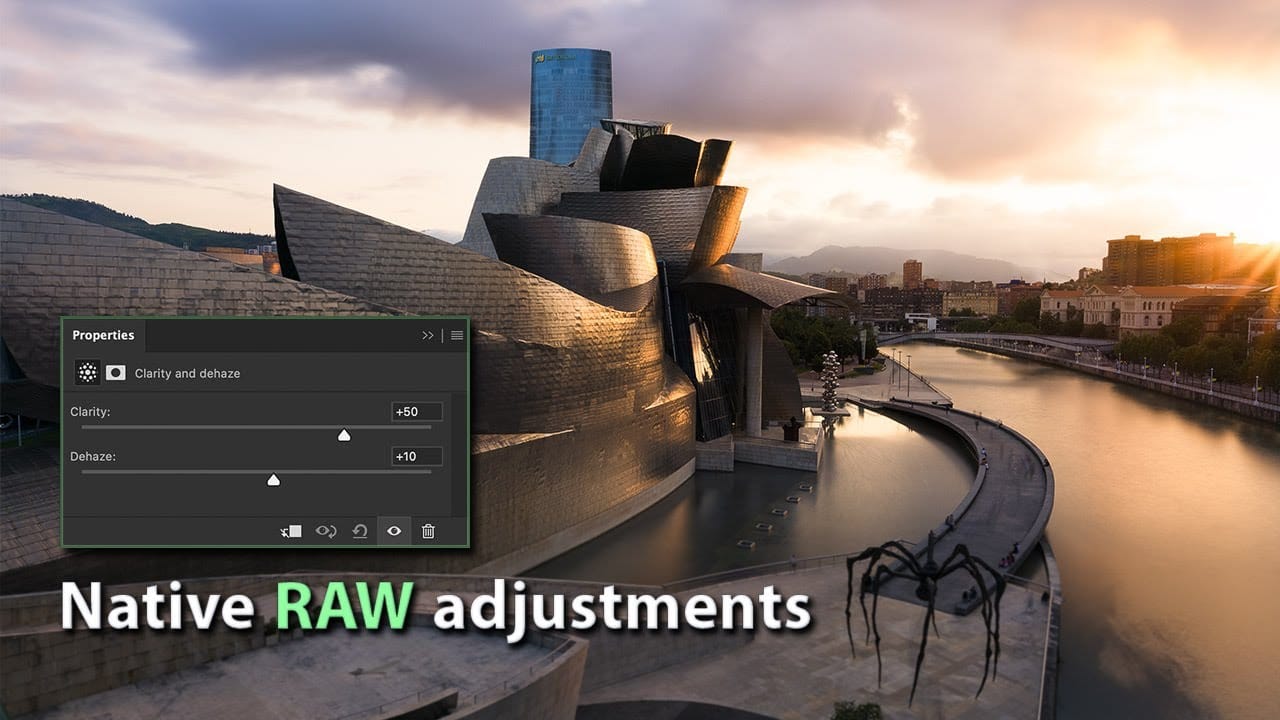
How to Use New Camera Raw Adjustment Layers in Photoshop Beta

How to Use New Camera Raw Adjustment Layers in Photoshop Beta

Three new adjustment layers in Photoshop beta bring Camera Raw's most powerful tools directly into your layers panel. Color and Vibrance, Clarity and Dehaze, and Grain adjustments now work as standard adjustment layers, eliminating the need for smart objects while maintaining all the precision masking and blending capabilities Read the full article here: How to […]

Read more: How to Use New Camera Raw Adjustment Layers in Photoshop Beta
New This Week in Photoshop Roadmap — Jan 28, 2026

New This Week in Photoshop Roadmap — Jan 28, 2026

This week’s roundup brings together a new selection of Photoshop tutorials and creative assets recently featured on Photoshop Roadmap. From quick portrait effects to better control over how Photoshop behaves, the focus is on working faster and getting cleaner, more realistic results without adding extra steps. You’ll find Read the full article here: New This […]

Read more: New This Week in Photoshop Roadmap — Jan 28, 2026
Playful Abstracts : Expressive Colorful Background Papers

Playful Abstracts : Expressive Colorful Background Papers

Playful Abstracts is a collection of 10 colorful abstract background papers created with a lively, hand-made feel. Each design combines bold, rounded shapes with rich layered textures, paint-like marks, speckles, and subtle imperfections that give the backgrounds warmth and personality. The textures add depth and movement without becoming grunge or Read the full article here: […]

Read more: Playful Abstracts : Expressive Colorful Background Papers
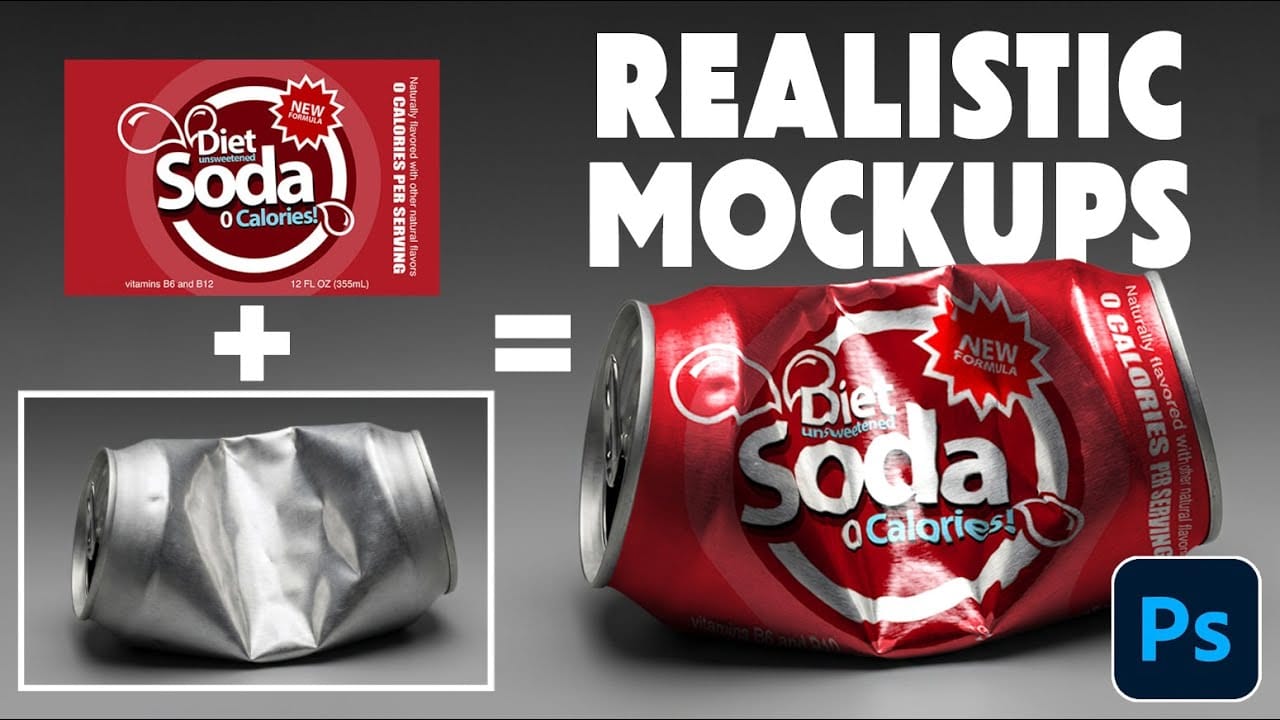
How to Wrap Designs Around Complex Objects Using Displacement Maps in Photoshop

How to Wrap Designs Around Complex Objects Using Displacement Maps in Photoshop

Professional mockups require more than simply placing a design onto an object. Complex surfaces like crushed aluminum cans demand advanced techniques to achieve realistic wrapping that follows every contour and deformation. This process combines displacement mapping, smart objects, and blending modes to create reusable templates that automatically conform any design Read the full article here: […]

Read more: How to Wrap Designs Around Complex Objects Using Displacement Maps in Photoshop
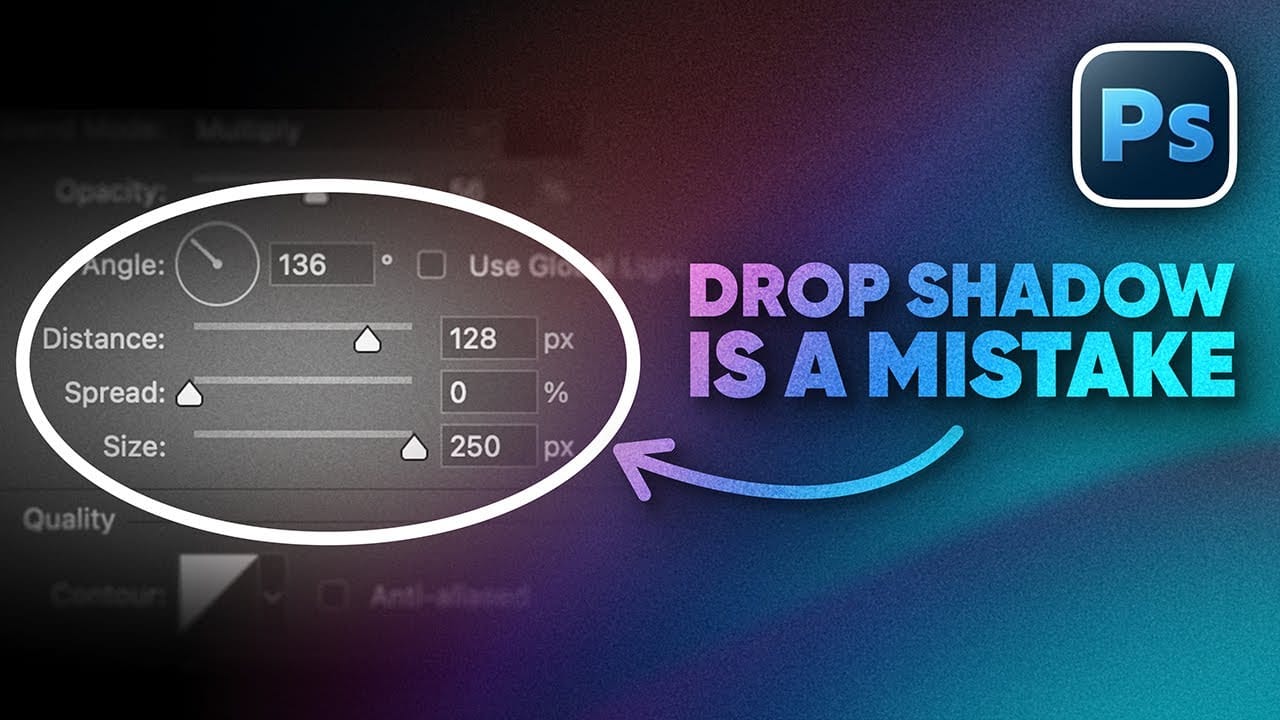
How to Create Better Shadows Than Drop Shadow in Photoshop

How to Create Better Shadows Than Drop Shadow in Photoshop

The basic drop shadow effect often looks flat and artificial compared to how shadows actually behave in real environments. Professional designers know that convincing shadows require understanding light direction, surface interaction, and atmospheric perspective. This technique demonstrates how to create custom shadows that respond naturally to your composition's Read the full article here: How to […]

Read more: How to Create Better Shadows Than Drop Shadow in Photoshop