Schenectady Photographic Society

Menu

Photoshop

15 Fantastic Photoshop Portrait Effects You’ll Want to Slap on Every Selfie Right Now

15 Fantastic Photoshop Portrait Effects You’ll Want to Slap on Every Selfie Right Now

Sure, the title says you’ll want to slap these effects on every selfie (that was me trying to grab your attention 😅) — but let’s be honest: these aren’t one-tap filters. Every tutorial here is built on real Photoshop craftsmanship — lighting, masking, blending, and a good dose of creative Read the full article here: […]
Read more: 15 Fantastic Photoshop Portrait Effects You’ll Want to Slap on Every Selfie Right Now
Creating Pixelated Dither Effects in Photoshop

Creating Pixelated Dither Effects in Photoshop

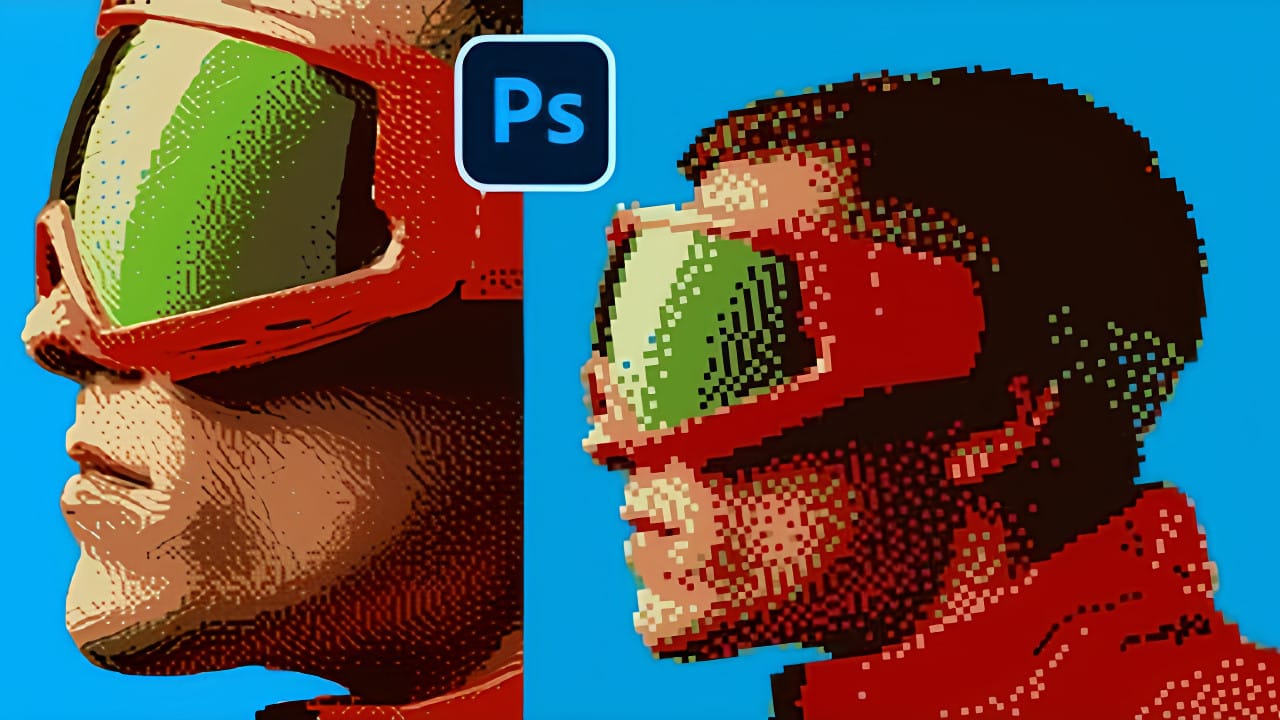
The pixelated dither effect transforms modern photographs into retro-inspired artwork reminiscent of early video games and vintage computer graphics. This distinctive visual style uses controlled color reduction and strategic pixelation to create images that balance nostalgic charm with contemporary design appeal. The technique relies on Photoshop's export settings Read the full article here: Creating Pixelated […]

Read more: Creating Pixelated Dither Effects in Photoshop
How to Create a Vector Stencil from a Portrait Using Photoshop and Illustrator

How to Create a Vector Stencil from a Portrait Using Photoshop and Illustrator

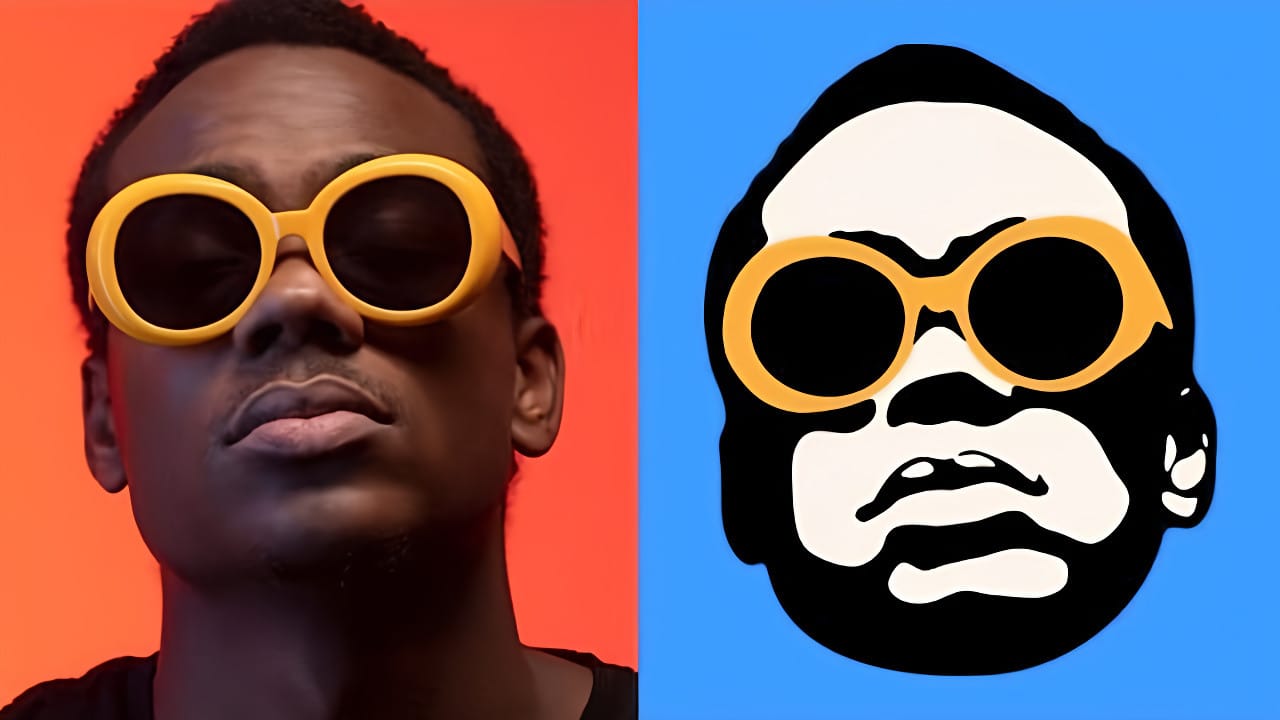
Stencil art transforms complex portraits into bold, graphic statements using just black and white shapes. This simplified aesthetic has defined everything from street art to commercial design, creating instantly recognizable images that work across any medium. This tutorial demonstrates the complete workflow for converting a photograph into a clean vector Read the full article here: […]

Read more: How to Create a Vector Stencil from a Portrait Using Photoshop and Illustrator
How to Create Dotted Halftone Motion Blur Effects in Photoshop

How to Create Dotted Halftone Motion Blur Effects in Photoshop

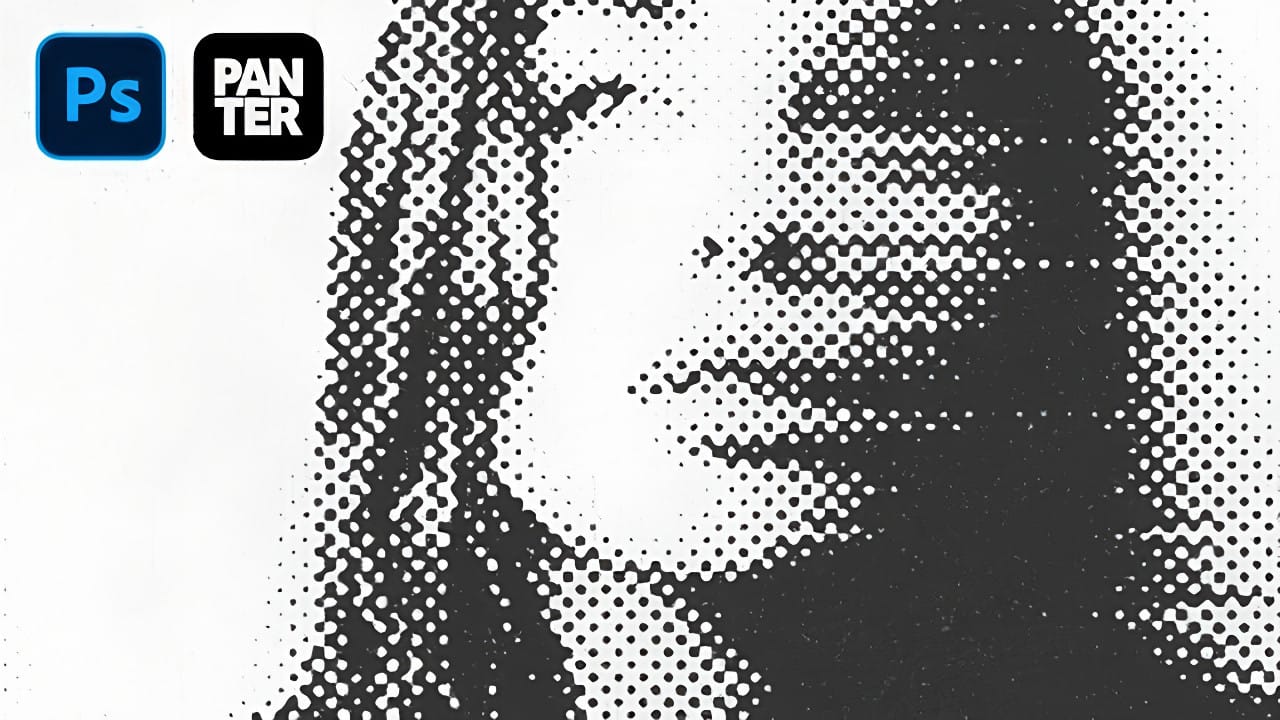
The distinctive look of dotted halftone patterns combined with dynamic motion blur creates striking visual effects that bridge vintage print aesthetics with modern digital design. This technique transforms portrait photography into graphic art pieces with flowing, particle-like textures. The process involves layering multiple filter effects to achieve that coveted Instagram-worthy Read the full article here: […]

Read more: How to Create Dotted Halftone Motion Blur Effects in Photoshop
Master Photoshop Adjustment Layers for Non-Destructive Editing

Master Photoshop Adjustment Layers for Non-Destructive Editing

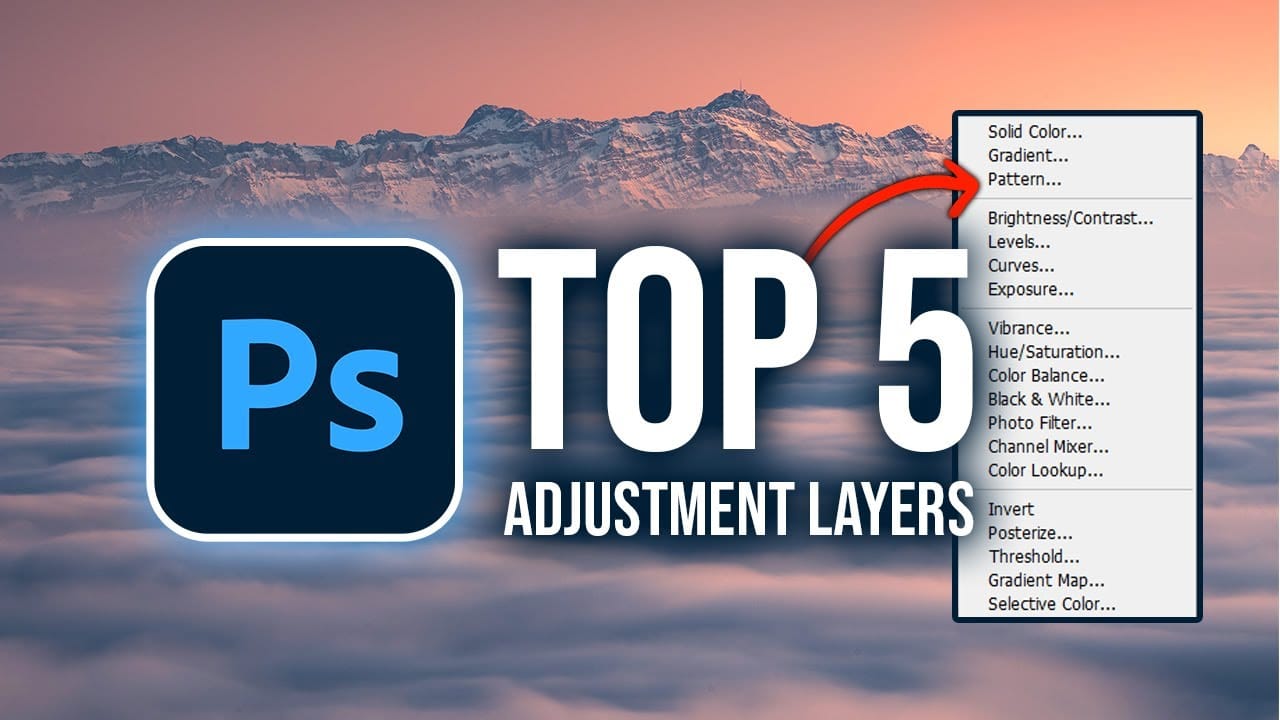
Fine-tuning images without destroying original pixel data transforms ordinary photos into compelling visuals. Adjustment layers provide the flexibility to experiment with colors, contrast, and tones while maintaining complete control over every edit. This comprehensive guide demonstrates how to harness Photoshop's most powerful adjustment layers for landscape photography, from Read the full article here: Master Photoshop […]

Read more: Master Photoshop Adjustment Layers for Non-Destructive Editing
Understanding Color Theory for Digital Image Editing

Understanding Color Theory for Digital Image Editing

Color theory forms the foundation of every successful digital editing project. From the visible spectrum to RGB channels, understanding how colors interact determines whether your adjustments look natural or artificial. This comprehensive breakdown covers essential color models, temperature and tint relationships, and the practical connections between traditional color theory and Read the full article here: […]

Read more: Understanding Color Theory for Digital Image Editing