Schenectady Photographic Society

Menu

Tools and tips

How to Create Frame-by-Frame Animation in Photoshop

How to Create Frame-by-Frame Animation in Photoshop

Frame-by-frame animation in Photoshop transforms static illustrations into dynamic looping sequences through hand-drawn motion. This technique combines traditional animation principles with digital drawing tools, creating smooth character movement using keyframes, in-betweens, and motion blur effects. The process begins with building a simple skeleton armature to map out primary motion, then Read the full article here: […]

Read more: How to Create Frame-by-Frame Animation in Photoshop
How to Create Curved Text in Photoshop Using the New Dynamic Text Tool

How to Create Curved Text in Photoshop Using the New Dynamic Text Tool

Creating curved text in Photoshop has traditionally required complex workarounds that often distorted the letters. The new Dynamic Text tool in Photoshop Beta changes this completely, allowing you to place text on arches, circles, and custom curves while maintaining perfect letter shapes. This tool offers three main options: arch, circle, Read the full article here: […]

Read more: How to Create Curved Text in Photoshop Using the New Dynamic Text Tool
Firefly Fill and Expand Model: Testing the New Generative AI in Photoshop

Firefly Fill and Expand Model: Testing the New Generative AI in Photoshop

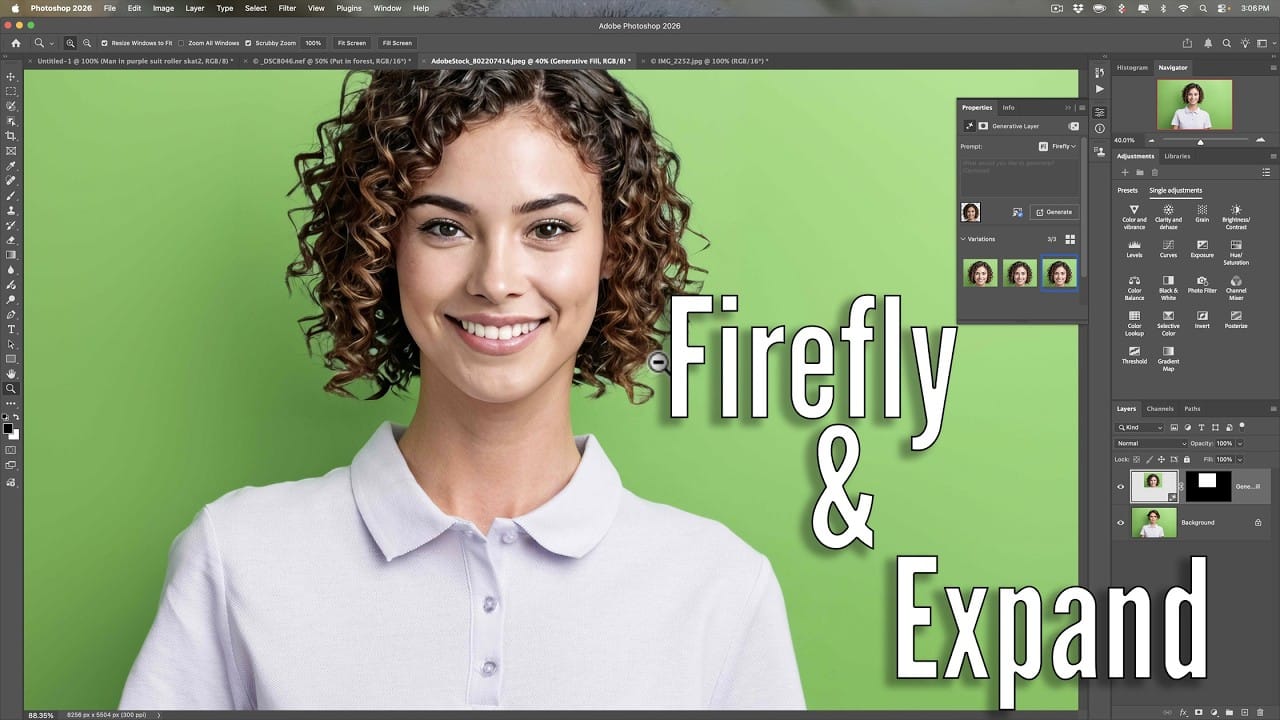
Adobe's latest Firefly Fill and Expand model promises significant improvements over the previous Firefly Image 3, particularly for generating people and replacing backgrounds. The new model doubles the resolution from 1K to 2K and introduces reference image capabilities for face swapping and object replacement. While the improvements are Read the full article here: Firefly Fill […]

Read more: Firefly Fill and Expand Model: Testing the New Generative AI in Photoshop
7 Signs You're a Photoshop Pro – Skill Assessment Guide

7 Signs You're a Photoshop Pro – Skill Assessment Guide

Professional Photoshop mastery isn't about memorizing every menu or filter. It's about developing efficient workflows, understanding core concepts, and building muscle memory for essential techniques. Real pros focus on the right tools for their specific needs rather than trying to learn everything. This comprehensive assessment covers Read the full article here: 7 Signs You're a […]

Read more: 7 Signs You're a Photoshop Pro – Skill Assessment Guide
How to Use Generative Upscale with Multiple AI Models in Photoshop

How to Use Generative Upscale with Multiple AI Models in Photoshop

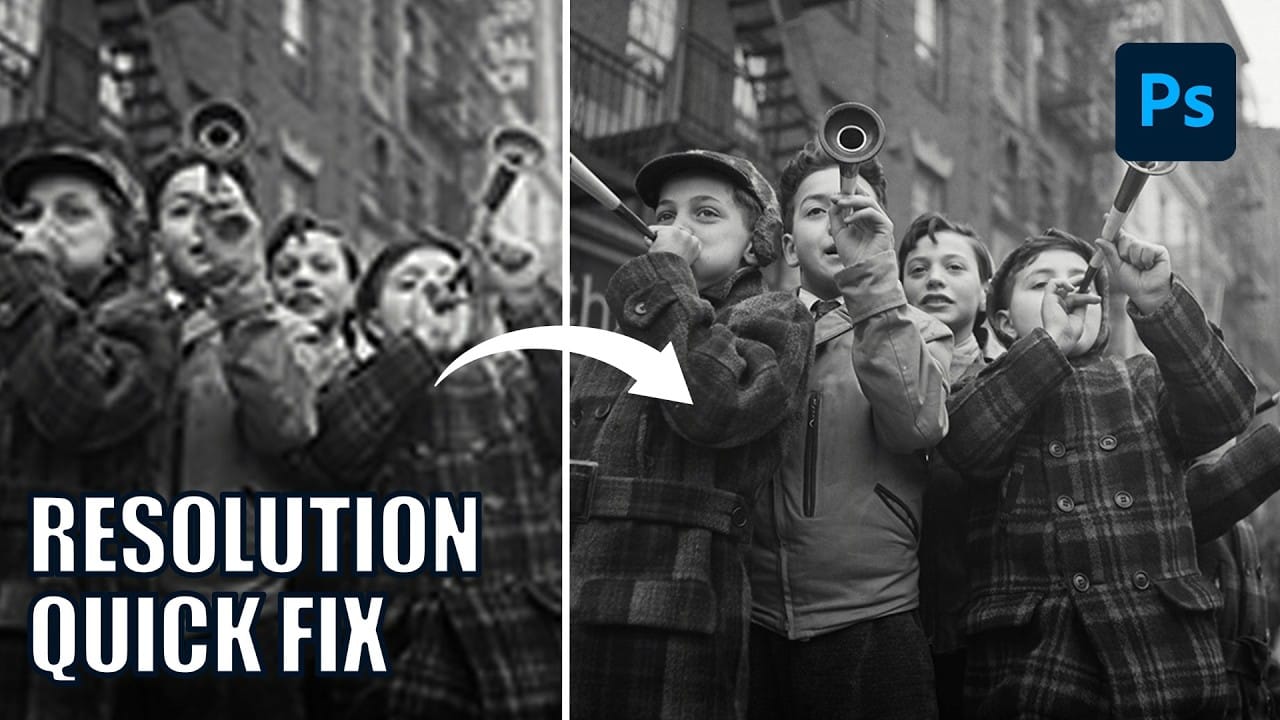
Pixelated vintage photos and low-resolution images no longer need to stay small. Photoshop's Generative Upscale feature now offers multiple AI models to enlarge images up to 4x their original size while adding remarkable detail and clarity. This new feature includes three distinct AI models—Adobe's Firefly Read the full article here: How to Use Generative Upscale […]

Read more: How to Use Generative Upscale with Multiple AI Models in Photoshop
How to Convert WebP to JPEG in Bulk Using Image Processor

How to Convert WebP to JPEG in Bulk Using Image Processor

Converting large folders of WebP images to JPEG format can be time-consuming when done manually. Image Processor provides an efficient solution for batch conversion, automatically handling multiple files while maintaining quality settings and organization. This method works with any image format conversion and creates organized output folders, making it ideal Read the full article here: […]

Read more: How to Convert WebP to JPEG in Bulk Using Image Processor
How to Use Generative Credits in Adobe Creative Cloud: Standard vs Premium Features

How to Use Generative Credits in Adobe Creative Cloud: Standard vs Premium Features

Adobe's generative AI features transform how creatives work, but understanding which tools consume credits can save you time and budget frustration. The credit system divides features into standard and premium tiers, with different consumption rates based on processing complexity. Knowing the difference between assistive AI tools that cost Read the full article here: How to […]

Read more: How to Use Generative Credits in Adobe Creative Cloud: Standard vs Premium Features