Schenectady Photographic Society

Menu

Tools and tips

How to Type Text on a Path in Photoshop

How to Type Text on a Path in Photoshop

Creating text that curves along shapes opens up creative possibilities for logos, circular designs, and decorative typography. This technique transforms ordinary text placement by making letters follow the contours of any path you create. The process works with any shape tool in Photoshop, giving you complete control over how your Read the full article here: […]


Read more: How to Type Text on a Path in Photoshop
Complete Guide to Adobe Firefly Interface and Creative Modules

Complete Guide to Adobe Firefly Interface and Creative Modules

Adobe Firefly brings generative AI directly to your creative workflow through a comprehensive web interface. The platform combines multiple AI-powered modules for image generation, video creation, and design tasks, all built on commercially safe, licensed content. Understanding the interface and available tools helps you integrate these capabilities into existing projects Read the full article here: […]

Read more: Complete Guide to Adobe Firefly Interface and Creative Modules
How to Create Custom Keyboard Shortcuts in Photoshop

How to Create Custom Keyboard Shortcuts in Photoshop

Many essential Photoshop functions surprisingly lack default keyboard shortcuts, forcing you to navigate through menus repeatedly for common tasks like creating smart objects or layer masks. Learning to create custom shortcuts transforms your workflow by giving you instant access to the tools you use most. This comprehensive guide walks you Read the full article here: […]

Read more: How to Create Custom Keyboard Shortcuts in Photoshop
Photoshop's Generative Fill Gets Major Upgrade: New Model Comparison and Quality Test

Photoshop's Generative Fill Gets Major Upgrade: New Model Comparison and Quality Test

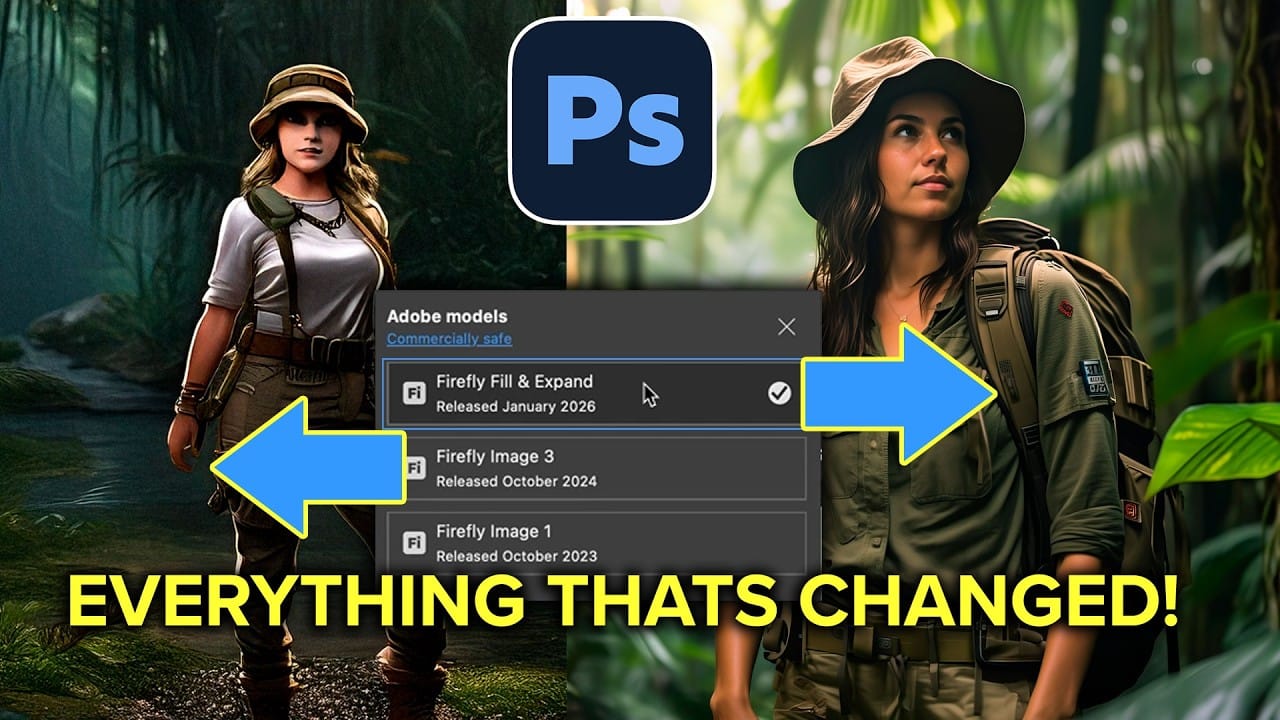
Adobe's latest Generative Fill update brings the new Firefly Fill and Expand model with double the resolution and dramatically improved quality for generating people, hands, and complex objects. The upgrade moves from 1024×1024 to 2048×2048 pixel output, allowing for larger selections without quality loss. This comprehensive comparison tests Read the full article here: Photoshop's Generative […]

Read more: Photoshop's Generative Fill Gets Major Upgrade: New Model Comparison and Quality Test
How to Create a Custom Chain Brush in Photoshop

How to Create a Custom Chain Brush in Photoshop

Custom chain brushes unlock creative possibilities for digital artwork, fantasy scenes, and decorative designs. This technique transforms a basic chain image into a seamless, paintable brush that automatically links segments together as you draw. The process combines image preparation, background removal, and precise brush settings to create a tool that Read the full article here: […]

Read more: How to Create a Custom Chain Brush in Photoshop
7 Essential Photoshop Shortcuts for Digital Illustrators

7 Essential Photoshop Shortcuts for Digital Illustrators

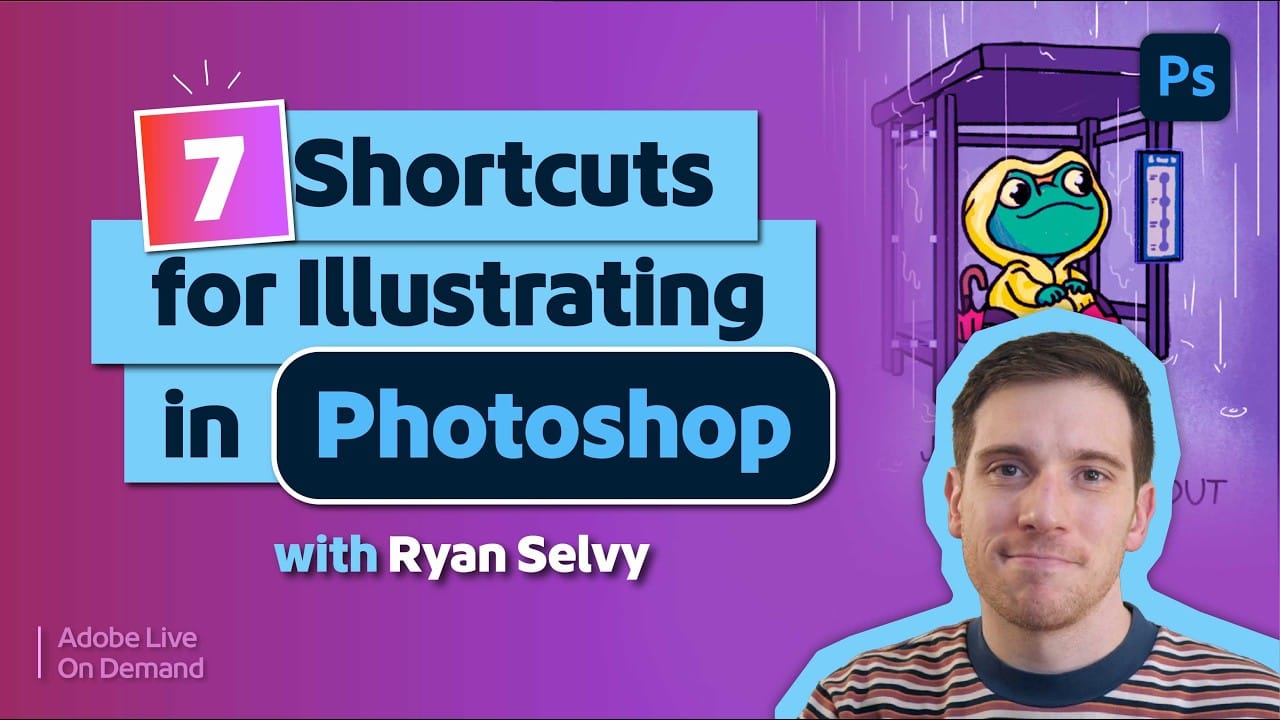
Digital illustration in Photoshop becomes significantly faster when you master the right shortcuts and viewing techniques. The biggest challenge illustrators face is objectively evaluating their own work—spotting errors that would be obvious in someone else's art. These seven shortcuts focus on two key areas: seeing your work Read the full article here: 7 Essential Photoshop […]

Read more: 7 Essential Photoshop Shortcuts for Digital Illustrators
When to Use Saturation vs Vibrance for Better Color Enhancement

When to Use Saturation vs Vibrance for Better Color Enhancement

While vibrance gets praised for being "gentler" than saturation, the reality is more nuanced. Saturation works like a universal volume knob, boosting all colors equally, while vibrance acts like a smart equalizer, selectively enhancing less saturated areas first. Understanding when each approach serves your creative vision makes the Read the full article here: When to […]

Read more: When to Use Saturation vs Vibrance for Better Color Enhancement
How to Check Your Generative Fill Credit Balance in Photoshop

How to Check Your Generative Fill Credit Balance in Photoshop

Keeping track of your AI credit usage becomes essential when working with premium generative features. Understanding your remaining balance helps you budget your edits and avoid unexpected interruptions during important projects. The credit system divides features into standard tools (like basic generative fill) that don't consume credits, and Read the full article here: How to […]

Read more: How to Check Your Generative Fill Credit Balance in Photoshop