Schenectady Photographic Society

Menu

Tools and tips

Three Professional Methods to Fix White Balance in Photoshop

Three Professional Methods to Fix White Balance in Photoshop

Color casts can ruin even the best photographs, making whites appear yellow, blue, or green instead of neutral. Poor white balance destroys the natural look of your images and creates an unprofessional appearance that's immediately noticeable to viewers. These three techniques provide increasingly precise control over white balance Read the full article here: Three Professional […]

Read more: Three Professional Methods to Fix White Balance in Photoshop
Photoshop January 2026 Update: 5 New Features Including Grain and Clarity Adjustment Layers

Photoshop January 2026 Update: 5 New Features Including Grain and Clarity Adjustment Layers

Photoshop's January 2026 update brings five significant features that streamline common editing tasks. The highlight is new adjustment layers for grain and clarity effects, eliminating the need to work in Camera Raw for these adjustments. The update also introduces an improved generative AI model with higher resolution output Read the full article here: Photoshop January […]

Read more: Photoshop January 2026 Update: 5 New Features Including Grain and Clarity Adjustment Layers
How to Edit Snow in Landscape Photos Using AI Masking Tools

How to Edit Snow in Landscape Photos Using AI Masking Tools

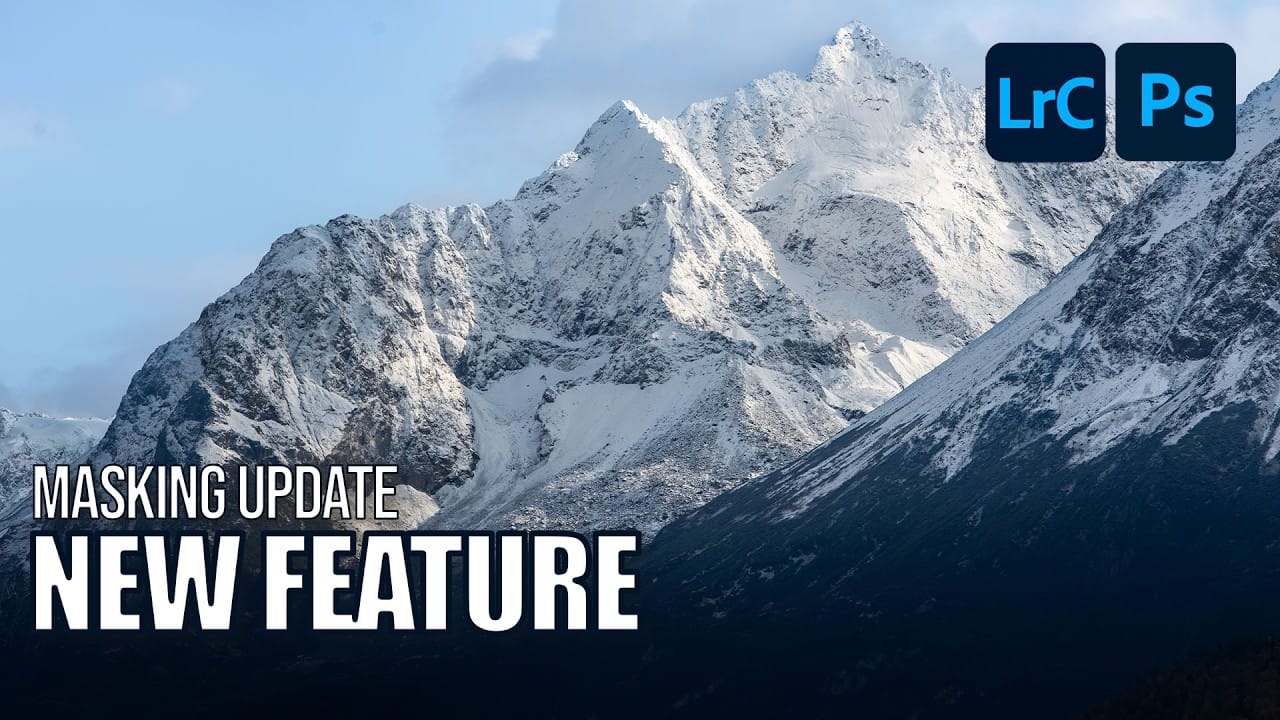
Editing winter landscapes traditionally requires careful masking to enhance different elements like snow, sky, and vegetation separately. The new AI landscape tool automatically detects and creates precise masks for these elements, including snow, making complex edits surprisingly simple. This workflow works identically across multiple platforms, allowing you to enhance winter Read the full article here: […]

Read more: How to Edit Snow in Landscape Photos Using AI Masking Tools
How to Contract a Selection to Eliminate White Edge Artifacts.

How to Contract a Selection to Eliminate White Edge Artifacts.

White edge artifacts can ruin otherwise perfect cutouts, appearing as unwanted halos around selected objects after background removal. These artifacts occur when selection edges capture tiny fragments of the original background, creating visible white outlines that become obvious against new backgrounds. The Contract modifier in Photoshop's Select menu Read the full article here: How to […]

Read more: How to Contract a Selection to Eliminate White Edge Artifacts.
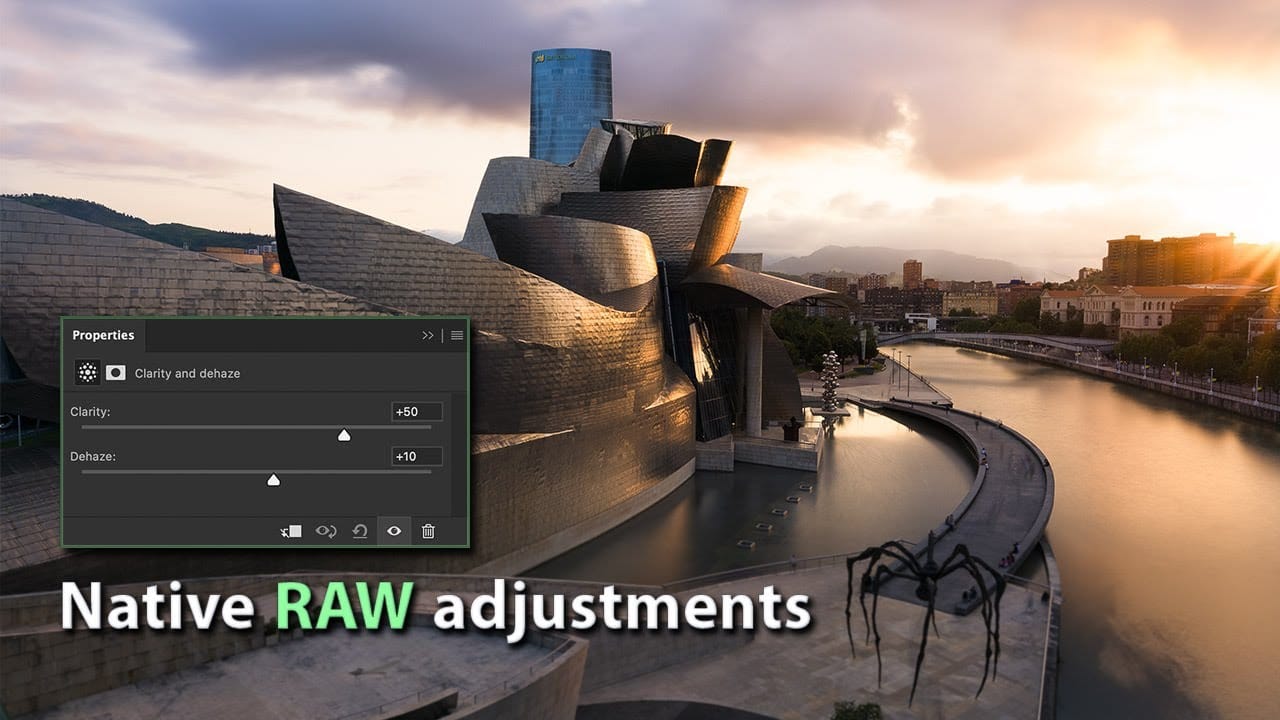
How to Use New Camera Raw Adjustment Layers in Photoshop Beta

How to Use New Camera Raw Adjustment Layers in Photoshop Beta

Three new adjustment layers in Photoshop beta bring Camera Raw's most powerful tools directly into your layers panel. Color and Vibrance, Clarity and Dehaze, and Grain adjustments now work as standard adjustment layers, eliminating the need for smart objects while maintaining all the precision masking and blending capabilities Read the full article here: How to […]

Read more: How to Use New Camera Raw Adjustment Layers in Photoshop Beta
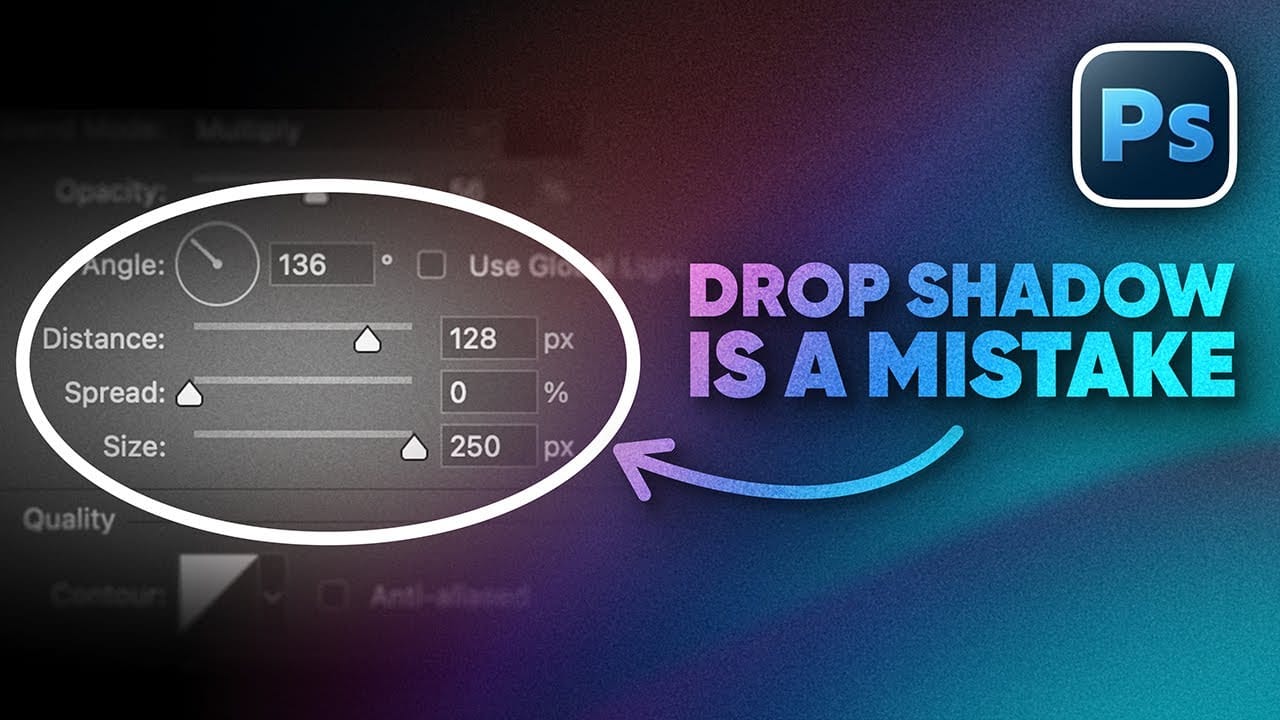
How to Create Better Shadows Than Drop Shadow in Photoshop

How to Create Better Shadows Than Drop Shadow in Photoshop

The basic drop shadow effect often looks flat and artificial compared to how shadows actually behave in real environments. Professional designers know that convincing shadows require understanding light direction, surface interaction, and atmospheric perspective. This technique demonstrates how to create custom shadows that respond naturally to your composition's Read the full article here: How to […]

Read more: How to Create Better Shadows Than Drop Shadow in Photoshop