Schenectady Photographic Society

Menu

Tools and tips

How to Blur Backgrounds in Photoshop with Precision and Speed

How to Blur Backgrounds in Photoshop with Precision and Speed

Creating professional-looking background blur can transform ordinary photos into stunning portraits with proper depth of field. The key lies in combining the right selection techniques with blur filters to achieve natural-looking results that rival expensive camera lenses. This approach focuses on precision and speed, ensuring your subject remains sharp while Read the full article here: […]

Read more: How to Blur Backgrounds in Photoshop with Precision and Speed
How to Use Photoshop's AI Sharpen Filter and When It's Worth the Cost

How to Use Photoshop's AI Sharpen Filter and When It's Worth the Cost

Photoshop's new AI Sharpen filter promises one-click sharpening powered by advanced algorithms. This tool uses technology from Topaz Labs to enhance image details without manual adjustments, but it comes with a significant cost in credits. Understanding when to use this automated approach versus traditional methods like the High Read the full article here: How to […]

Read more: How to Use Photoshop's AI Sharpen Filter and When It's Worth the Cost
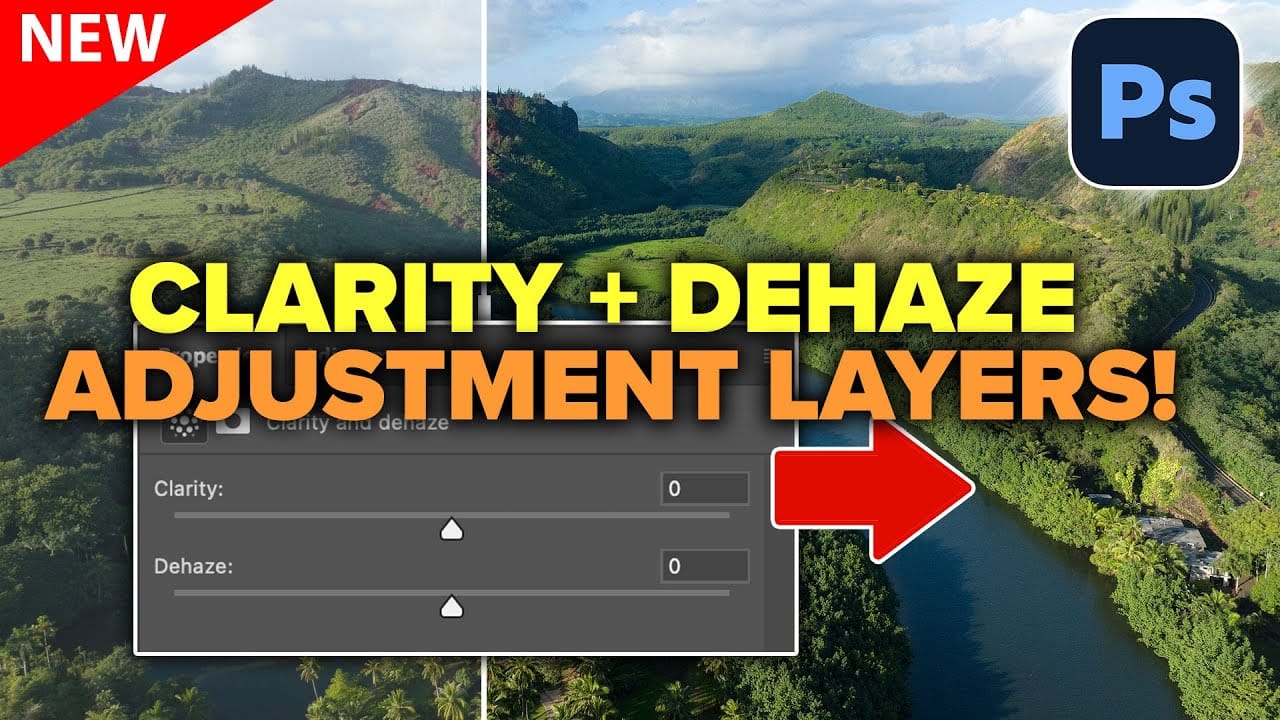
How to Use Clarity and Dehaze Adjustments in Photoshop

How to Use Clarity and Dehaze Adjustments in Photoshop

Two of the most popular adjustments from Camera Raw—Clarity and Dehaze—are now available as adjustment layers in Photoshop beta. These tools work on different image frequencies to enhance contrast and cut through atmospheric haze, giving you precise control over midtone contrast and low-frequency areas. Understanding how these adjustments Read the full article here: How to […]

Read more: How to Use Clarity and Dehaze Adjustments in Photoshop
How to Use Select Subject for Background Removal and Edge Refinement

How to Use Select Subject for Background Removal and Edge Refinement

Background removal becomes effortless when you know how to use the right tools. AI-powered selection can instantly isolate subjects from their backgrounds, but the real skill lies in refining those selections to create professional results. This guide covers the complete workflow from initial selection to edge refinement, plus creative techniques Read the full article here: […]

Read more: How to Use Select Subject for Background Removal and Edge Refinement
How to Remove Dust and Sensor Spots Using Photoshop Tools

How to Remove Dust and Sensor Spots Using Photoshop Tools

Dust spots and sensor particles are inevitable challenges in digital photography, appearing as dark specks that distract from otherwise clean images. Camera sensors collect dust over time, creating consistent spots that show up across multiple photos, particularly in bright sky areas or uniform backgrounds. Both Lightroom and Photoshop offer specialized Read the full article here: […]

Read more: How to Remove Dust and Sensor Spots Using Photoshop Tools