Schenectady Photographic Society

Menu

Tools and tips

Photoshop vs Affinity Photo: Feature Comparison and Professional Analysis

Photoshop vs Affinity Photo: Feature Comparison and Professional Analysis

When choosing professional photo editing software, the decision often comes down to comparing features, performance, and value. This detailed comparison examines the core capabilities of both applications across noise reduction, smart selections, object removal, masking, and AI-powered tools. The analysis covers real-world scenarios that professionals encounter daily, from complex background Read the full article here: […]
Read more: Photoshop vs Affinity Photo: Feature Comparison and Professional Analysis
Photoshop Integration with ChatGPT: Real-World Performance Test

Photoshop Integration with ChatGPT: Real-World Performance Test

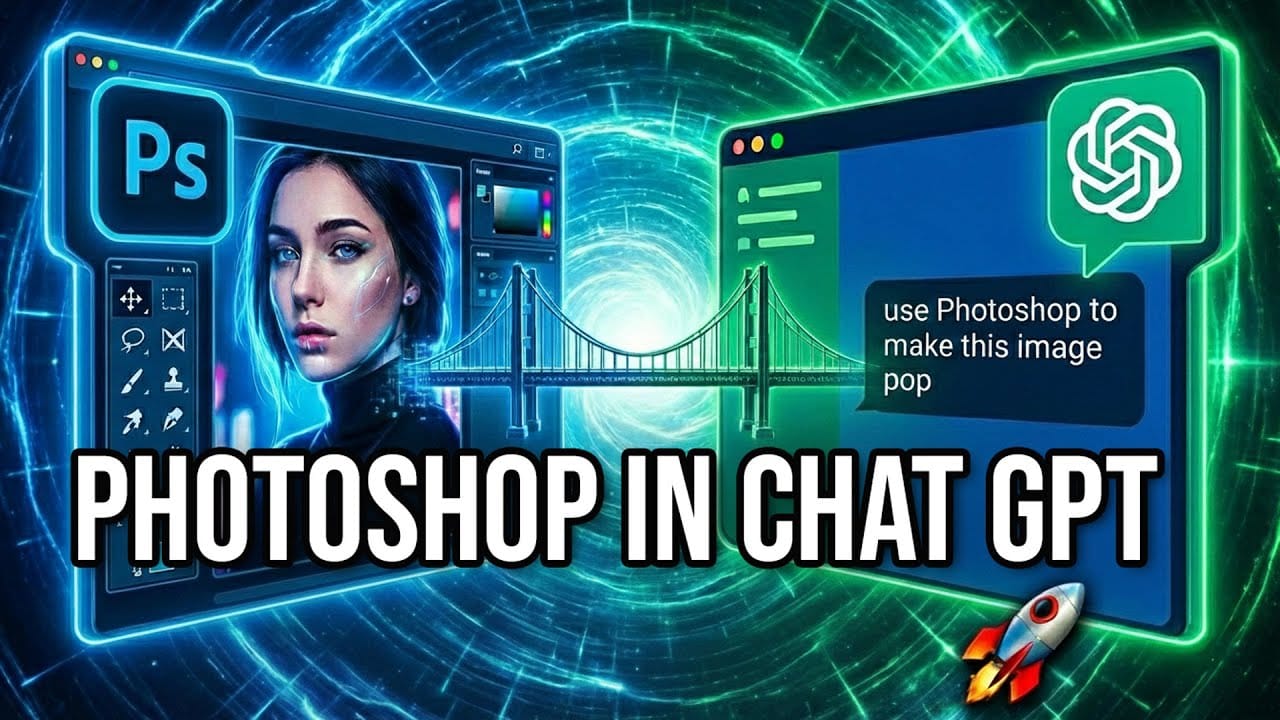
Adobe's new integration brings Photoshop functionality directly into ChatGPT, promising to streamline photo editing through conversational commands. This hands-on evaluation reveals how well the AI-powered interface actually performs compared to traditional Photoshop workflows. Understanding the real capabilities and limitations of this integration helps determine when it's Read the full article here: Photoshop Integration with ChatGPT: […]

Read more: Photoshop Integration with ChatGPT: Real-World Performance Test
Understanding Generative AI Credits: Which Tools Cost Nothing and Which Tools Drain Your Budget

Understanding Generative AI Credits: Which Tools Cost Nothing and Which Tools Drain Your Budget

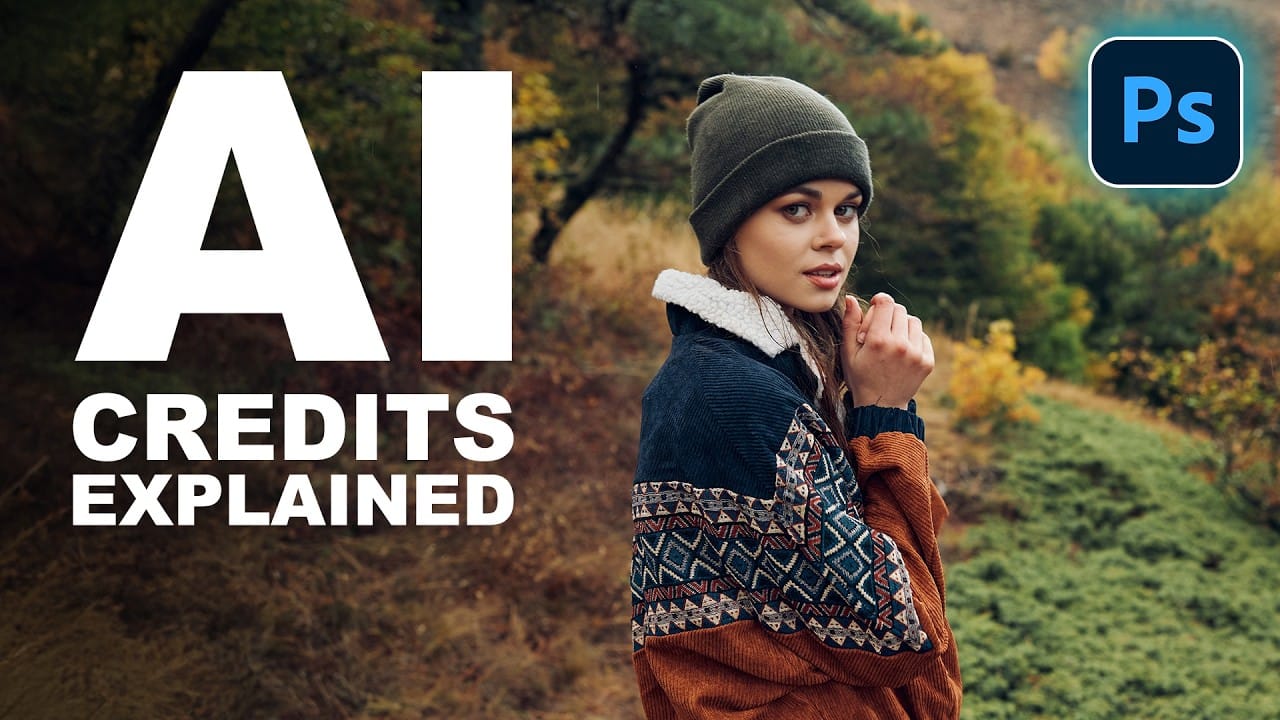
Navigating the world of AI-powered editing tools can be confusing when you're unsure which features consume credits and which are free to use. Many powerful AI functions don't require any credits at all, while others can quickly exhaust your monthly allowance depending on which models and Read the full article here: Understanding Generative AI Credits: […]

Read more: Understanding Generative AI Credits: Which Tools Cost Nothing and Which Tools Drain Your Budget
How to Use Generative Upscale to Restore and Enhance Low-Resolution Images in Photoshop

How to Use Generative Upscale to Restore and Enhance Low-Resolution Images in Photoshop

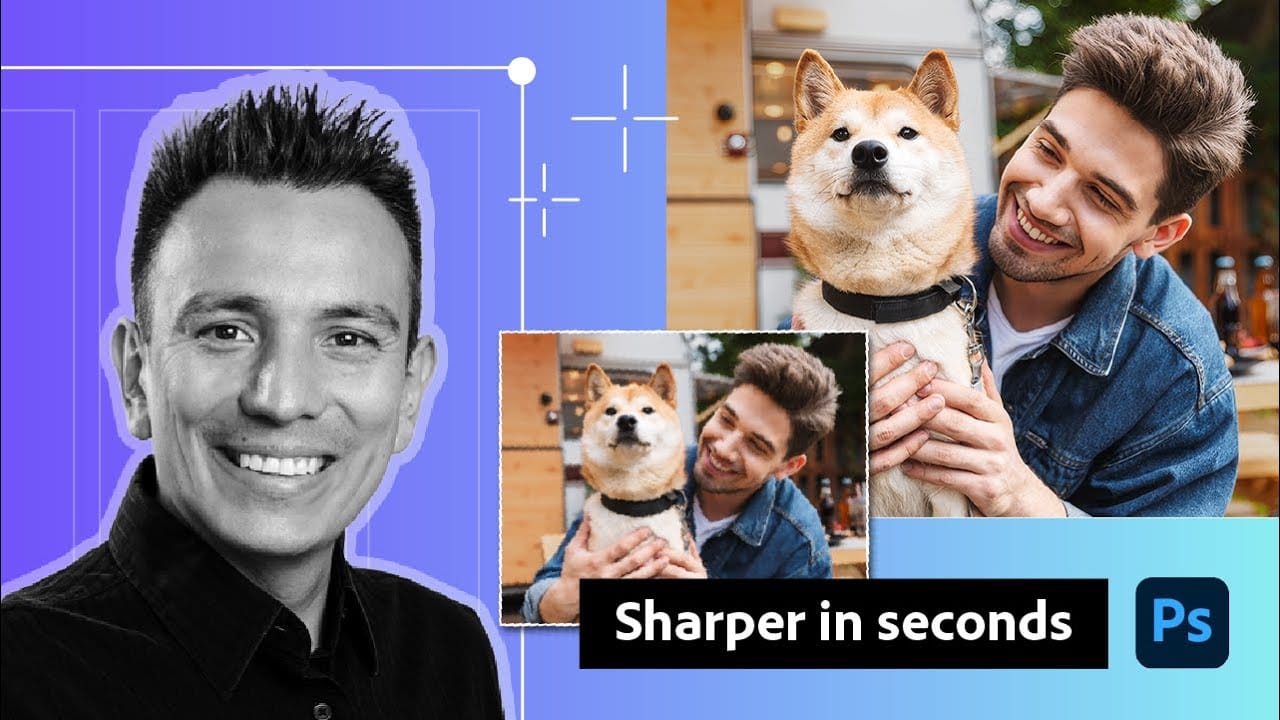
Low-resolution images often limit your creative projects, especially when you need sharp prints or high-quality displays. Photoshop's Generative Upscale feature transforms small, pixelated photos into crisp, detailed images using AI-powered enhancement. This tool offers three distinct AI models, each designed for specific image types—from landscapes and portraits Read the full article here: How to Use […]

Read more: How to Use Generative Upscale to Restore and Enhance Low-Resolution Images in Photoshop
How to Use Harmonize to Automatically Match Lighting in Photoshop Composites

How to Use Harmonize to Automatically Match Lighting in Photoshop Composites

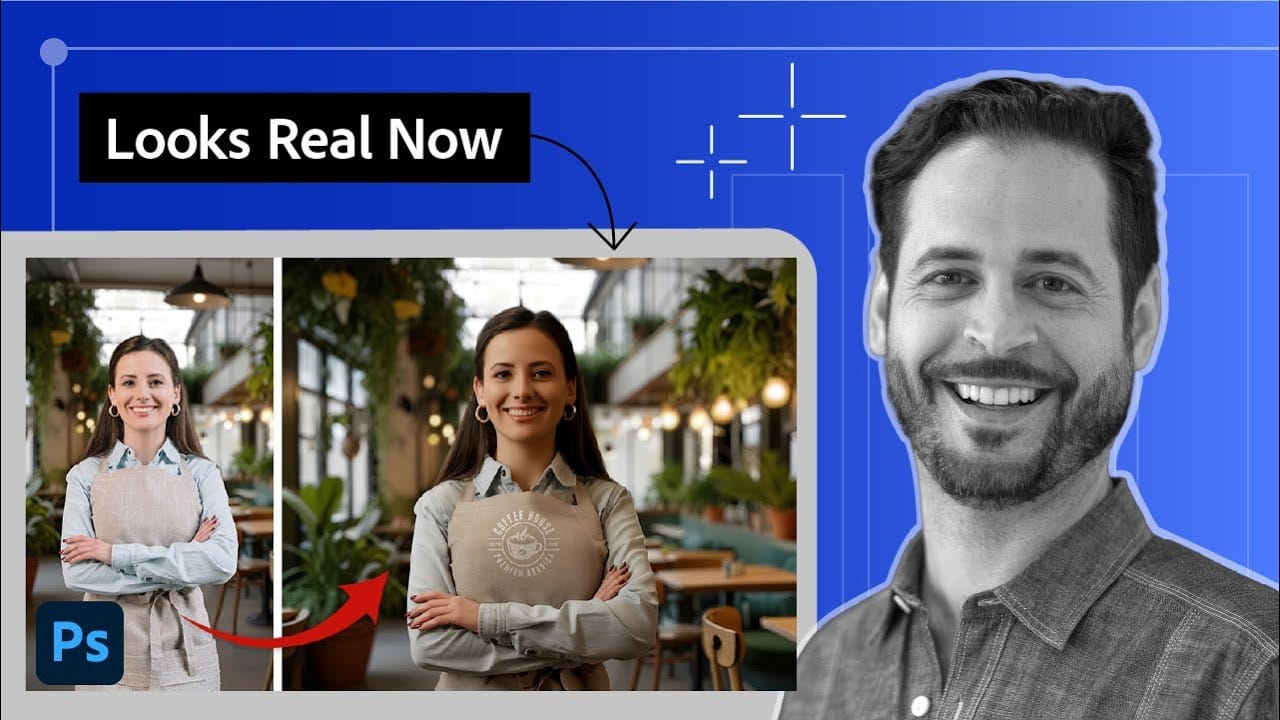
Creating seamless composites traditionally requires hours of manual color correction and lighting adjustments. The new Harmonize tool changes this by automatically analyzing your background and matching your subject's lighting, shadows, and color tones with a single click. This AI-powered feature eliminates the need for complex adjustment layers and Read the full article here: How to […]

Read more: How to Use Harmonize to Automatically Match Lighting in Photoshop Composites
How to Use Adobe Photoshop in ChatGPT for Photo Editing

How to Use Adobe Photoshop in ChatGPT for Photo Editing

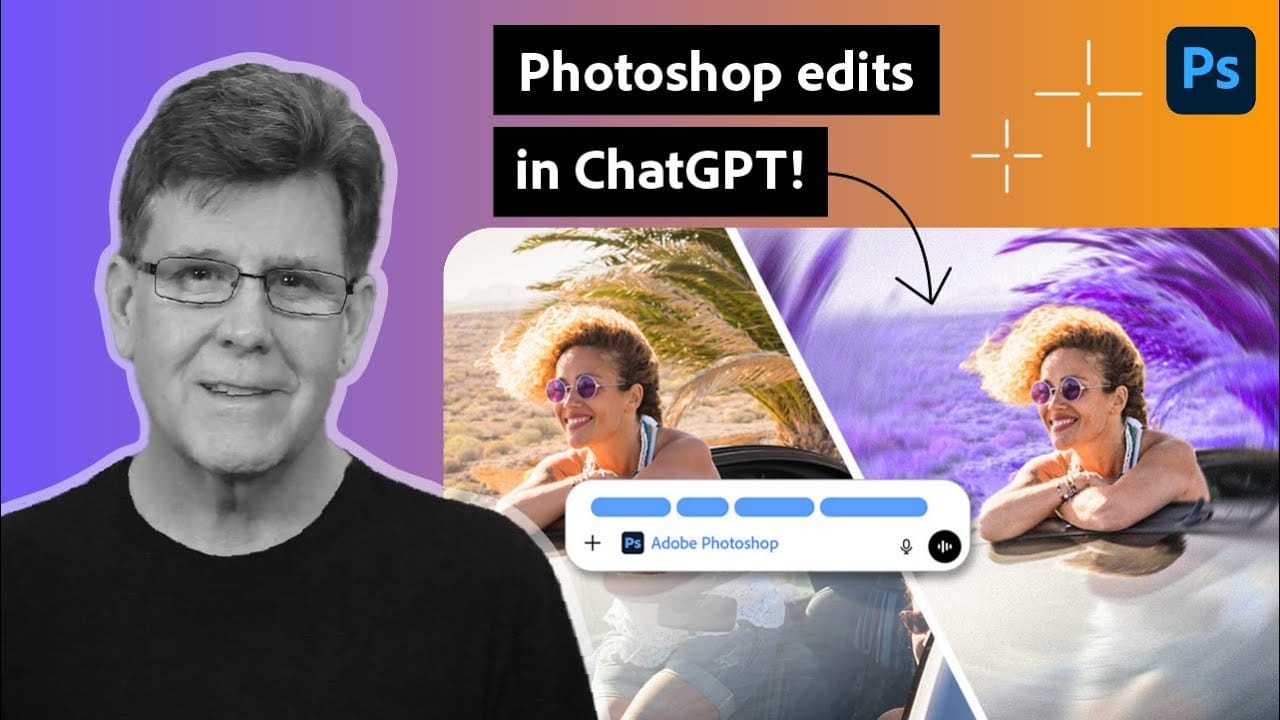
Adobe Photoshop is now integrated directly into ChatGPT, allowing you to edit photos using simple text descriptions. This new feature lets you enhance images, apply creative effects, and make targeted adjustments without needing a Photoshop subscription. You can describe what you want to change and fine-tune adjustments using familiar Photoshop Read the full article here: […]

Read more: How to Use Adobe Photoshop in ChatGPT for Photo Editing
New Camera Raw Adjustment Layers in Photoshop: Color Grading, Clarity, and Grain

New Camera Raw Adjustment Layers in Photoshop: Color Grading, Clarity, and Grain

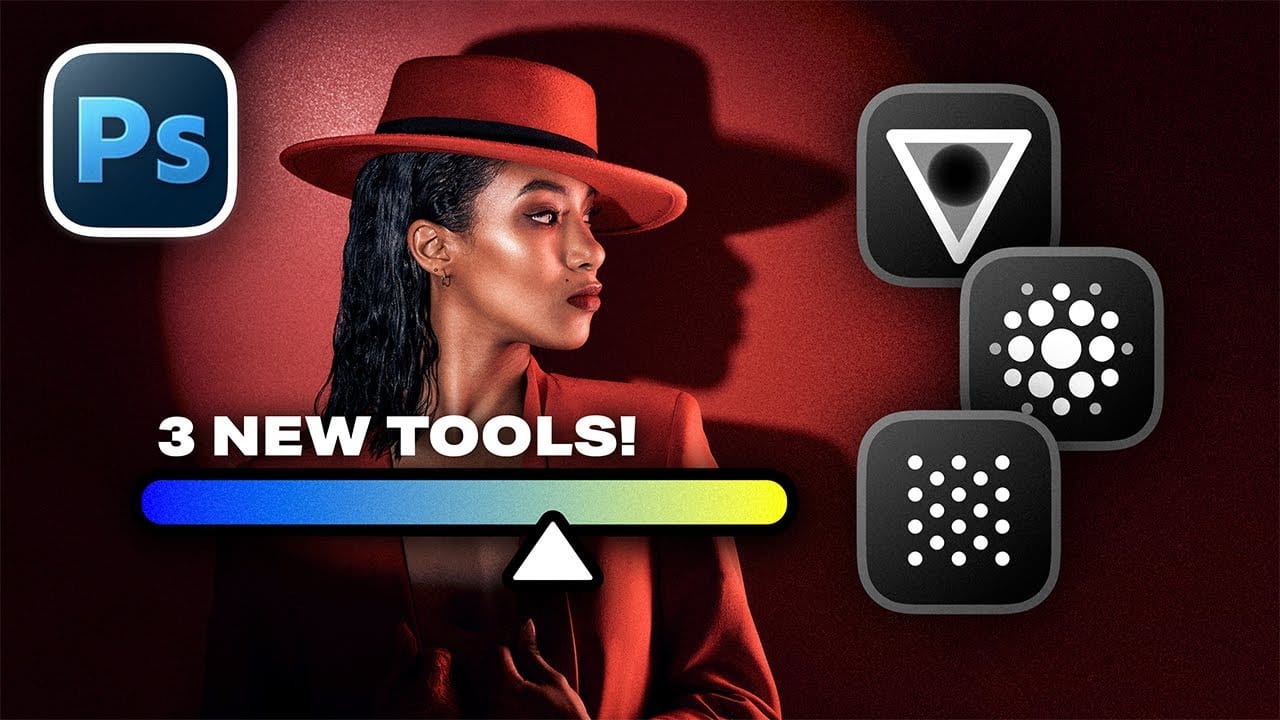
Working with multiple layers in Photoshop traditionally required complex workarounds to apply Camera Raw adjustments. The old process involved merging layers, converting to smart objects, and losing the flexibility that makes adjustment layers so powerful. Three new adjustment layers bring Camera Raw's most useful tools directly into your Read the full article here: New Camera […]

Read more: New Camera Raw Adjustment Layers in Photoshop: Color Grading, Clarity, and Grain
How to Use AI Masking in Adobe Camera Raw for Professional Photo Editing

How to Use AI Masking in Adobe Camera Raw for Professional Photo Editing

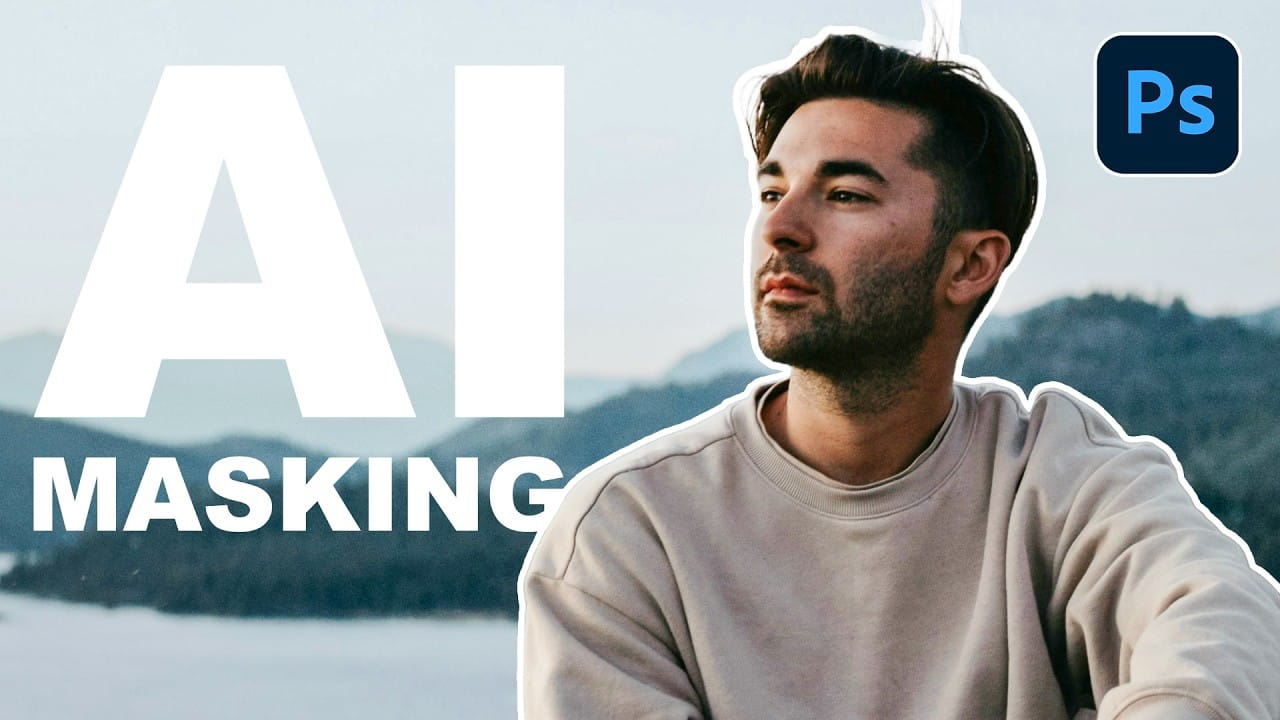
Adobe Camera Raw's AI masking tools automatically detect subjects, backgrounds, skies, and landscapes, letting you make precise adjustments to specific areas of your photos. These intelligent masks eliminate the need for manual selection work, while allowing you to combine and refine them for complete creative control. The technique Read the full article here: How to […]

Read more: How to Use AI Masking in Adobe Camera Raw for Professional Photo Editing