Schenectady Photographic Society

Menu

Tools and tips

How to Use Photoshop's Smudge and Blur Tools for Perfect Masking

How to Use Photoshop's Smudge and Blur Tools for Perfect Masking

Professional photo composites often fall apart at the edges. Sharp selection lines and harsh transitions make even the best cutouts look artificial and fake. The solution lies in two overlooked Photoshop tools that most editors dismiss as destructive and useless. The smudge and blur tools become powerful allies when applied Read the full article here: […]

Read more: How to Use Photoshop's Smudge and Blur Tools for Perfect Masking
AI versus Photoshop: When Professional Design Skills Still Matter

AI versus Photoshop: When Professional Design Skills Still Matter

The rise of AI tools like ChatGPT has sparked intense debate about the future of graphic design and digital art. Can artificial intelligence truly replace the precision and creative control that professional design software provides? While AI excels at generating quick concepts and basic layouts, the reality of professional design Read the full article here: […]

Read more: AI versus Photoshop: When Professional Design Skills Still Matter
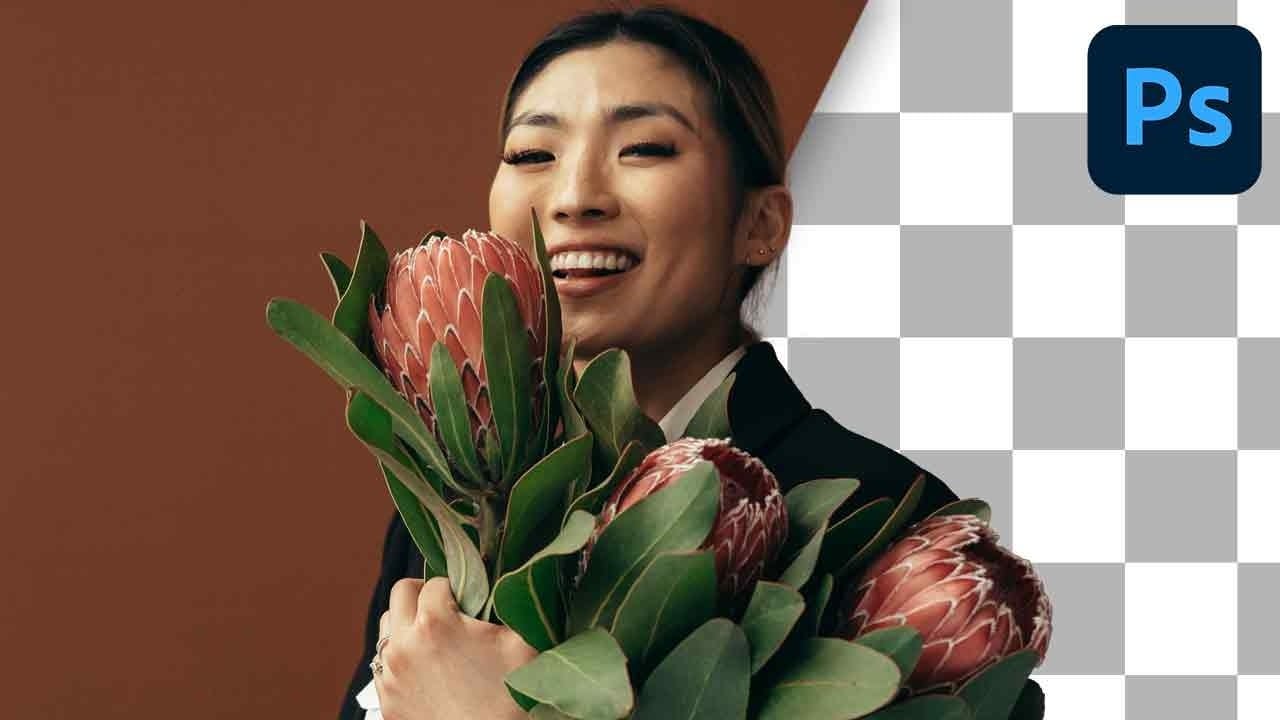
How to select and remove specific colors from images in Photoshop

How to select and remove specific colors from images in Photoshop

Color removal can transform any image, from isolating subjects against clean backgrounds to creating dramatic artistic effects. The challenge lies in making precise selections that capture only the colors you want to eliminate while preserving the integrity of your main subject. The Magic Wand tool offers powerful solutions for color-based Read the full article here: […]
Read more: How to select and remove specific colors from images in Photoshop
How to Create Dramatic Colors in Photoshop: A 5-Step Color Grading Process

How to Create Dramatic Colors in Photoshop: A 5-Step Color Grading Process

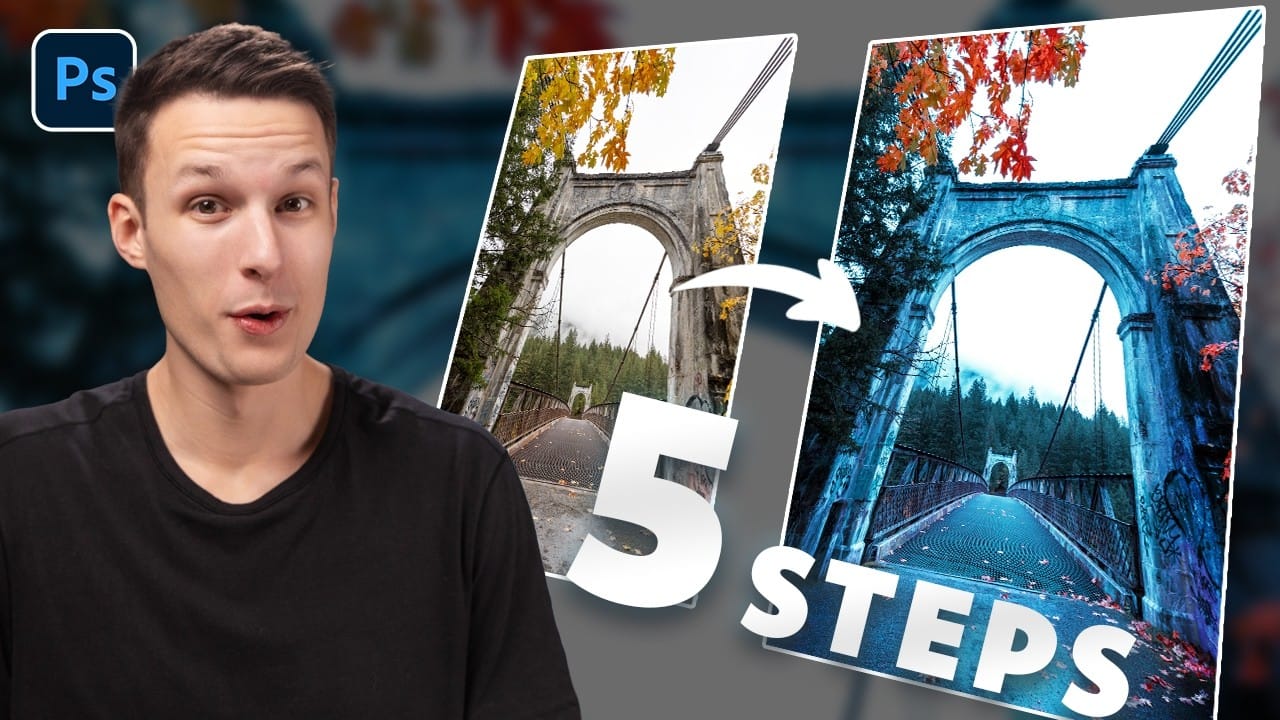
Photography often captures moments in natural tones, but sometimes an image calls for something bolder. Dramatic color grading transforms ordinary photos into striking visual statements that grab attention and evoke emotion. This comprehensive approach combines Camera Raw adjustments with Photoshop's powerful color tools to create rich, cinematic looks. Read the full article here: How to […]

Read more: How to Create Dramatic Colors in Photoshop: A 5-Step Color Grading Process
How to Remove White or Black Backgrounds Using Blend If in Photoshop

How to Remove White or Black Backgrounds Using Blend If in Photoshop

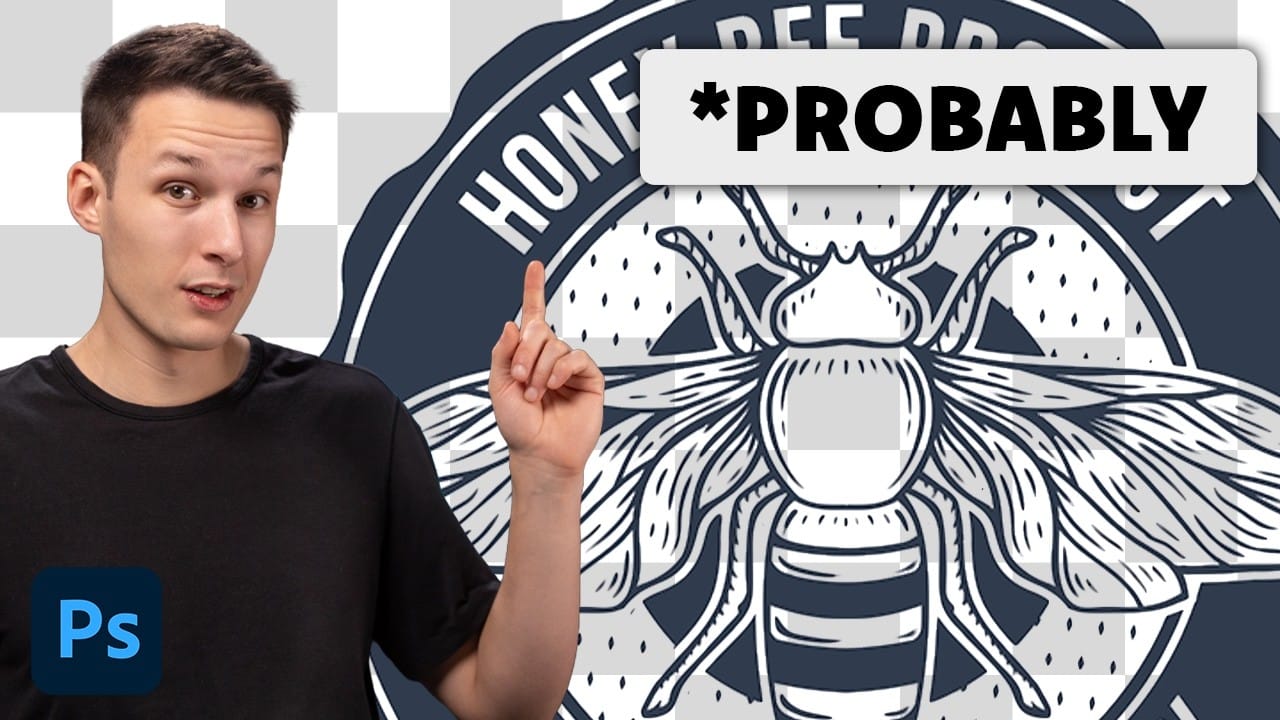
When standard selection tools fail to cleanly remove backgrounds from logos, icons, or graphics, you need a different approach. White edges, missed details, and poor selections can ruin what should be a simple task. The Blend If feature offers a direct solution for images with solid white or black backgrounds. Read the full article here: […]

Read more: How to Remove White or Black Backgrounds Using Blend If in Photoshop
10 Essential Photoshop Rules Every Beginner Should Know

10 Essential Photoshop Rules Every Beginner Should Know

Photoshop's vast toolkit can overwhelm newcomers, leading to common pitfalls that affect image quality and workflow efficiency. Understanding the fundamental rules of professional editing prevents costly mistakes and builds a foundation for advanced techniques. These ten essential practices cover everything from color management and file formats to smart Read the full article here: 10 Essential […]

Read more: 10 Essential Photoshop Rules Every Beginner Should Know
Using Photoshop's New Generative Upscale Tool

Using Photoshop's New Generative Upscale Tool

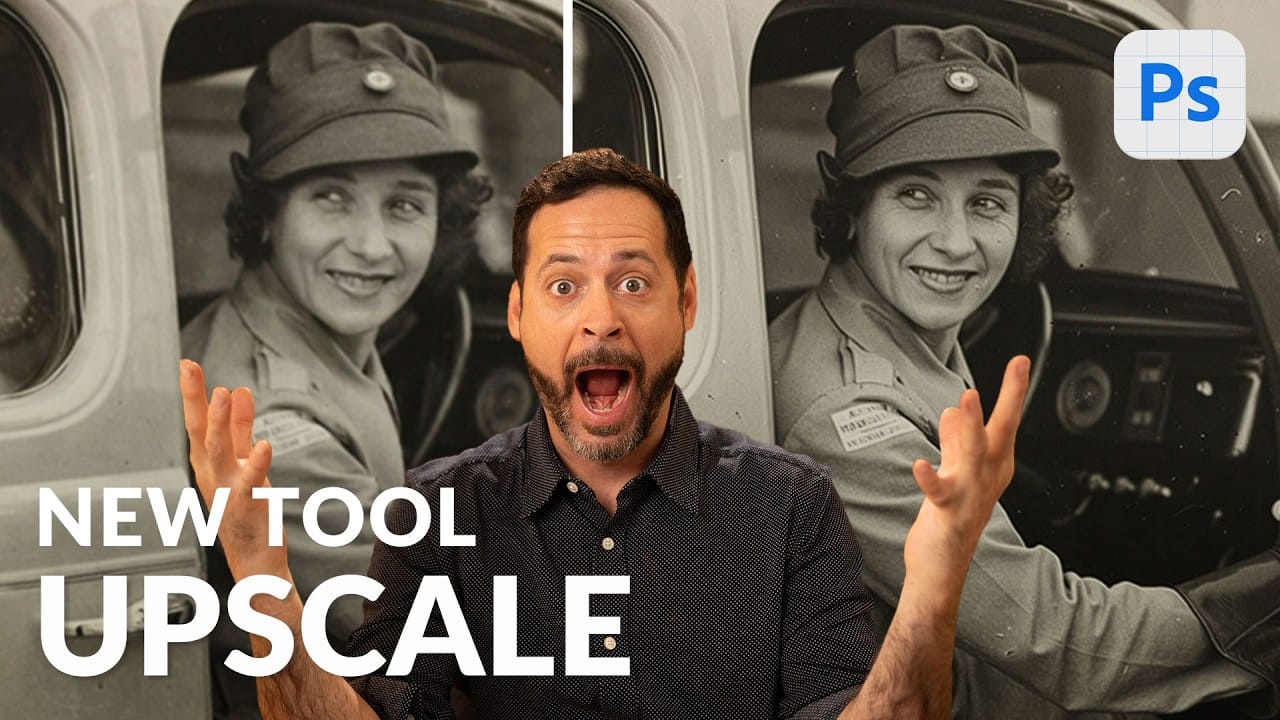
Old family photos often hold irreplaceable memories, but their small size and low resolution make them difficult to print or display properly. These cherished images deserve better than pixelated enlargements that lose all their detail and emotional impact. Photoshop's new AI-powered Generative Upscale tool changes this completely. This Read the full article here: Using Photoshop's […]

Read more: Using Photoshop's New Generative Upscale Tool