Schenectady Photographic Society

Menu

Author: Webmaster

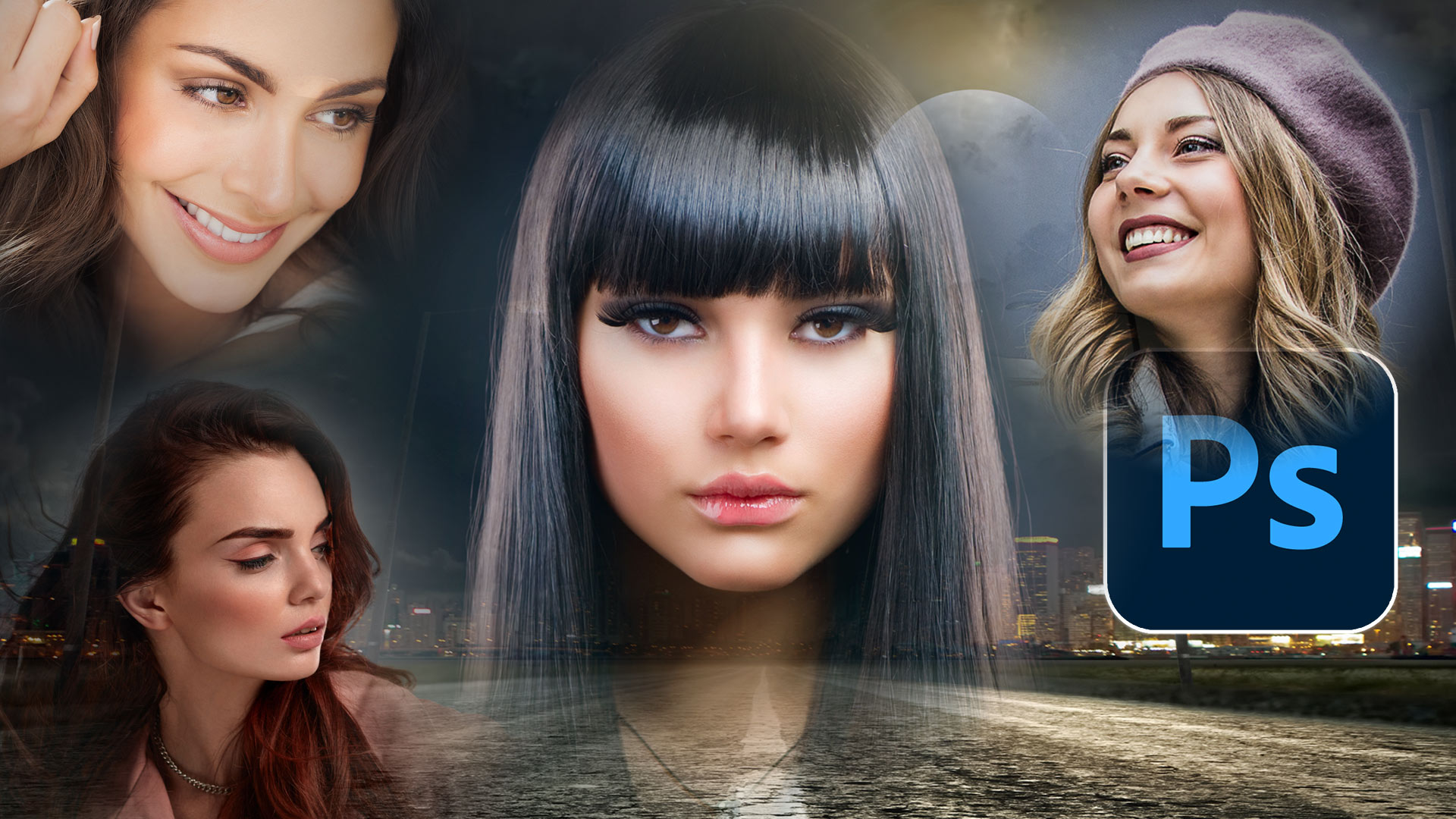
How to Seamlessly Blend faces into background in Photoshop using new radial gradients

How to Seamlessly Blend faces into background in Photoshop using new radial gradients

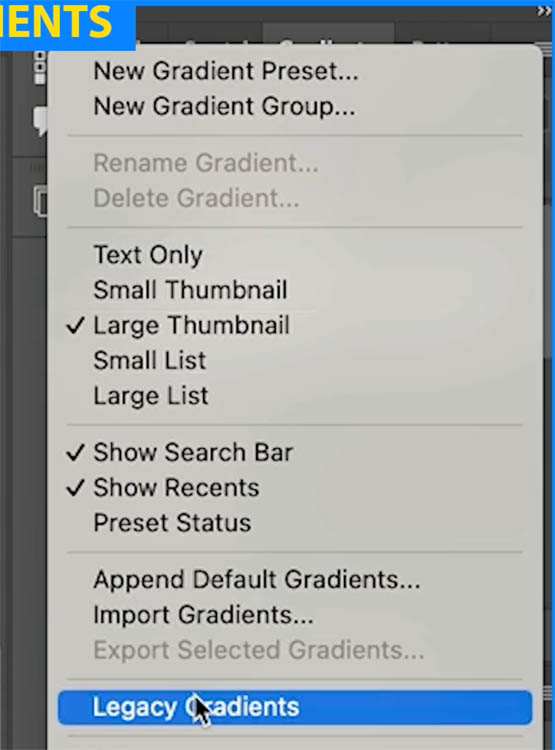
How to easily create the floating heads effect used on movie posters We have all seen the floating heads effect on posters, magazine and album covers, you name it. We combine different pictures and seamlessly blend them into the background. While experimenting with the updated gradients tool in Photoshop, it occurred to me, this might […]

Read more: How to Seamlessly Blend faces into background in Photoshop using new radial gradients
Lightroom Q&A Day

Lightroom Q&A Day

Q. Why is it that sometimes in Lightroom, when I go to the White Balance presets menu, I get a list of a bunch of different white balance presets, and sometimes I only get two choices: Auto and Custom? A. It’s because one time, you were looking at the White Balance presets for a RAW […]

Read more: Lightroom Q&A Day
Object selection tool in Photoshop got an update. How to make quality ai selections

Object selection tool in Photoshop got an update. How to make quality ai selections

Adobe updated the Algorithm in Object finder and it’s finally a viable alternative to Select Subject. In this tutorial, we will look at how Object Selection differs from Select subject. Then we will do a comparison between the two tools and I’ll provide some tips and a workflow to get the best results. Check out […]

Read more: Object selection tool in Photoshop got an update. How to make quality ai selections