For many of us, January is a time to look forward, make resolutions, set goals, and make plans for the new year. I think it is also a fun time to look back at the…
View More Use Library Filters to Look Back at Last Year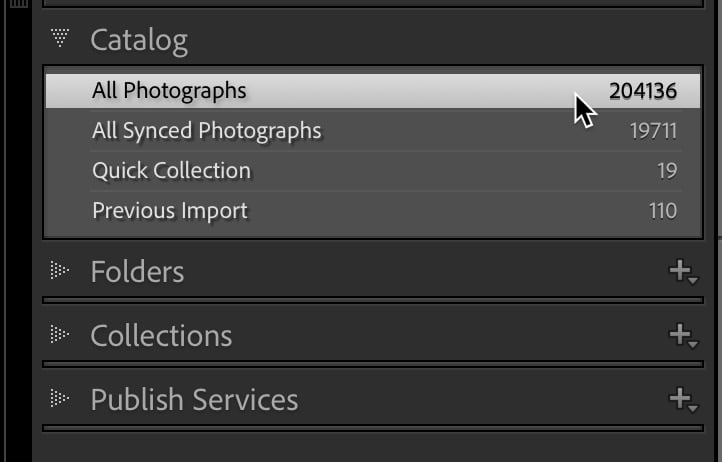

For many of us, January is a time to look forward, make resolutions, set goals, and make plans for the new year. I think it is also a fun time to look back at the…
View More Use Library Filters to Look Back at Last Year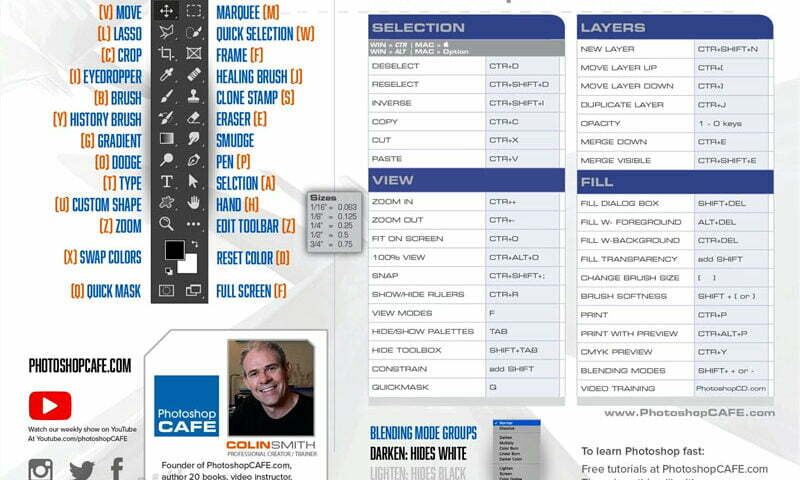
How to get better at Photoshop, fast Happy New year! If learning and growing your Photoshop skills is on your list of resolutions, this article will be perfect for you! The tips for rapidly improving…
View More How to rapidly grow your Photoshop skills, 5 tips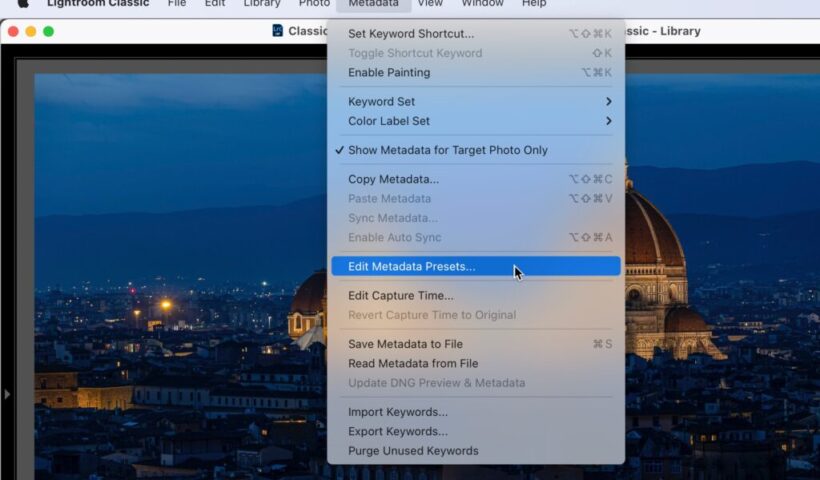
Hi, everybody – I’m back from my holiday break (really enjoyed it, and the football gods were shining upon me, as my Bucs somehow won their division and are playoff bound). Now it’s a new year,…
View More It’s Time To Update Your Copyright Info Inside Lightroom For 2023
As you might have guessed from the headline, I’m taking next week off to enjoy some time with my family, watch lots of disappointing Bucs football, play lots of Call of Duty Warzone II, play…
View More It’s Official: I’m on Christmas Break! :)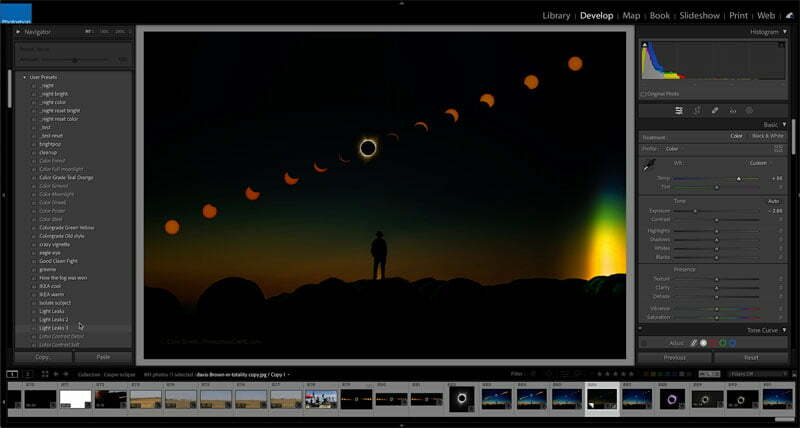
How to stack presets in Lightroom and Camera RAW There is something really important to understand about creating presets that changes their behavior. If you watch the short video, I demonstrate exactly how this works.…
View More How to stack & Layer Lightroom Presets & Camera Raw Presets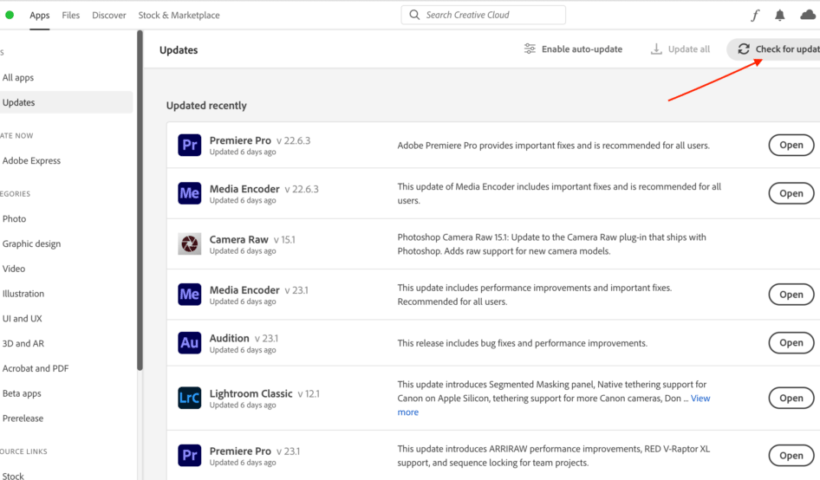
The December update is out, and while not a major release, there are some things worth noting. We did gain support for new cameras and new lenses, and there were of course some bug fixes.…
View More December Update for Lightroom Classic, Lightroom, and Camera Raw
Merry Christmas and Happy Hanukkah, everybody! I know some folks (like me) are scrambling to get a last-minute Holiday gift or two. If the photographer on your Holiday gift list is a Lightroom user, I…
View More A Perfect Last-Minute Gift Idea (and Five Lightroom Courses You Can Watch This Week)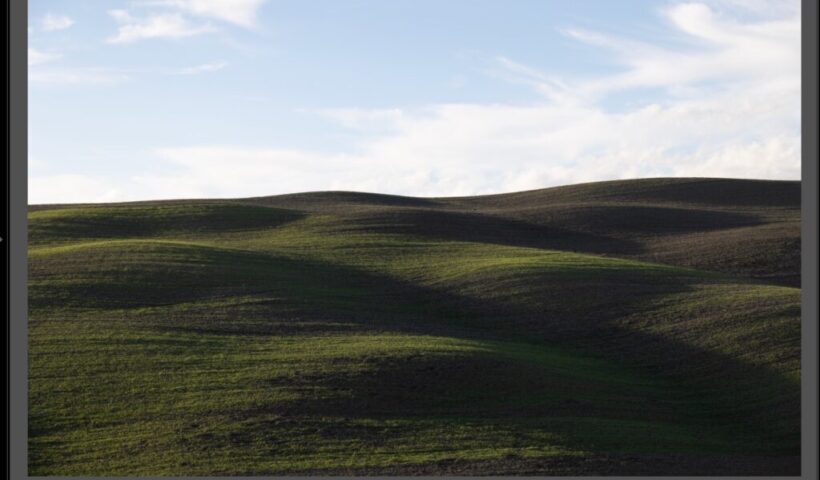
This is just a quickie, but it shows how a little AI goes a long way. Above: Here’s the raw image out of the camera. Here’s a link to download the Raw image if you…
View More “Seven Clicks To Done” (Lightroom Before and After Step-by-Step)