Skip to content
Schenectady Photographic Society

Schenectady Photographic Society

Established 1932
Schenectady Photographic Society
Menu
  • Home
  • Downloads
    • The Focus
    • Annual Reports
    • New Member Info
  • Competitions
    • Assigned Topics for 2025-2027
    • Print
      • Competition Galleries
      • Competition Results
        • 2024-2025
        • 2023-2024
        • 2019-2020
        • 2018-2019
        • 2017-2018
        • 2016-2017
        • 2015-2016
      • Competition Rules
      • Submission Card Creator
    • Digital Image
      • Submit Images
      • Submissions
        • 2024-2025
        • 2023-2024
        • 2022-2023
        • 2021-2022
        • 2020-2021
        • 2019-2020
        • 2018-2019
        • 2017-2018
        • 2016-2017
        • 2015-2016
      • Competition Results
        • 2025-2026
        • 2024-2025
        • 2023-2024
        • 2022-2023
        • 2021-2022
        • 2020-2021
        • 2019-2020
        • 2018-2019
        • 2017-2018
        • 2016-2017
        • 2015-2016
      • Preparation Guidelines
      • Competition Rules
    • Photo Essay
      • Competition Rules
  • Programs
    • Mentoring
    • Field Trips
    • Traveling Exhibits
  • Events
    • Full Events Calendar
    • Luba Ricket Creativity Award
      • Submission Form
  • News
    • Announcements
    • Photoshop
    • Lightroom
  • Links
  • About SPS
    • Our FAQ
    • Directions
    • By-Laws
    • Constitution
    • Board of Directors
    • Betty Barker Award
    • Liability Waiver and Safety Requirements Agreement
    • SPS In the News
      • Heritage of Vision - 518 Profiles Magazine
      • 80th Anniversary - Daily Gazette
  • Join Us
CLOSE
Schenectady Photographic Society

Upcoming Events

April 8, 2026
  • Print Competition  Add to Calendar
    7:00 pm - 9:00 pm
    5 days ago
    See more details

April 15, 2026
  • Digital Competition  Add to Calendar
    7:00 pm - 9:00 pm
    2 days from now
    See more details

April 22, 2026
  • Luba Ricket Creative Competition  Add to Calendar
    7:00 pm - 9:00 pm
    1 week from now
    See more details

April 29, 2026
  • Event Night  Add to Calendar
    7:00 pm - 9:00 pm
    2 weeks from now
    See more details

May 6, 2026
  • Print of the Year Competition  Add to Calendar
    7:00 pm - 9:00 pm
    3 weeks from now
    See more details

May 13, 2026
  • Digital Image of the Year Competition  Add to Calendar
    7:00 pm - 9:00 pm
    1 month from now
    See more details

Category: Lightroom

Lightroom News and Updates

Photoshop For Lightroom Users – Part 3: The Clone Stamp Tool

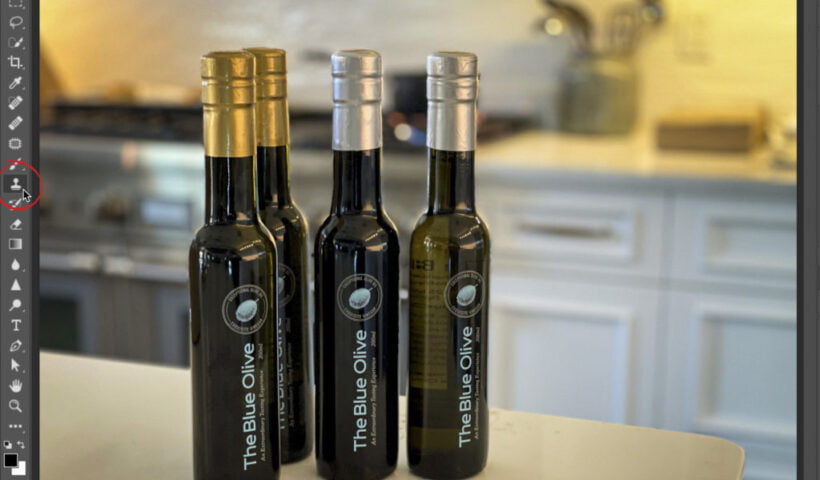
Last Tuesday, (in Part 2), we talked about one of the biggest reasons that I jump over to Photoshop from Lightroom in the first place, which is to remove unwanted “stuff” in my photo, and…

View More Photoshop For Lightroom Users – Part 3: The Clone Stamp Tool
Don’t Make This Lightroom Keywording Mistake

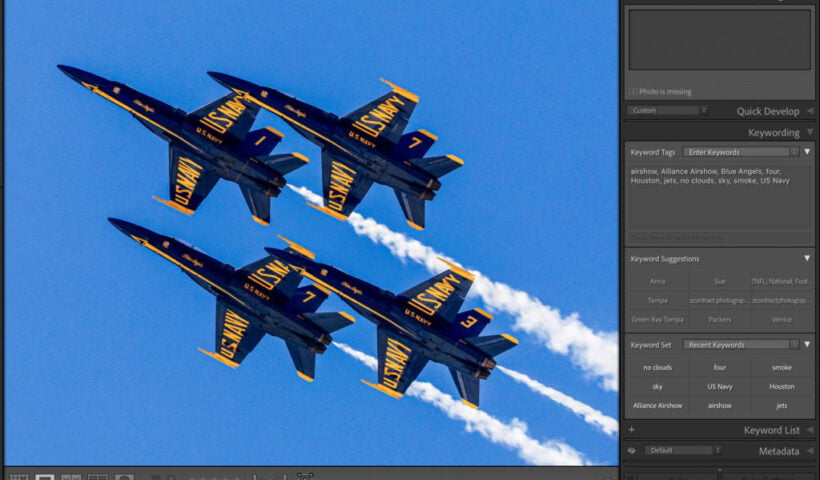
If you’re a Lightroom Classic user like me, here’s a heads-up on something you’re likely to run into if you’re also using Lightroom on your iPad or phone, etc. If you add keywords to a…

View More Don’t Make This Lightroom Keywording Mistake

I’m Surprised at How Much Lightroom ‘Cloud’ Is Still Missing After All This Time

So, I’m working on a course for KelbyOne, which would be a special version of my ‘SLIM’ system (my Simplified Lightroom Image Management system) just for folks using the ‘cloud’ version of Lightroom. And while…

View More I’m Surprised at How Much Lightroom ‘Cloud’ Is Still Missing After All This Time

Photoshop For Lightroom Users: Part 2. The Healing Brushes

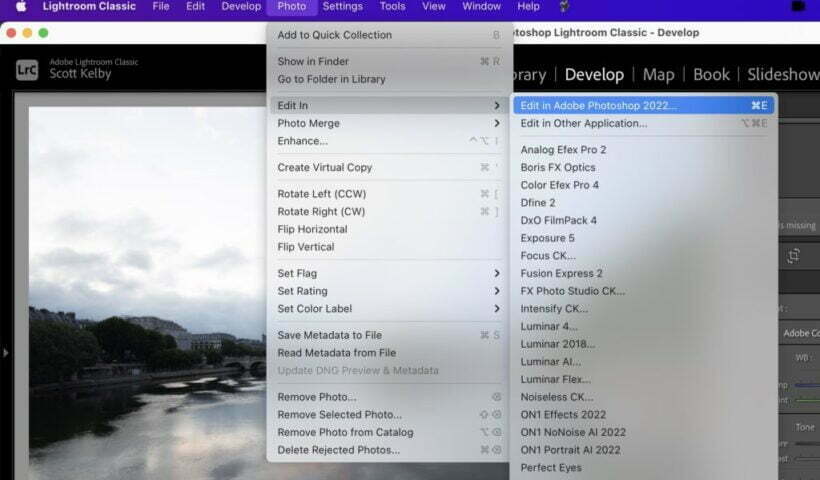
Welcome to my new column, which debuted here last Tuesday, where we talked about how to move an image from Lightroom over to Photoshop, and then how to get it back (it’s a pretty smooth…

View More Photoshop For Lightroom Users: Part 2. The Healing Brushes

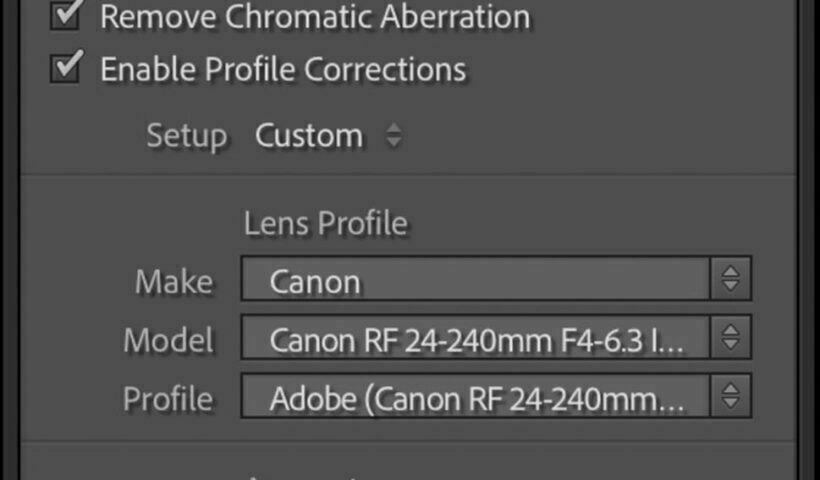
UPDATED: Automatically Apply a Lens Correction To Your Imported Images

Here’s how to set up Lightroom so it will automatically, by default, apply a lens profile correction and chromatic aberration fixes to your Raw photos when you use a particular camera and lens. STEP ONE:…

View More UPDATED: Automatically Apply a Lens Correction To Your Imported Images

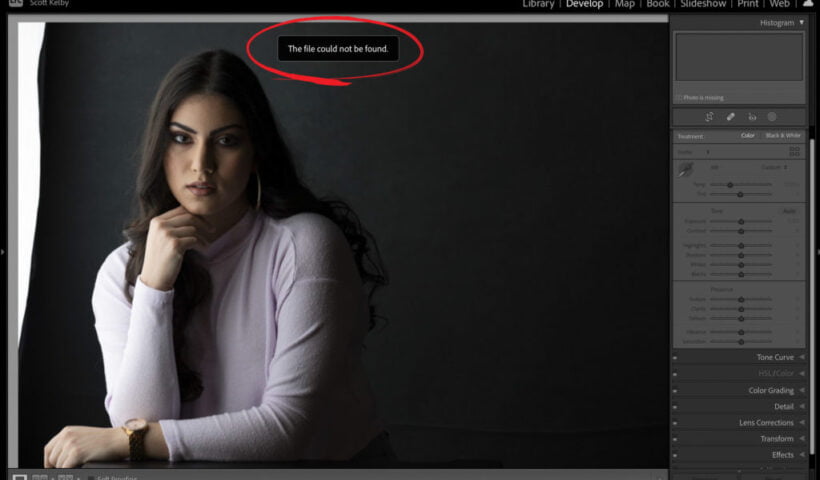
What To Do If You See “The File Could Not Be Found” Message in Lightroom Classic

If you see this message (as shown above) when you jump over to the Develop module, it just means Lightroom has lost track of the original high-res image. Lightroom still has the thumbnail preview in…

View More What To Do If You See “The File Could Not Be Found” Message in Lightroom Classic

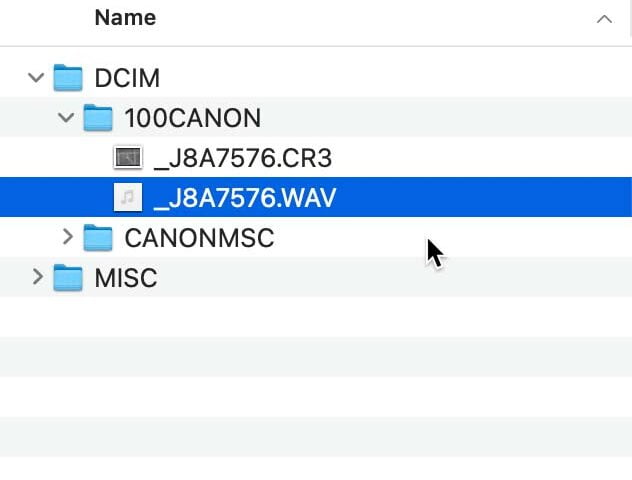
Accessing and Listening to Voice Memos

File this post under ancient features in Lightroom Classic that are so obscure that most people don’t know it’s there. I’m pretty sure this feature has existed since Lightroom was first released, but it is…

View More Accessing and Listening to Voice Memos

Photoshop For Lightroom Users, Part 1

I’m kicking off a new column here on Tuesdays for the next three months or so – it’s from my column in Photoshop User magazine of the same name, and it’s aimed at photographers who have…

View More Photoshop For Lightroom Users, Part 1

Posts pagination

Previous page Page 1 … Page 53 Page 54 Page 55 … Page 121 Next page
Schenectady Photographic Society
Established 1931
Site design by Sean P Sullivan
Copyright © SPS|Concepts
Terms of Service/Privacy Policy