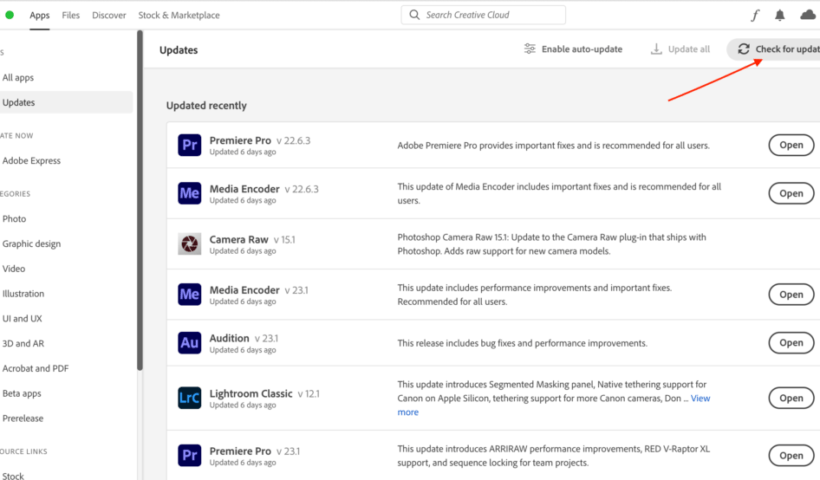
The December update is out, and while not a major release, there are some things worth noting. We did gain support for new cameras and new lenses, and there were of course some bug fixes.…
View More December Update for Lightroom Classic, Lightroom, and Camera RawCategory: News
A Perfect Last-Minute Gift Idea (and Five Lightroom Courses You Can Watch This Week)
Merry Christmas and Happy Hanukkah, everybody! I know some folks (like me) are scrambling to get a last-minute Holiday gift or two. If the photographer on your Holiday gift list is a Lightroom user, I…
View More A Perfect Last-Minute Gift Idea (and Five Lightroom Courses You Can Watch This Week)“Seven Clicks To Done” (Lightroom Before and After Step-by-Step)
This is just a quickie, but it shows how a little AI goes a long way. Above: Here’s the raw image out of the camera. Here’s a link to download the Raw image if you…
View More “Seven Clicks To Done” (Lightroom Before and After Step-by-Step)Five More Tips for Lightroom Classic
Wrapping up my tips from last week, here’s five more! [These tips first appeared in the October issue of Photoshop User Magazine – Rob] Find Exactly Where Your Catalog is Stored (LrC) Right after knowing…
View More Five More Tips for Lightroom ClassicHow to make re-usable graffiti in Photoshop tutorial
How to make a realistic graffiti effect in Photoshop I originally wrote this graffiti tutorial a decade ago. While the style still looks good, the usability sucks. Total update time, let’s make the graffiti on…
View More How to make re-usable graffiti in Photoshop tutorialIt’s “Back Up Your Photos” Monday (and How To Make a Back Up Of Your Backup)
It’s been a while since we’ve done a “Back up your Photos” Monday, and if you’re a Lightroom Classic user, this day is for you. However, beyond that, if you’ve watched my SLIM System online…
View More It’s “Back Up Your Photos” Monday (and How To Make a Back Up Of Your Backup)7 Really Useful Lightroom Masking Tips
It’s Friday – perfect day for some handy masking tips. Let’s go! If you’ve created a mask, let’s say it’s a Linear Gradient mask, and you want to create another Linear Gradient mask, just press…
View More 7 Really Useful Lightroom Masking TipsBest way to make displacement maps in Photoshop, wrap anything around any surface
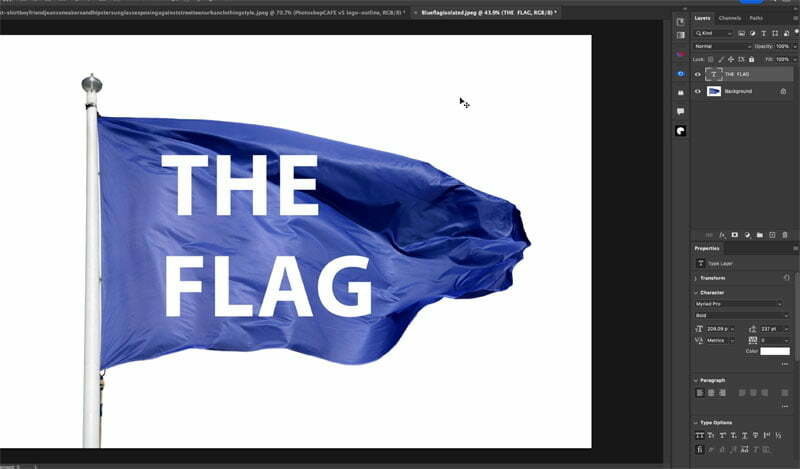
How to make a displacement map in photoshop Here I have a flag and some text on a different layer, We will warp the text to the flag with the displacement map, In the…
View More Best way to make displacement maps in Photoshop, wrap anything around any surface