Easily and automatically blur the background of a photo in Photoshop In this Photoshop tutorial, I show you how to use the AI in Photoshop to blur the background to create a realistic bokeh effect.…
View More Instantly Blur the background of a picture in Photoshop with Depth Blur Neural FilterCategory: News

Photoshop for Lightroom Users: Removing Distracting Things, Part II
We’re picking up where we left off (removing distracting stuff), but we’re going in a different direction with it because we’re not using a Healing Brush or Clone tool this time; we’re using some real…
View More Photoshop for Lightroom Users: Removing Distracting Things, Part IIHow To Sync Raw Photos From Your Phone To LR Classic Without Eating Up Your 20GB of Cloud Storage
When you import a photo (Raw, JPEG, HEIC, etc.) into Lightroom on your phone (or if you shoot using Lightroom Mobile’s own built-in camera) once that image is in Lightroom on your phone, it automatically…
View More How To Sync Raw Photos From Your Phone To LR Classic Without Eating Up Your 20GB of Cloud StorageHow to Keep All Your Lightroom’s in Sync
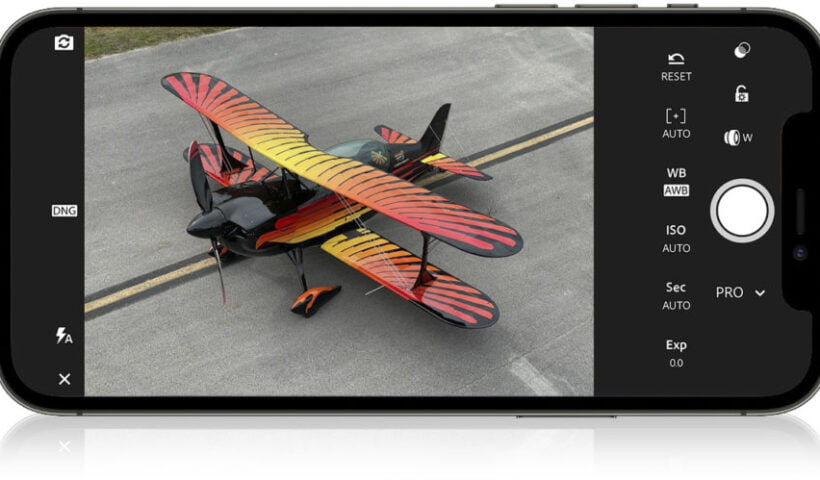
Great Adobe Live Photography Masterclass from Terry White today on keeping you in sync everywhere you go in the Lightroom ecosystem. It starts LIVE at 11:00 AM (it’s free and open to everybody), but after…
View More How to Keep All Your Lightroom’s in SyncWhich Version of Lightroom is Right for You?
Is this the year to switch to Lightroom in the cloud? Is Lightroom Classic a better fit for your needs? As I look back over the past 4+ years since Adobe released the cloud-based Lightroom…
View More Which Version of Lightroom is Right for You?How to combine images and blend them together in Photoshop
In this Photoshop tutorial, I’ll show you 2 ways to combine images and 4 ways to seamlessly blend them together. This is a great starting place to create composites, collages and digital Art in Photoshop.…
View More How to combine images and blend them together in PhotoshopHow To Move Your Lightroom Catalog From An External Drive Back to Your Computer
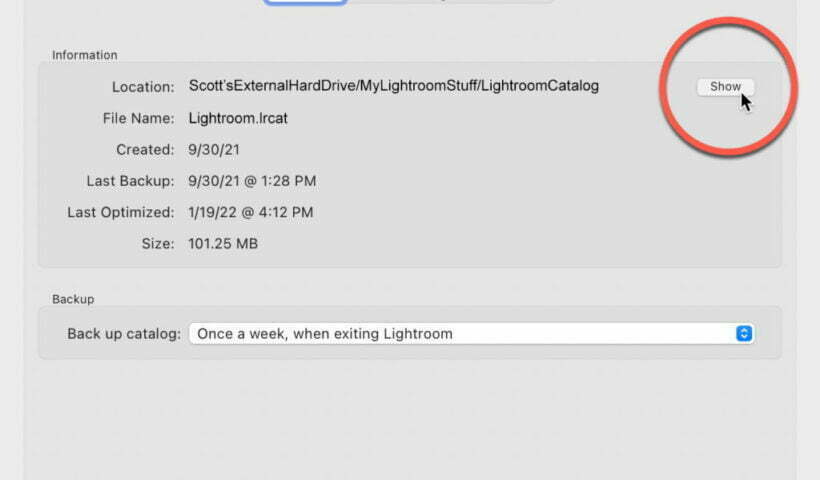
This is a question that came up numerous times during this week’s Lightroom Conference because you’ll get way better performance (LR Classic will run a lot faster) by having your catalog right on your computer…
View More How To Move Your Lightroom Catalog From An External Drive Back to Your ComputerMaking Connections in Lightroom
In the desktop (Mac/Windows) version of the Lightroom (Lr) app it is possible to create connections to several online resources for making prints and books. It’s even available via the lightroom.adobe.com site. When it comes…
View More Making Connections in Lightroom