Skip to content
Schenectady Photographic Society

Schenectady Photographic Society

Established 1932
Schenectady Photographic Society
Menu
  • Home
  • Downloads
    • The Focus
    • Annual Reports
    • New Member Info
  • Competitions
    • Assigned Topics for 2026-2028
    • Print
      • Competition Galleries
      • Competition Results
        • 2025-2026
        • 2024-2025
        • 2023-2024
        • 2019-2020
        • 2018-2019
        • 2017-2018
        • 2016-2017
        • 2015-2016
      • Competition Rules
      • Submission Card Creator
    • Digital Image
      • Submissions
        • 2026-2027
        • 2025-2026
        • 2024-2025
        • 2023-2024
        • 2022-2023
        • 2021-2022
        • 2020-2021
        • 2019-2020
        • 2018-2019
        • 2017-2018
        • 2016-2017
        • 2015-2016
      • Competition Results
        • 2026-2027
        • 2025-2026
        • 2024-2025
        • 2023-2024
        • 2022-2023
        • 2021-2022
        • 2020-2021
        • 2019-2020
        • 2018-2019
        • 2017-2018
        • 2016-2017
        • 2015-2016
      • Preparation Guidelines
      • Competition Rules
    • Photo Essay
      • Competition Rules
  • Programs
    • Mentoring
    • Field Trips
    • Traveling Exhibits
  • Events
    • Full Events Calendar
    • Luba Ricket Creativity Award
      • Submission Form
  • News
    • Announcements
    • Photoshop
    • Lightroom
  • Links
  • About SPS
    • Our FAQ
    • Directions
    • By-Laws
    • Constitution
    • Board of Directors
    • Betty Barker Award
    • Liability Waiver and Safety Requirements Agreement
    • SPS In the News
      • Heritage of Vision - 518 Profiles Magazine
      • 80th Anniversary - Daily Gazette
  • Join Us
CLOSE
Schenectady Photographic Society

Upcoming Events

November 4, 2026
  • Print Competition  Add to Calendar
    7:00 pm - 9:00 pm
    4 days ago
    See more details

November 11, 2026
  • Digital Competition  Add to Calendar
    7:00 pm - 9:00 pm
    3 days from now
    See more details

November 18, 2026
  • Event Night  Add to Calendar
    7:00 pm - 9:00 pm
    1 week from now
    See more details

November 25, 2026
  • No Meeting (Thanksgiving)  Add to Calendar
    7:00 pm - 9:00 pm
    2 weeks from now
    See more details

December 2, 2026
  • Print Competition  Add to Calendar
    7:00 pm - 9:00 pm
    3 weeks from now
    See more details

December 9, 2026
  • Digital Competition  Add to Calendar
    7:00 pm - 9:00 pm
    1 month from now
    See more details

December 16, 2026
  • Event Night  Add to Calendar
    7:00 pm - 9:00 pm
    1 month from now
    See more details

December 23, 2026
  • No Meeting (Christmas Holiday)  Add to Calendar
    7:00 pm - 9:00 pm
    1 month from now
    See more details

December 30, 2026
  • No Meeting (New Year's Holiday)  Add to Calendar
    7:00 pm - 9:00 pm
    2 months from now
    See more details

January 6, 2027
  • Print Competition  Add to Calendar
    7:00 pm - 9:00 pm
    2 months from now
    See more details

January 13, 2027
  • Digital Competition  Add to Calendar
    7:00 pm - 9:00 pm
    2 months from now
    See more details

January 20, 2027
  • Event Night  Add to Calendar
    7:00 pm - 9:00 pm
    2 months from now
    See more details

January 27, 2027
  • Event Night  Add to Calendar
    7:00 pm - 9:00 pm
    3 months from now
    See more details

Category: News

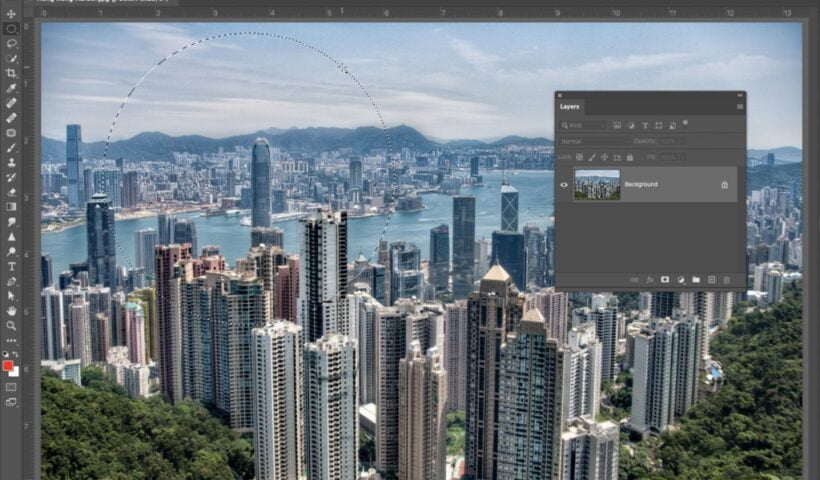
Photoshop for Lightroom Users: Intro To Using Layers

Time to move on from removing stuff (from the last few weeks), and now we’ll start adding stuff. Starting with this installment, we’re going to start to unlock the power of Photoshop’s Layers, which is…

View More Photoshop for Lightroom Users: Intro To Using Layers
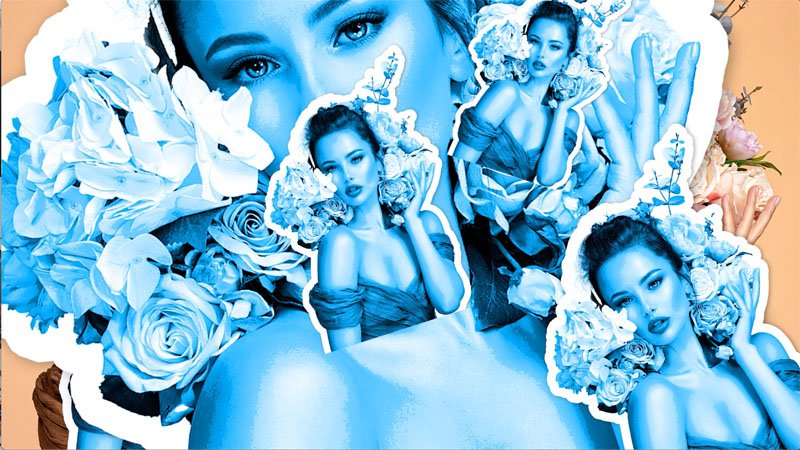
How to make a sticker in Photoshop

How to make a Sticker in Photoshop In this tutorial, I’ll show you how to turn a photo into a sticker in Photoshop. First of all, we will make a sticker effect. I will also…

View More How to make a sticker in Photoshop

Great Trick For Better Results From Lightroom’s Spot Removal (Healing) Brush

Above: Here I used the Spot Removal Tool (Healing Brush in LR ‘cloud’) to remove the edge of a softbox that you could see in the frame, and if you look up in the top…

View More Great Trick For Better Results From Lightroom’s Spot Removal (Healing) Brush

The March 2022 Issue of Photoshop User Is Now Available!

The March 2022 issue of Photoshop User is now live on the KelbyOne site and KelbyOne Mags for iOS and Android. In this issue, learn how to build custom brushes from the ground up in Photoshop, a look at remastering images…

View More The March 2022 Issue of Photoshop User Is Now Available!

Updating Process Version

This tip will mainly apply to people who have been using Lightroom Classic (when it was called Lightroom) since the early days. The Process Version is the underlying secret sauce Lightroom Classic (LrC), Adobe Camera…

View More Updating Process Version

Photoshop for Lightroom Users: Advanced Content-Aware Fill

Last week, we uncovered the Photoshop magic that is Content-Aware Fill, and it was quite glorious indeed. However, we did the very simple version of it and didn’t really get into what happens when it…

View More Photoshop for Lightroom Users: Advanced Content-Aware Fill

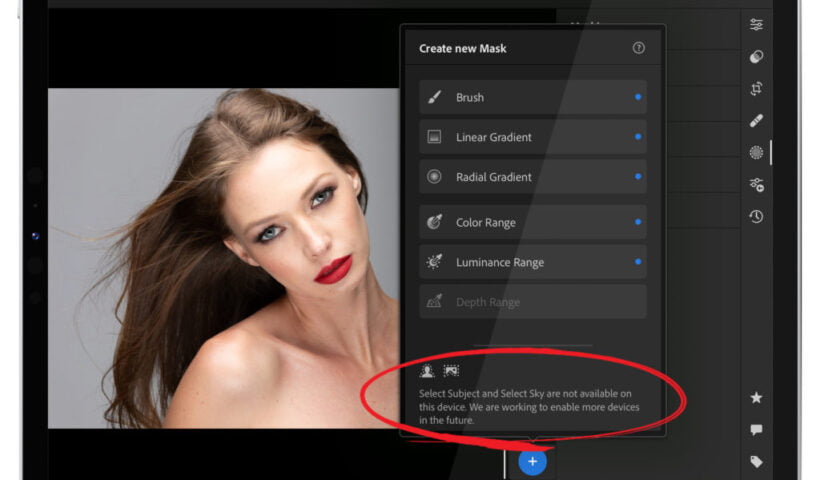
Are Select Subject and Select Sky Missing From Lightroom on your Phone or Tablet?

If they are, there’s a reason – the new AI-powered features won’t work on older phones or tablets. In fact, here’s a list of the devices the AI WON’T work on: Apple:iPod Touch 7, iPhone 6s, iPhone 6s…

View More Are Select Subject and Select Sky Missing From Lightroom on your Phone or Tablet?

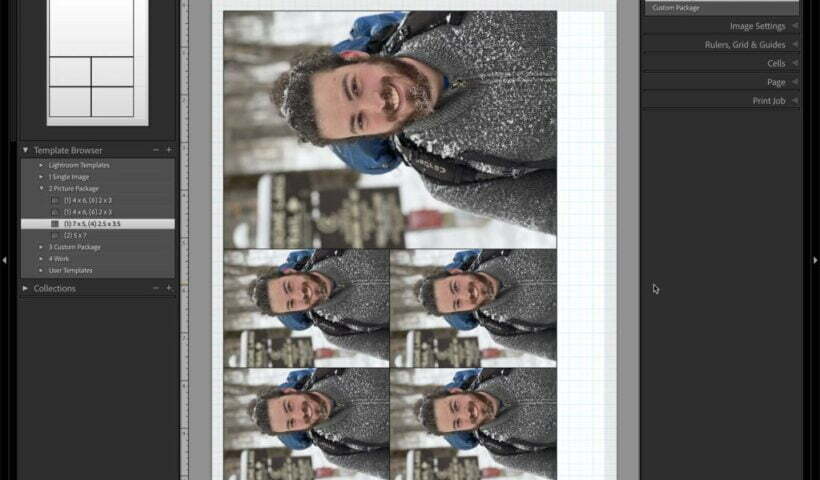
Which Version of Lightroom is Right for You: Part 2

Following up from last week’s post let’s look at some of the key feature differences that should factor into your decision. Features in LrC that are not in Lr Since LrC has been around since…

View More Which Version of Lightroom is Right for You: Part 2

Posts pagination

Previous page Page 1 … Page 183 Page 184 Page 185 … Page 287 Next page
Schenectady Photographic Society
Established 1931
Site design by Sean P Sullivan
Copyright © SPS|Concepts
Terms of Service/Privacy Policy