How To Get a Side-By-Side Before/After in Lightroom
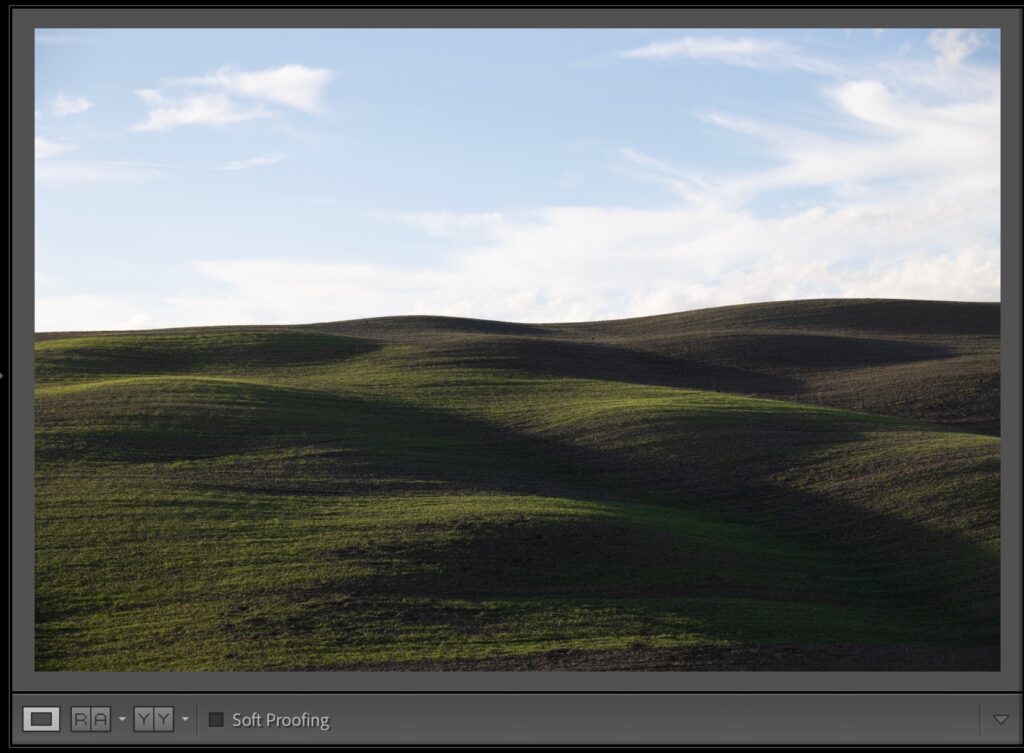
This is a Lightroom Classic feature, and it’s a super useful one. When you’re in the Develop module, to see a side-by-side before-and-after view, just press the letter Y on your keyboard, and — voilà — a side-by-side before/after appears onscreen (as seen below). If you want to zoom in, press Command–+ (PC: Ctrl–+) and […]