Schenectady Photographic Society

Menu

Lightroom Classic

Using Lightroom’s ‘Spray Paint’ feature to “Spray” Presets Across Multiple Images

Using Lightroom’s ‘Spray Paint’ feature to “Spray” Presets Across Multiple Images

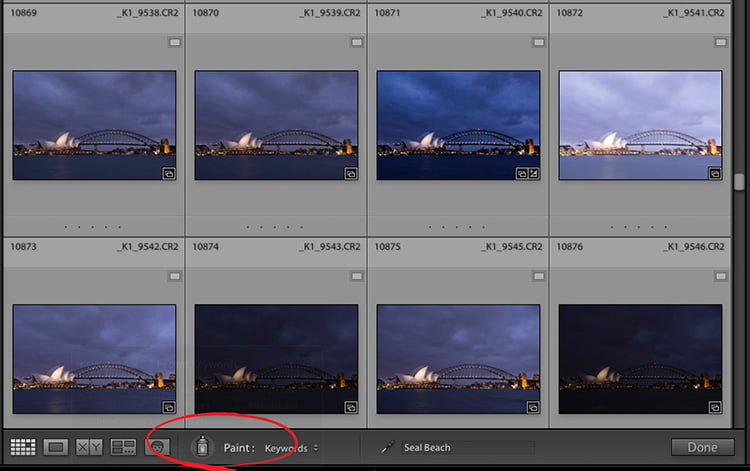
Here’s a pretty cool little tip (from the vault): in Lightroom Classic’s Library module you can use the Paint Can (in the toolbar along the bottom of the thumbnail grid) to “spray” on the preset of your choice (among other things). That’s right, any thumbnail in the Grid view you drag across gets the preset […]

Read more: Using Lightroom’s ‘Spray Paint’ feature to “Spray” Presets Across Multiple Images
Lightroom Printing Q&A

Lightroom Printing Q&A

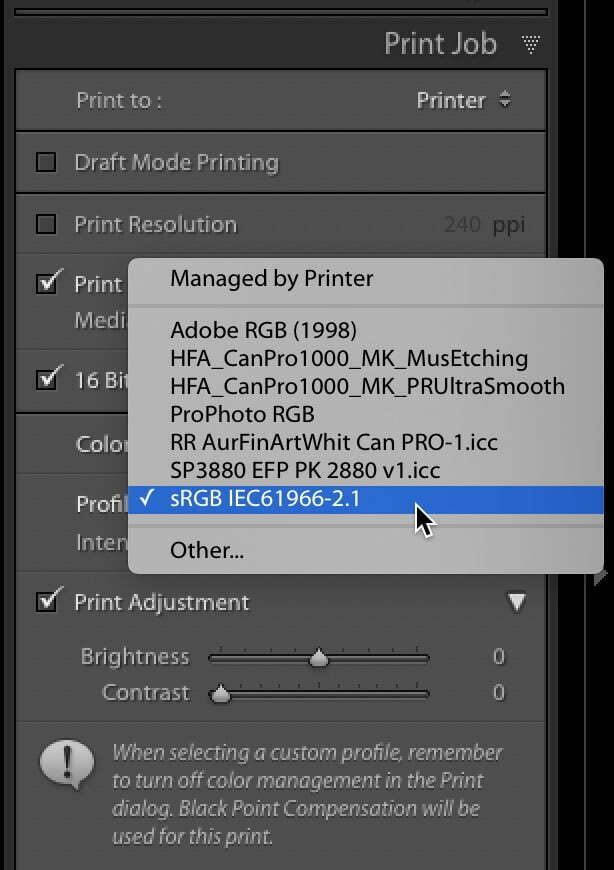
First, before we kick into the Q&A for today, I wanted to thank everybody who joined us for ‘The Landscape Conference” this week. What a wonderful, gracious, fun crowd to present to (over 1,400+ photographers attended live), and it was such a blast. My humble thanks to spending a few days with us — we’re very […]

Read more: Lightroom Printing Q&A
Explore the New Hue Controls in the Local Adjustment Tools

Explore the New Hue Controls in the Local Adjustment Tools

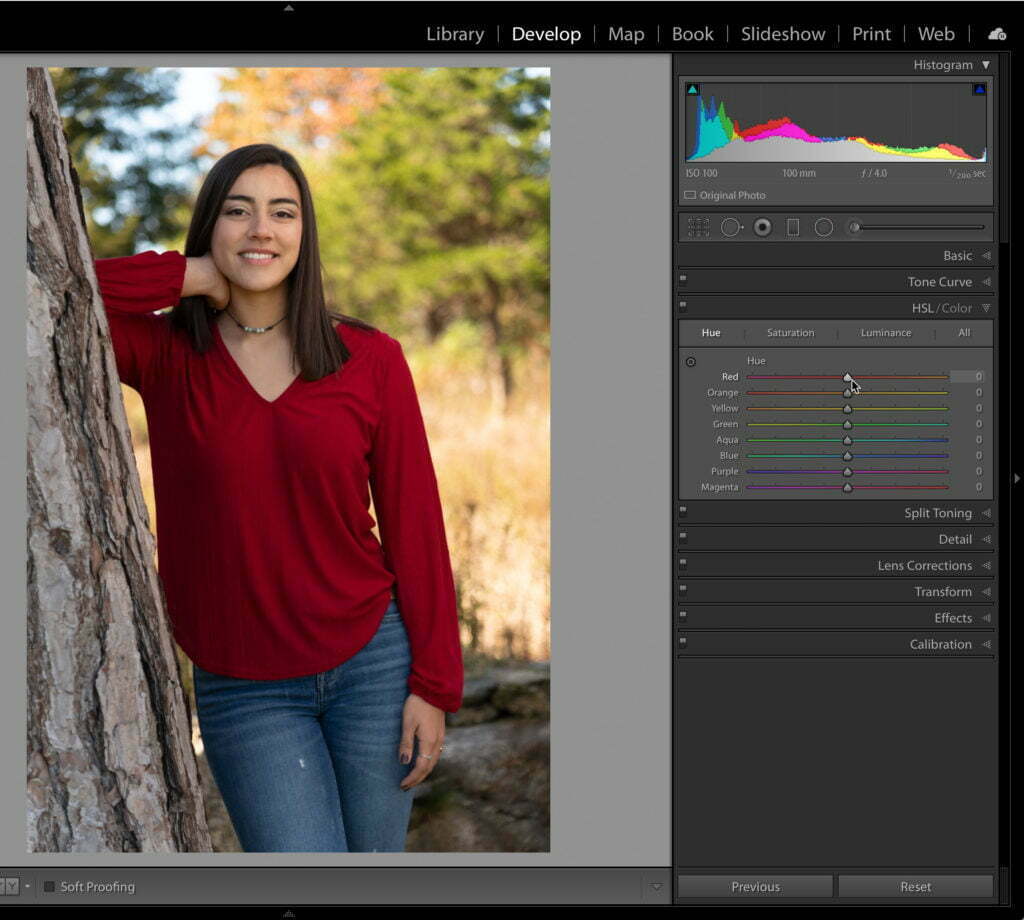
Adjusting, enhancing, and correcting color is often a necessary part of editing in Lightroom Classic. While we have been able to modify hue, saturation, and lightness (HSL) on a global level (using the HSL/Color panel), and adjust saturation and lightness (exposure) on a local level (using the Graduated Filter, Radial Filter or Adjustment Brush), we […]

Read more: Explore the New Hue Controls in the Local Adjustment Tools