Schenectady Photographic Society

Menu

Photoshop Tutorials

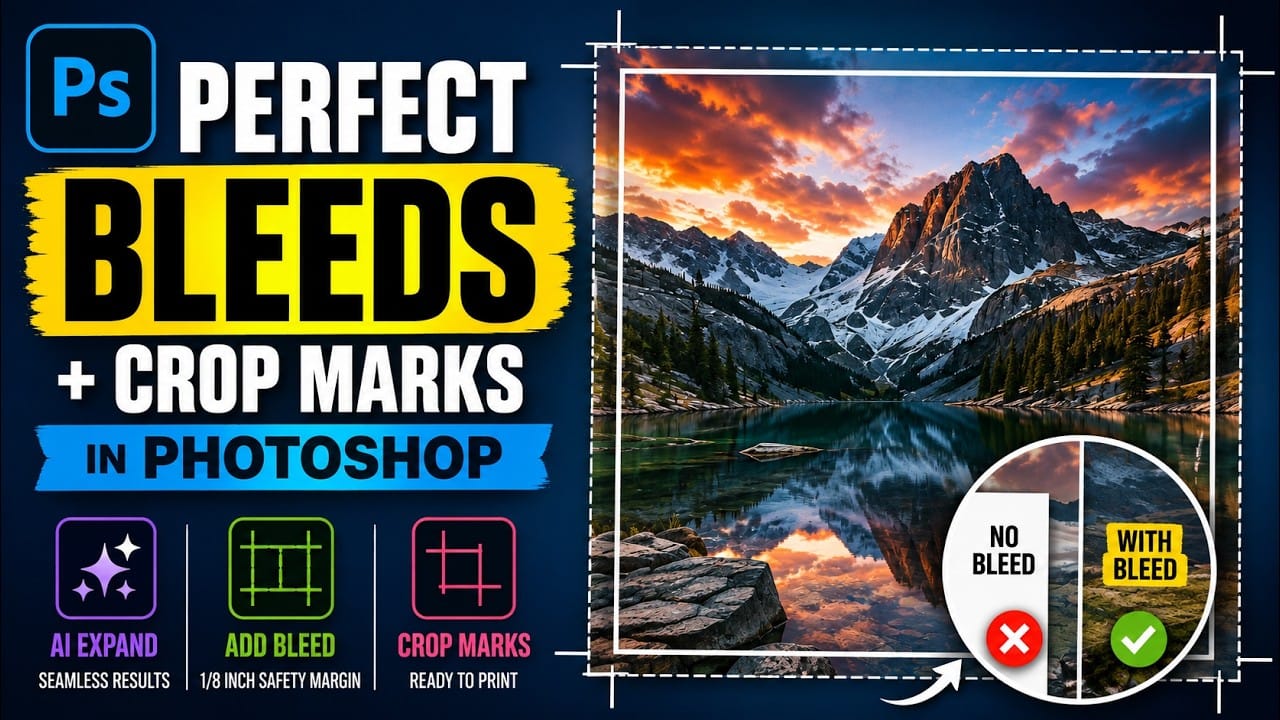
9 Photoshop Tools That Still Outperform AI for Precision and Control

9 Photoshop Tools That Still Outperform AI for Precision and Control

AI generates images from descriptions, but it cannot hand you the brush. When a project demands exact colors, editable text, precise retouching, or seamless mockups, Photoshop's native tools remain the more reliable choice — not because AI is weak, but because these workflows require control that generative tools simply Read the full article here: 9 […]
Read more: 9 Photoshop Tools That Still Outperform AI for Precision and Control
How to Create a Vintage Film Look in Photoshop Using Adjustment Layers

How to Create a Vintage Film Look in Photoshop Using Adjustment Layers

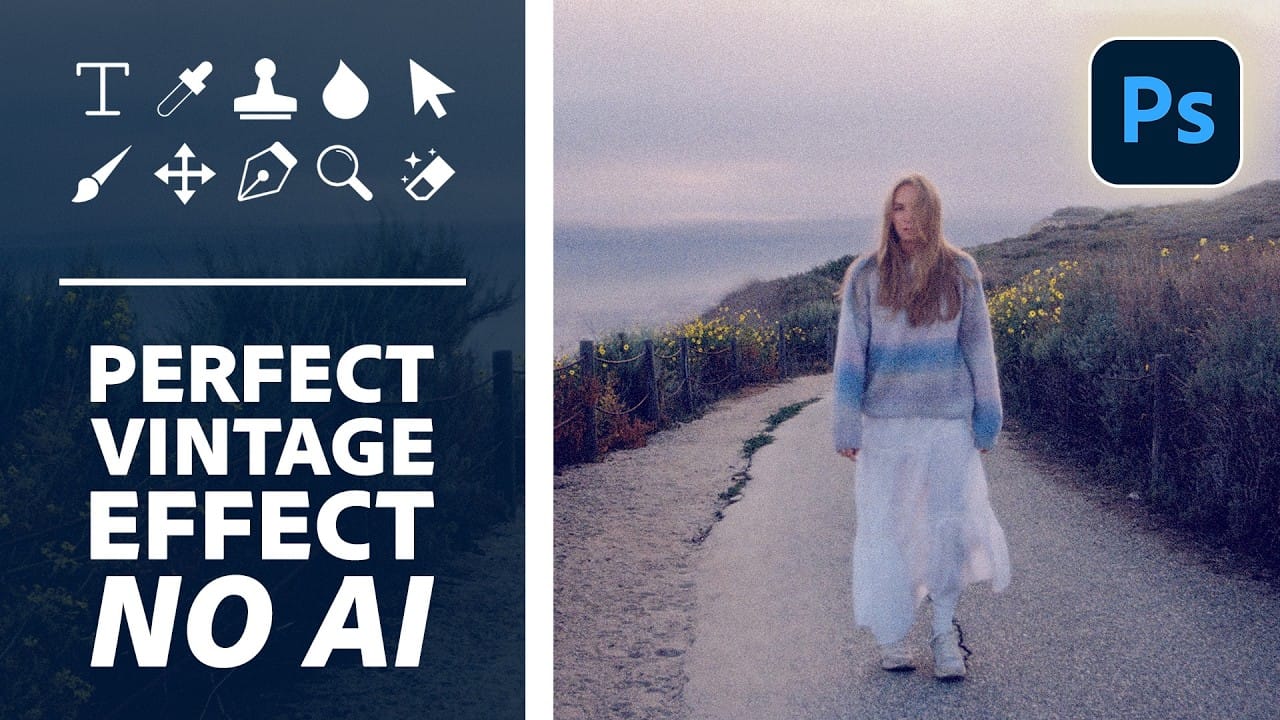
Aging a photo convincingly takes more than a preset — it requires control over highlights, color channels, and grain working together. This walkthrough covers a fully manual, non-destructive workflow for building a vintage film effect in Photoshop, using Color Range selections, Smart Filters, a Grain adjustment layer, and per-channel Read the full article here: How […]

Read more: How to Create a Vintage Film Look in Photoshop Using Adjustment Layers
How to Use the Object Selection Tool in Photoshop for Faster Edits

How to Use the Object Selection Tool in Photoshop for Faster Edits

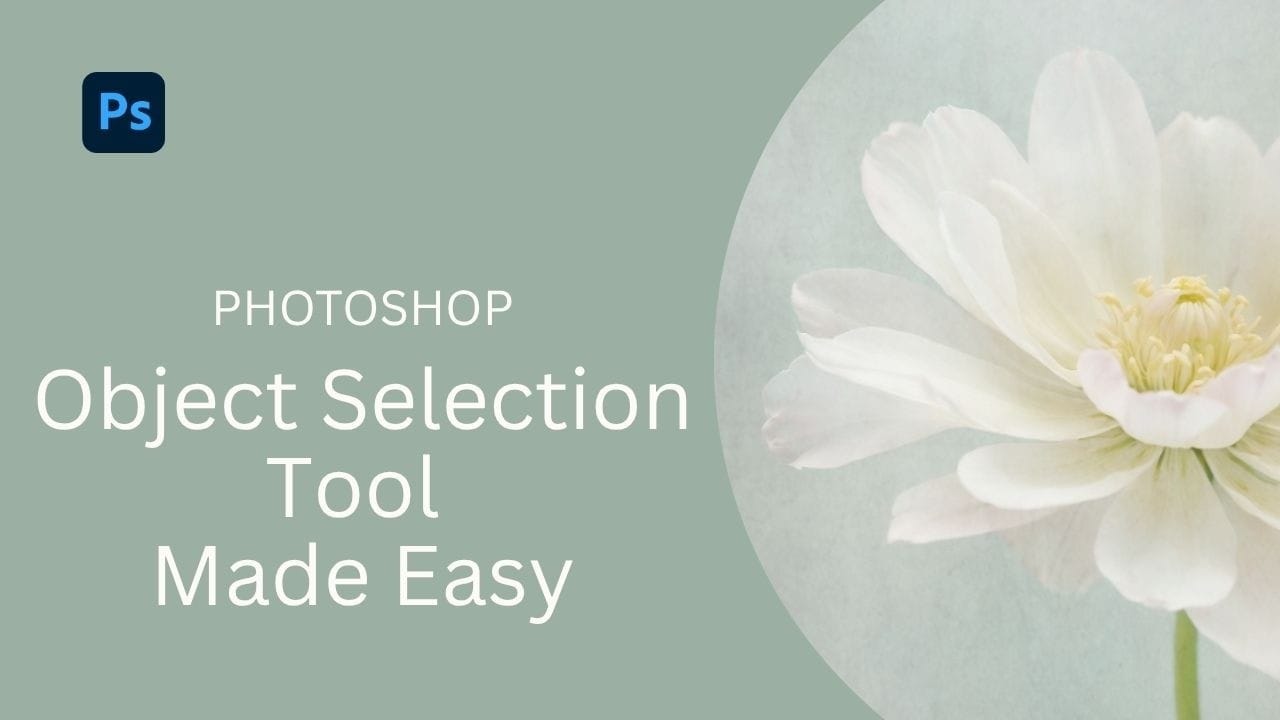
The Object Selection tool lets you isolate parts of an image with a simple drag, and it becomes even more useful when paired with adjustment layers and layer masks. These techniques are practical for targeted color edits, texture work, and building selections that cover multiple elements like a flower, stem, Read the full article here: […]

Read more: How to Use the Object Selection Tool in Photoshop for Faster Edits
How to Use Camera Raw's Feathered Sky Mask to Create a Natural Glow Effect

How to Use Camera Raw's Feathered Sky Mask to Create a Natural Glow Effect

Camera Raw now lets you feather and expand AI-generated masks directly in the masking panel — a feature that makes it possible to create a convincing light bloom effect without any manual brush work. This tutorial covers the full editing process for a dark, underexposed landscape shot, with the feathered Read the full article here: […]

Read more: How to Use Camera Raw's Feathered Sky Mask to Create a Natural Glow Effect
How to Build a Photo Manipulation in Photoshop: A 4-Step Compositing Workflow

How to Build a Photo Manipulation in Photoshop: A 4-Step Compositing Workflow

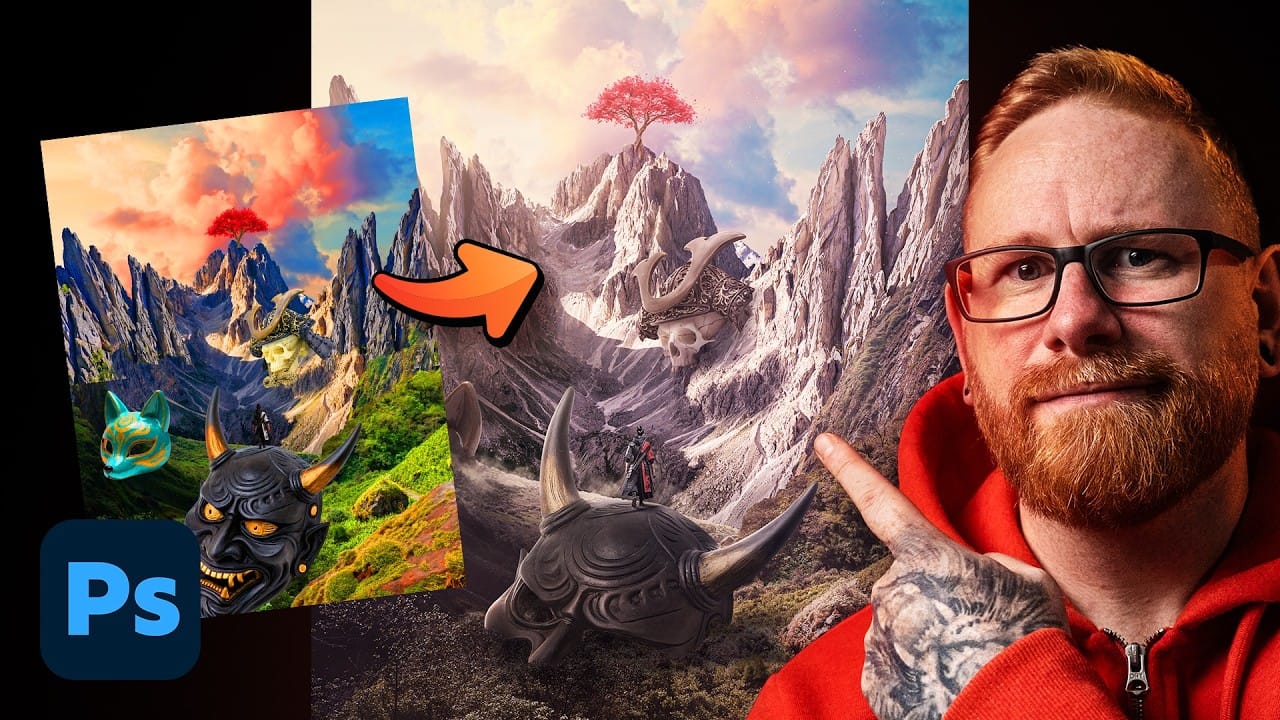
Building a convincing photo manipulation from scratch requires more than creativity — it demands a repeatable process. This breakdown covers the four core steps used to composite multiple images into a single cohesive scene, from rough layout through exposure matching, color balancing, and shadow painting. Watch the Video Practical Tips These Read the full article […]

Read more: How to Build a Photo Manipulation in Photoshop: A 4-Step Compositing Workflow
How to Use AI Object Masking in Camera Raw for Targeted Exposure Adjustments

How to Use AI Object Masking in Camera Raw for Targeted Exposure Adjustments

Selecting complex foreground elements — detailed trees, people, motion-blurred figures — used to mean hours of careful masking work. The AI-powered object selection inside Camera Raw changes that entirely, letting you make rough brush strokes and still walk away with a precise, editable mask. Combined with a non-destructive smart Read the full article here: How […]

Read more: How to Use AI Object Masking in Camera Raw for Targeted Exposure Adjustments
How to Remove Wrinkles and Replace Backdrops in Post-Production

How to Remove Wrinkles and Replace Backdrops in Post-Production

Wrinkled fabric backdrops, uneven lighting, and backgrounds that don't quite fill the frame are common problems when shooting on a budget. Fixing them manually through dodge and burn, frequency separation, or content-aware fill can eat up significant editing time — especially across a full shoot's worth Read the full article here: How to Remove Wrinkles […]

Read more: How to Remove Wrinkles and Replace Backdrops in Post-Production