Schenectady Photographic Society

Menu

Photoshop Tutorials

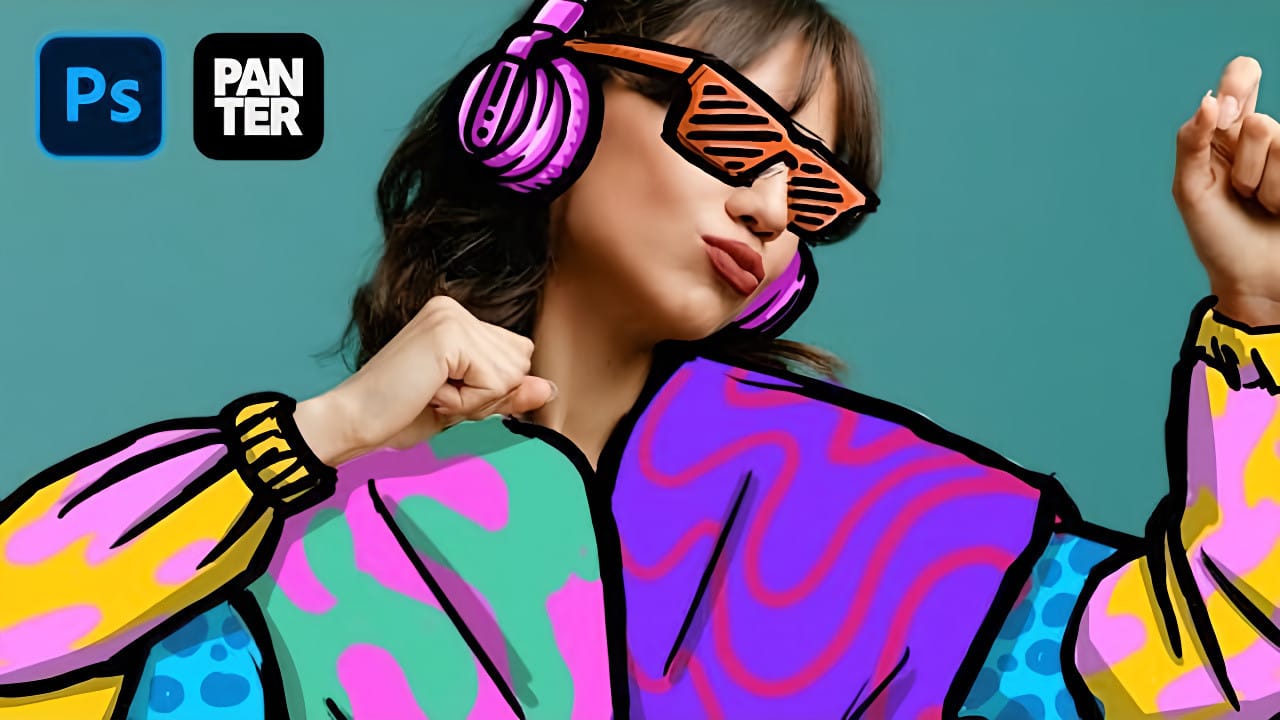
How to Create Colorful Cartoon Doodles on Model Photos in Photoshop

How to Create Colorful Cartoon Doodles on Model Photos in Photoshop

Cartoon-style illustrations layered over photography create a unique visual fusion that bridges reality and artistic expression. This playful approach transforms ordinary portraits into vibrant, graphic compositions that feel both contemporary and whimsical. The technique combines traditional drawing skills with digital painting tools to create outlined shapes, bold colors, and stylized Read the full article here: […]
Read more: How to Create Colorful Cartoon Doodles on Model Photos in Photoshop
How to Use Photoshop's Smudge and Blur Tools for Perfect Masking

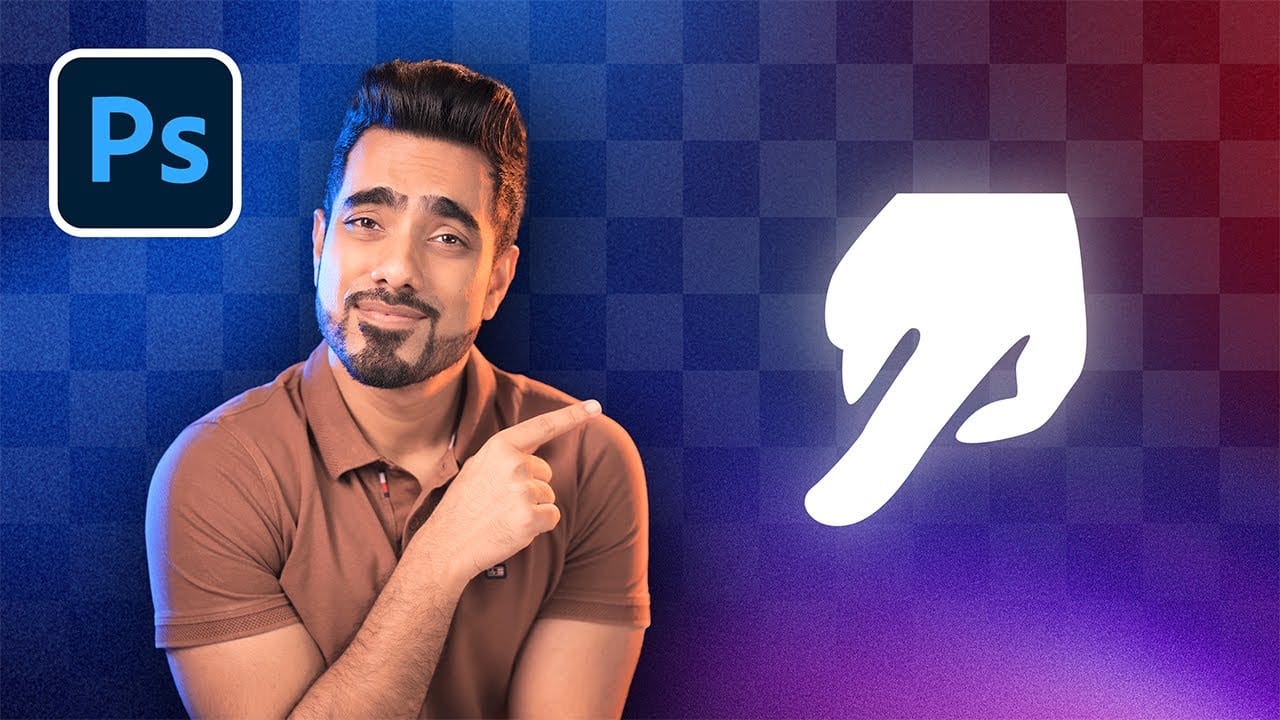
How to Use Photoshop's Smudge and Blur Tools for Perfect Masking

Professional photo composites often fall apart at the edges. Sharp selection lines and harsh transitions make even the best cutouts look artificial and fake. The solution lies in two overlooked Photoshop tools that most editors dismiss as destructive and useless. The smudge and blur tools become powerful allies when applied Read the full article here: […]
Read more: How to Use Photoshop's Smudge and Blur Tools for Perfect Masking
How to Create a Grungy Screen Print Text Effect in Photoshop

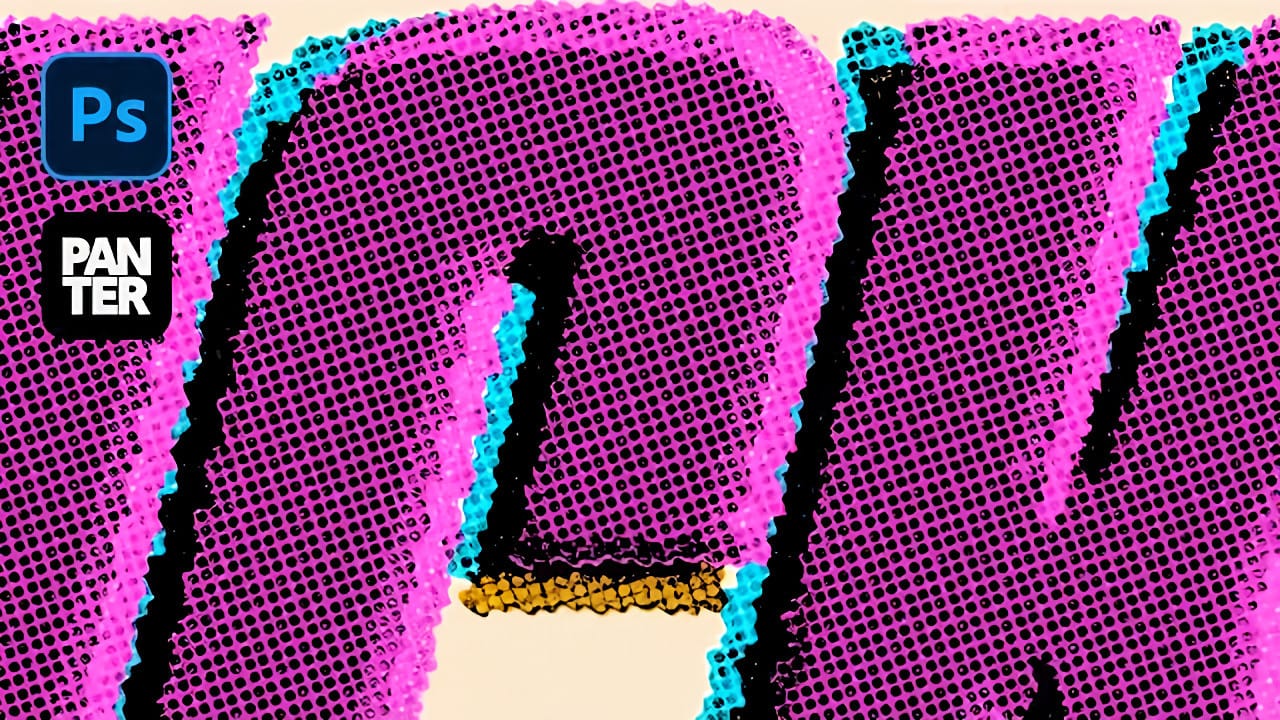
How to Create a Grungy Screen Print Text Effect in Photoshop

Screen printing creates distinctive textures that digital typography often lacks—rough edges, halftone dots, and color bleeding that gives text authentic character. These imperfections make designs feel handcrafted and rebellious, perfect for band merchandise, vintage posters, and streetwear graphics. This tutorial demonstrates how to recreate that gritty screen print aesthetic Read the full article here: How […]

Read more: How to Create a Grungy Screen Print Text Effect in Photoshop
How to Create a Y2K Glowing Effect in Photoshop

How to Create a Y2K Glowing Effect in Photoshop

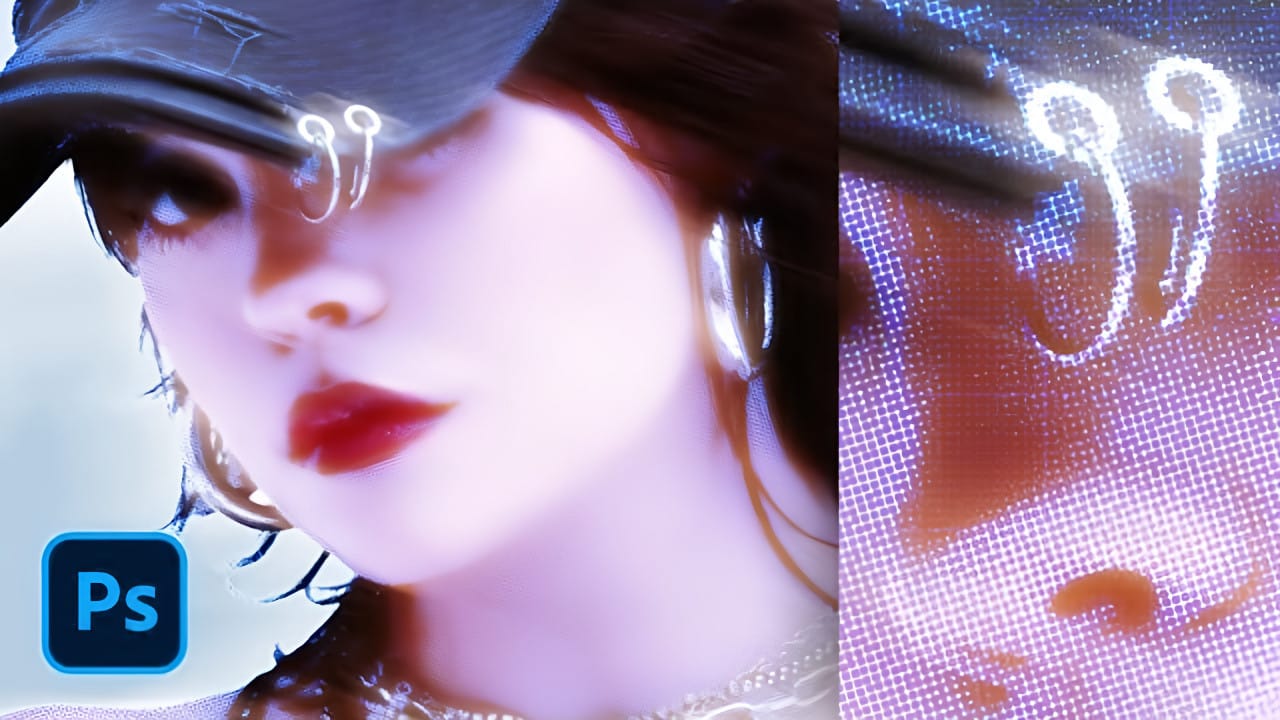
The Y2K aesthetic brings back the futuristic dreams of the late 1990s and early 2000s, with its signature metallic surfaces and electric blue glows. This distinctive visual style captures the era's optimistic vision of digital technology through luminous effects and holographic-inspired colors. This tutorial demonstrates how to transform Read the full article here: How to […]

Read more: How to Create a Y2K Glowing Effect in Photoshop
Creating Complex Colorful Gradients Using Halftone Lines and Gradient Maps in Photoshop

Creating Complex Colorful Gradients Using Halftone Lines and Gradient Maps in Photoshop

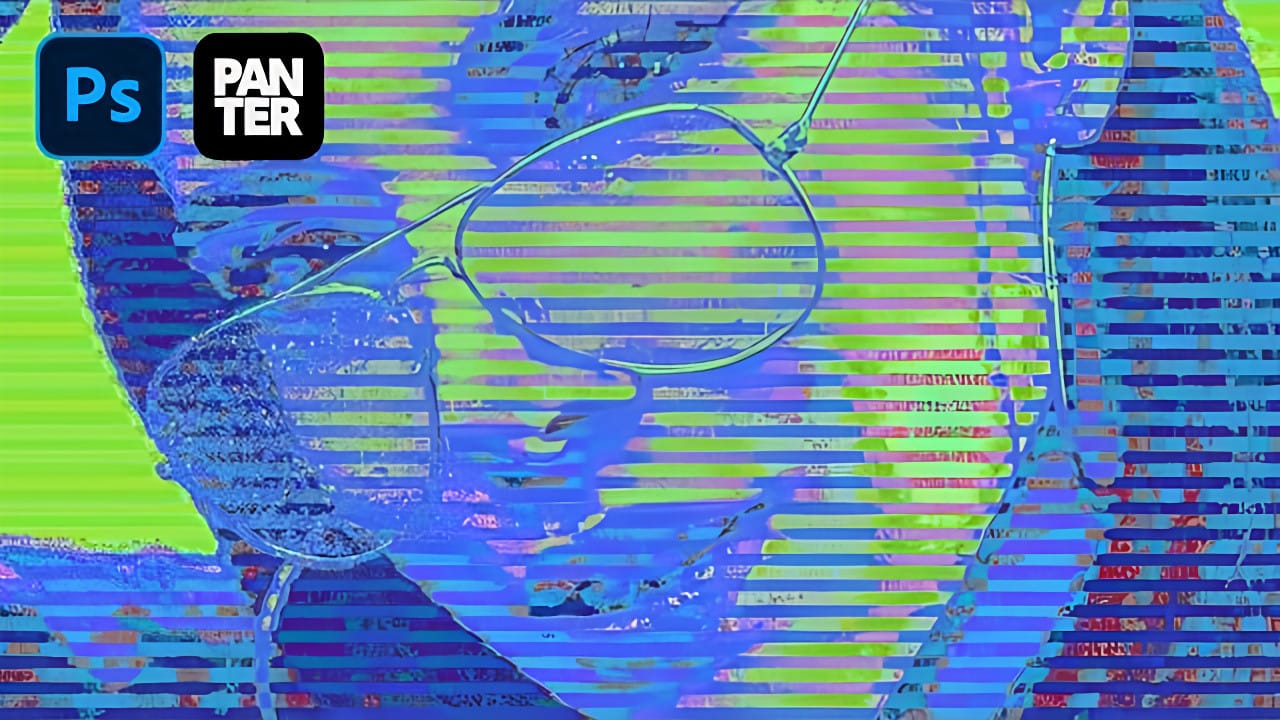
Advanced gradient techniques can transform ordinary portraits into vibrant, stylized artwork that catches the eye immediately. When combined with halftone patterns and noise-based gradient maps, these effects create unexpected color combinations that would be nearly impossible to achieve through traditional methods. This technique opens up entirely new creative possibilities by Read the full article here: […]

Read more: Creating Complex Colorful Gradients Using Halftone Lines and Gradient Maps in Photoshop
How to Create a Triple Colored Threshold Effect in Photoshop

How to Create a Triple Colored Threshold Effect in Photoshop

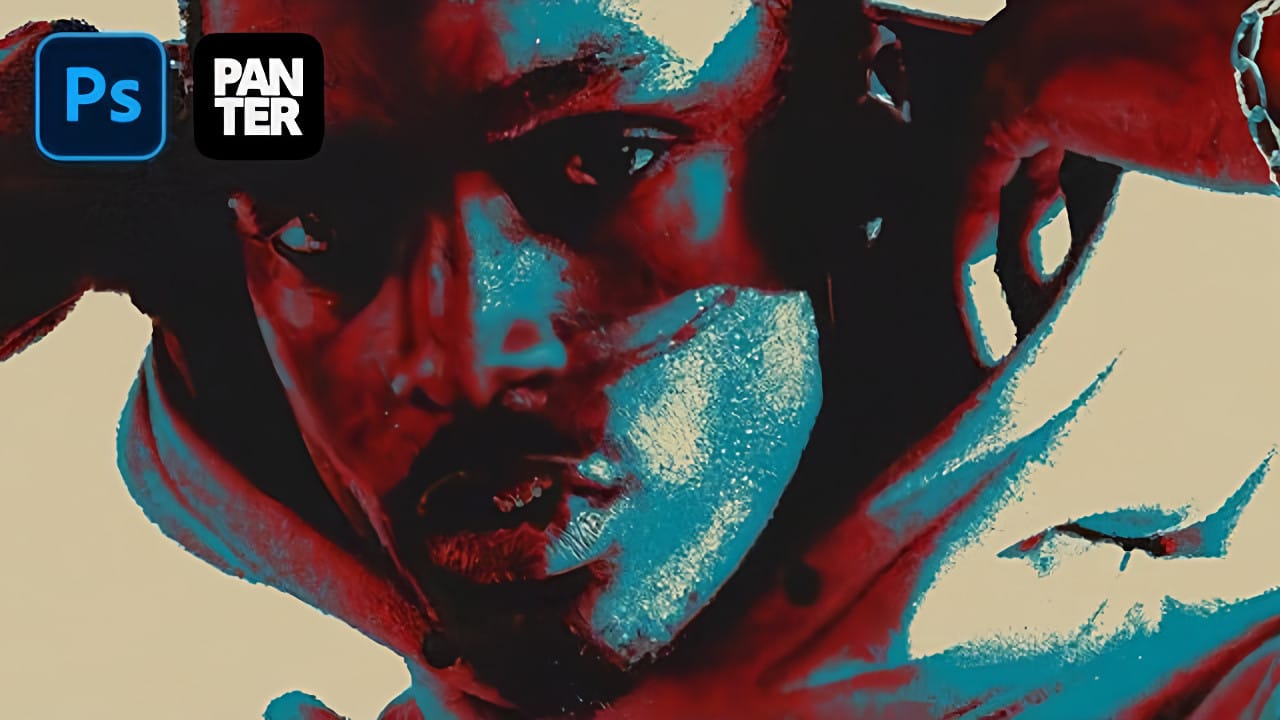
Bold graphic effects can transform ordinary portraits into striking artistic statements. The triple threshold technique combines three distinct colors with high contrast elements to create a poster-like aesthetic reminiscent of pop art and modern design trends. This effect works by layering multiple threshold adjustments with different colors and blend modes. Read the full article here: […]

Read more: How to Create a Triple Colored Threshold Effect in Photoshop
AI versus Photoshop: When Professional Design Skills Still Matter

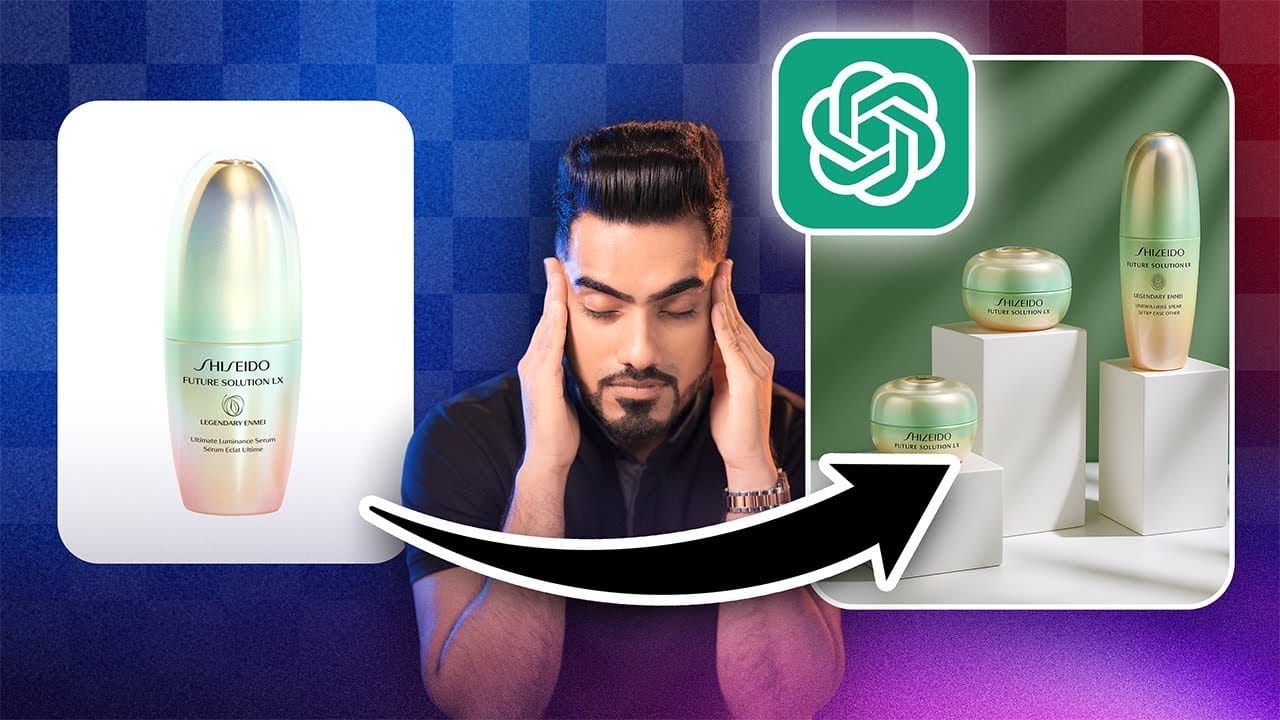
AI versus Photoshop: When Professional Design Skills Still Matter

The rise of AI tools like ChatGPT has sparked intense debate about the future of graphic design and digital art. Can artificial intelligence truly replace the precision and creative control that professional design software provides? While AI excels at generating quick concepts and basic layouts, the reality of professional design Read the full article here: […]

Read more: AI versus Photoshop: When Professional Design Skills Still Matter
Create a Retro Vaporwave Poster in Photoshop

Create a Retro Vaporwave Poster in Photoshop

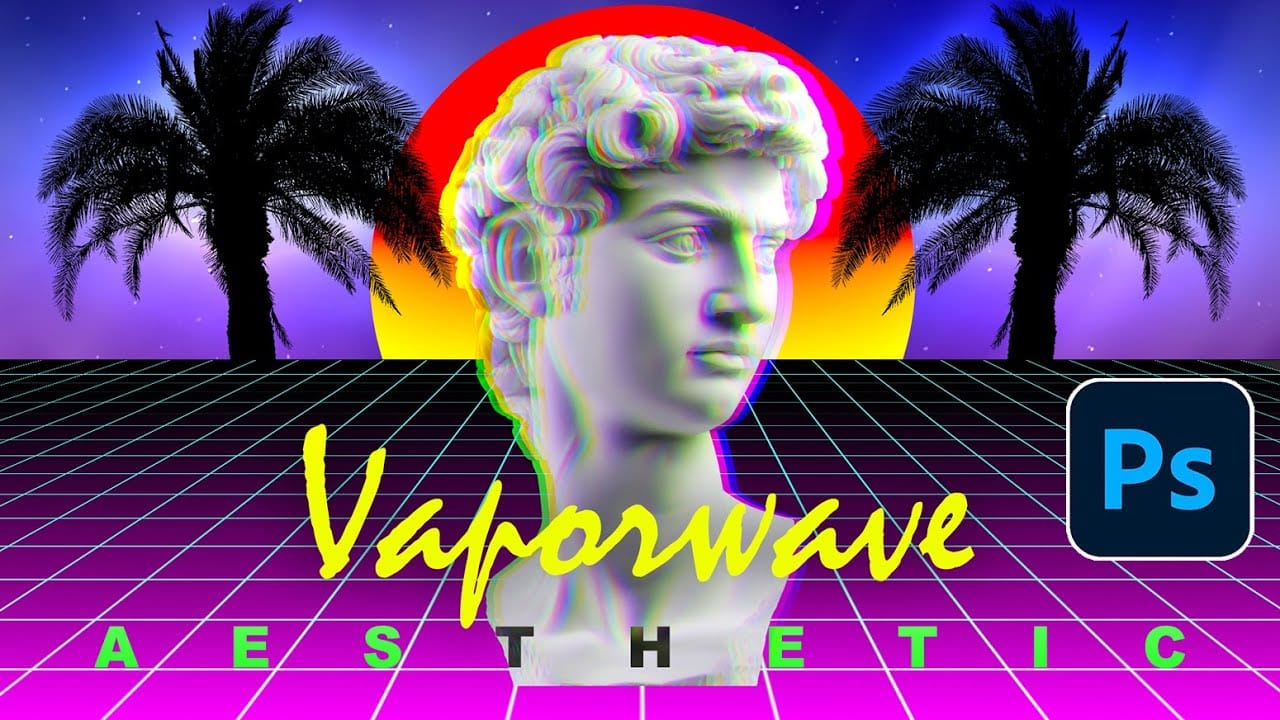
Vaporwave design captures the nostalgic essence of 80s and 90s consumer culture through its distinctive blend of neon gradients, classical sculptures, and retro-futuristic elements. This aesthetic movement combines lo-fi visual qualities with iconic imagery like Greek statues, palm trees, and cyberpunk color schemes to create instantly recognizable poster designs. This Read the full article here: […]

Read more: Create a Retro Vaporwave Poster in Photoshop