Schenectady Photographic Society

Menu

Photoshop

How to make Landscape photos look better, in depth Photoshop photo editing tutorial

How to make Landscape photos look better, in depth Photoshop photo editing tutorial

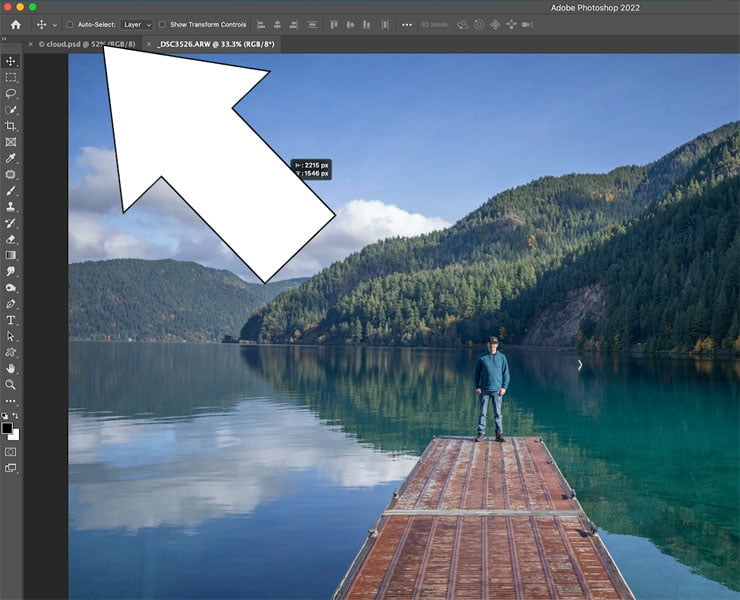
Editing Landscape photos in Photoshop, full workflow In this tutorial, I show you my entire workflow for editing landscape pictures. Please watch the video to see a lot of steps that would be missed in the written steps. This is my general workflow, sometimes I might use additional tool and other times, I might skip […]

Read more: How to make Landscape photos look better, in depth Photoshop photo editing tutorial
The March 2022 Issue of Photoshop User Is Now Available!

The March 2022 Issue of Photoshop User Is Now Available!

The March 2022 issue of Photoshop User is now live on the KelbyOne site and KelbyOne Mags for iOS and Android. In this issue, learn how to build custom brushes from the ground up in Photoshop, a look at remastering images edited in Lightroom 1.0, creating a blown-glass text effect, using the Smart Sharpen filter, building triptych templates with the Frame […]

Read more: The March 2022 Issue of Photoshop User Is Now Available!
Instantly Blur the background of a picture in Photoshop with Depth Blur Neural Filter

Instantly Blur the background of a picture in Photoshop with Depth Blur Neural Filter

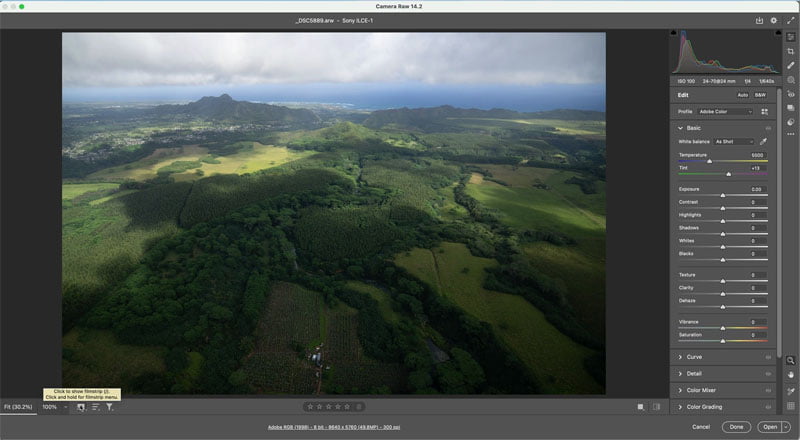
Easily and automatically blur the background of a photo in Photoshop In this Photoshop tutorial, I show you how to use the AI in Photoshop to blur the background to create a realistic bokeh effect. Lets begin with this image where everything is in focus. We will pop the subject by adding the background blur. […]

Read more: Instantly Blur the background of a picture in Photoshop with Depth Blur Neural Filter
Photoshop for Lightroom Users: Removing Distracting Things, Part II

Photoshop for Lightroom Users: Removing Distracting Things, Part II

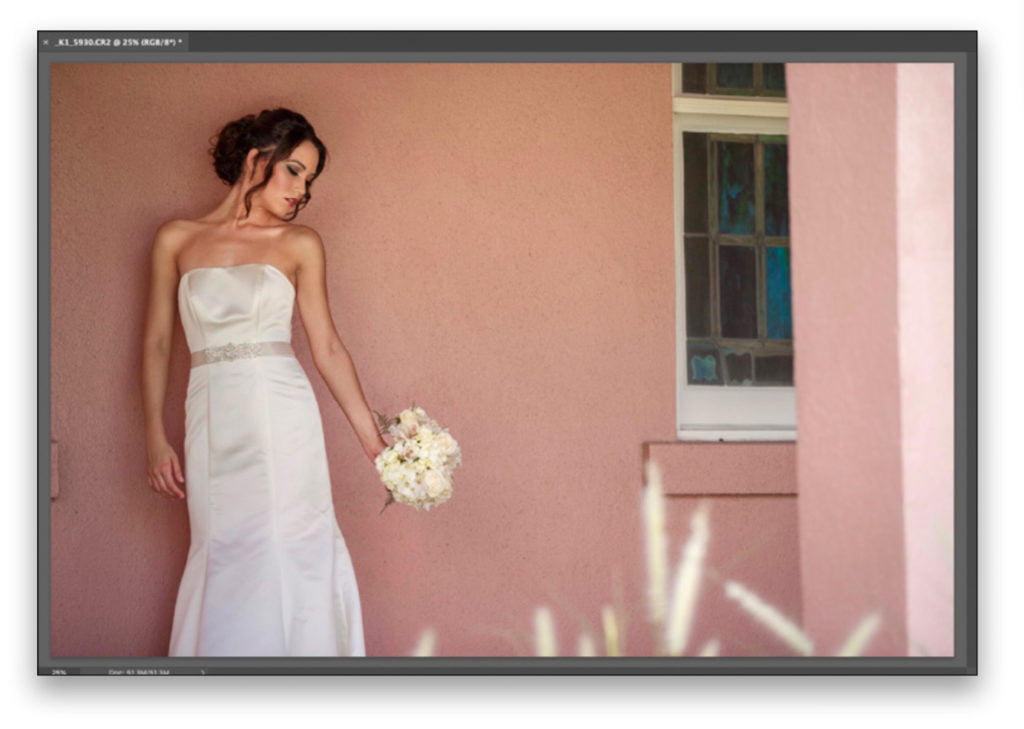
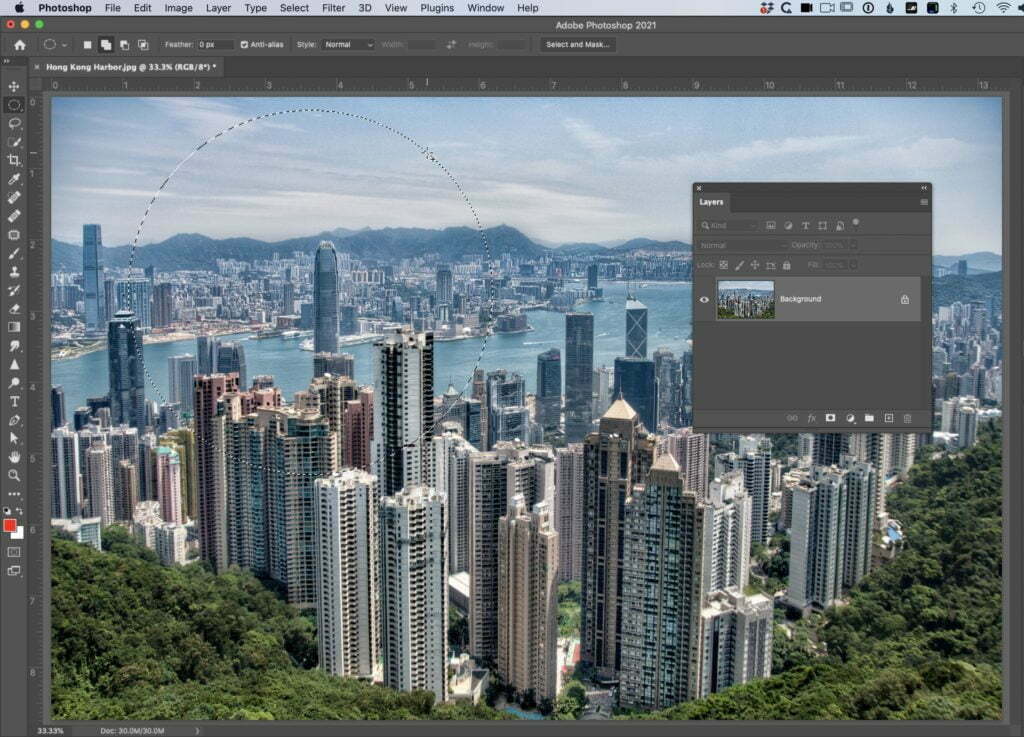
We’re picking up where we left off (removing distracting stuff), but we’re going in a different direction with it because we’re not using a Healing Brush or Clone tool this time; we’re using some real Photoshop magic: Content-Aware Fill. This is Photoshop doing some crazy math behind the scenes to either cover over something we […]

Read more: Photoshop for Lightroom Users: Removing Distracting Things, Part II