Schenectady Photographic Society

Menu

rss-feed

Announcing My First-Ever On1 Signature Preset Bundle, and It’s 50% Off Right Now

Announcing My First-Ever On1 Signature Preset Bundle, and It’s 50% Off Right Now

I’m very excited about this collaboration with the creative team at On1 (maker’s of awesome plug-ins for Lightroom and Photoshop), and they are doing a 50% off deal right now on my signature collection (just in time for Christmas, and it’s an instant download, so no waiting on shipping).  Here’s how they describe my new collection (and […]

Read more: Announcing My First-Ever On1 Signature Preset Bundle, and It’s 50% Off Right Now
Advanced Lightroom Masking Tips

Advanced Lightroom Masking Tips

It’s Friday – time for another awesome video from Terry White – this one is on the new advanced masking tools in Lightroom, and there’s a lot of great info in this short video, especially if you’re new to these masking features (it’s less than 6 minutes from start to finish). Give it a look below: […]

Read more: Advanced Lightroom Masking Tips
How To See The Sharpening Mask Preview Using Lightroom on Mobile

How To See The Sharpening Mask Preview Using Lightroom on Mobile

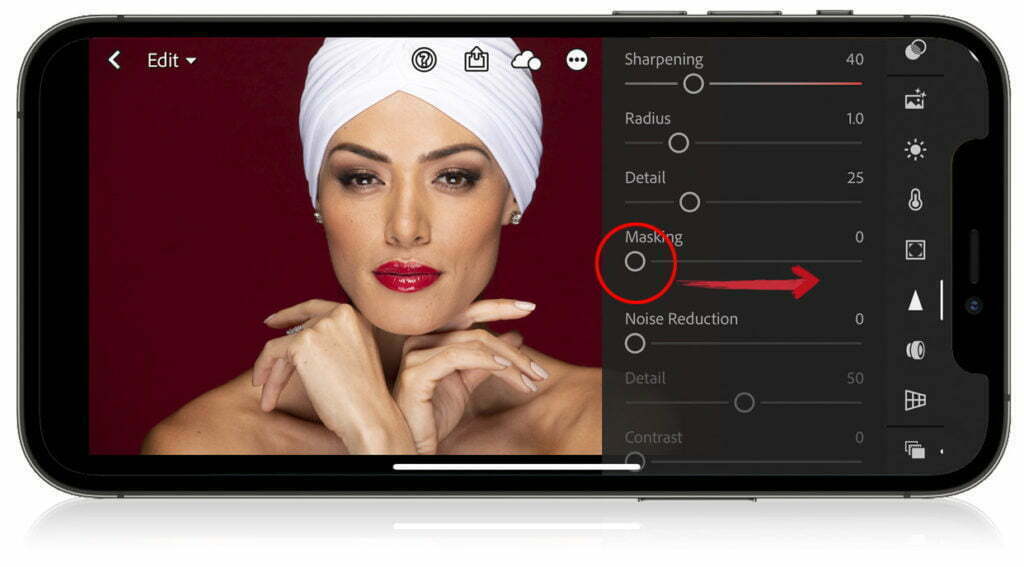
First, what is the “Sharpening Mask?” It is when you’re applying Sharpening, but you don’t want the sharpening to affect the entire image. For example, if you’re sharpening a bridal portrait and you don’t want her skin sharpened, or you’re sharpening a landscape shot and you don’t want the clouds sharpening. When you use the […]

Read more: How To See The Sharpening Mask Preview Using Lightroom on Mobile
Selectively remove shadows in a photo with reverse dodge and burn in Photoshop

Selectively remove shadows in a photo with reverse dodge and burn in Photoshop

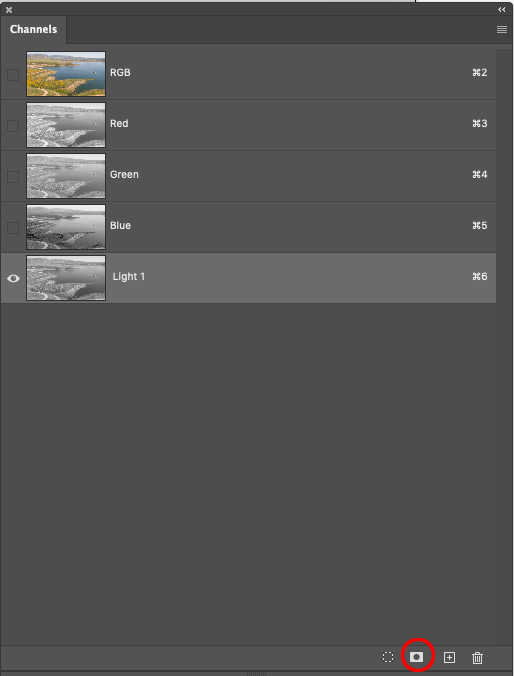
Show detail in shadows and highlights selectively in Photoshop with Reverse Dodge and Burn tutorial. This Photoshop tutorial will show you how to remove the shadows exactly where you need them and recover blown out details in the highlights. I call the process “Reverse” Dodge and Burn. Normally you dodge and burn to add highlights […]

Read more: Selectively remove shadows in a photo with reverse dodge and burn in Photoshop