Skip to content
Schenectady Photographic Society

Schenectady Photographic Society

Established 1932
Schenectady Photographic Society
Menu
  • Home
  • Downloads
    • The Focus
    • Annual Reports
    • New Member Info
  • Competitions
    • Assigned Topics for 2025-2027
    • Print
      • Competition Galleries
      • Competition Results
        • 2024-2025
        • 2023-2024
        • 2019-2020
        • 2018-2019
        • 2017-2018
        • 2016-2017
        • 2015-2016
      • Competition Rules
      • Submission Card Creator
    • Digital Image
      • Submit Images
      • Submissions
        • 2024-2025
        • 2023-2024
        • 2022-2023
        • 2021-2022
        • 2020-2021
        • 2019-2020
        • 2018-2019
        • 2017-2018
        • 2016-2017
        • 2015-2016
      • Competition Results
        • 2025-2026
        • 2024-2025
        • 2023-2024
        • 2022-2023
        • 2021-2022
        • 2020-2021
        • 2019-2020
        • 2018-2019
        • 2017-2018
        • 2016-2017
        • 2015-2016
      • Preparation Guidelines
      • Competition Rules
    • Photo Essay
      • Competition Rules
  • Programs
    • Mentoring
    • Field Trips
    • Traveling Exhibits
  • Events
    • Full Events Calendar
    • Luba Ricket Creativity Award
      • Submission Form
  • News
    • Announcements
    • Photoshop
    • Lightroom
  • Links
  • About SPS
    • Our FAQ
    • Directions
    • By-Laws
    • Constitution
    • Board of Directors
    • Betty Barker Award
    • Liability Waiver and Safety Requirements Agreement
    • SPS In the News
      • Heritage of Vision - 518 Profiles Magazine
      • 80th Anniversary - Daily Gazette
  • Join Us
CLOSE
Schenectady Photographic Society

Upcoming Events

Nothing from January 26, 2026 to January 26, 2027.

Tag: Special Effects

How to Emboss a logo or icon in Photoshop

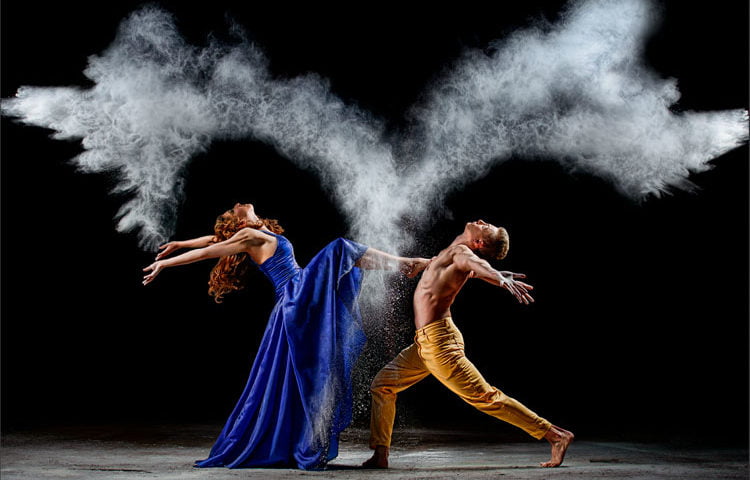
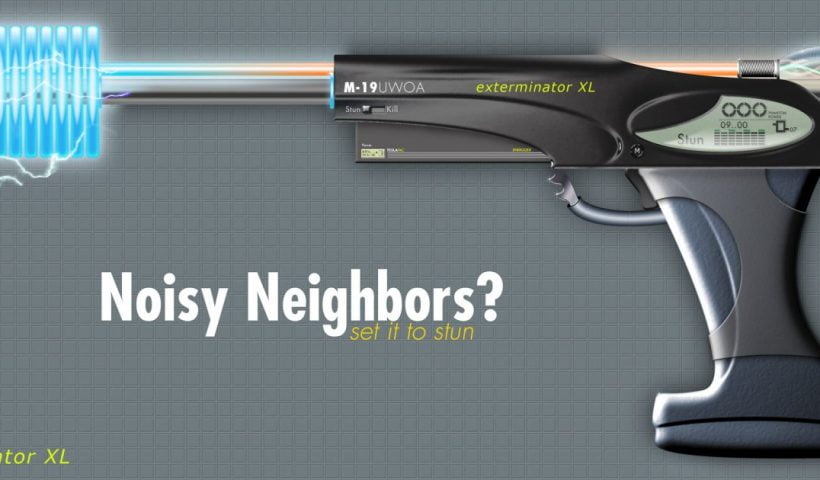
When I first discovered this technique over 20 years ago, I decided to see how far I could push it. That experimentation led to me creating a series of Photorealistic illustrations entirely made in Photoshop…

View More How to Emboss a logo or icon in Photoshop
How to Light a Portrait Photo in Photoshop

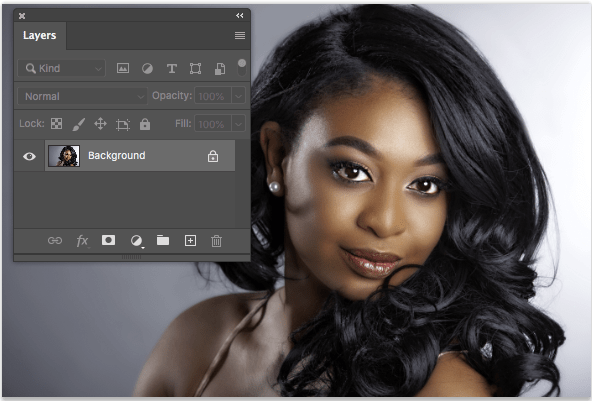
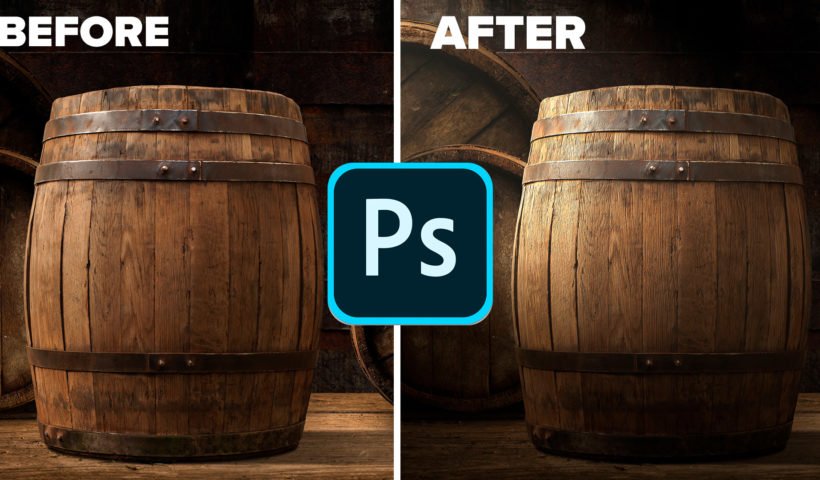
  This will work on any version of Photoshop, although Lighting effects looks a little different before CS6, it still works the same. Note: When I add keyboard shortcuts for both Mac and Windows I…

View More How to Light a Portrait Photo in Photoshop

How to Light a Photo in Photoshop with Lighting Effects

In this Photoshop Tutorial we are going to use the Lighting effects filter to simulate real lighting. This filter has a lot of powerful features. I’ll show you how to use them in this tutorial.…

View More How to Light a Photo in Photoshop with Lighting Effects

How to Animate in Photoshop, Video animation

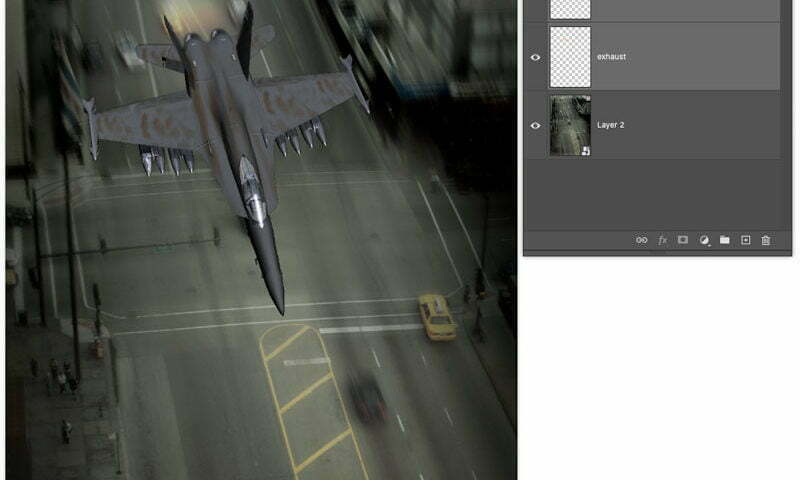
  This is the beginning file. It contains 3 layers. A background, a jet and the flame for the afterburner, called exhaust. We are going to animate the jet from the top of the screen…

View More How to Animate in Photoshop, Video animation

How to make Reflections in Photoshop

This Photoshop tutorial shows you how to make reflections and puddles of water in Photoshop. You will also learn some different ways to work with reflections. Making reflections is really quite simple and they can be…

View More How to make Reflections in Photoshop

Create a realistic Broken Glass effect in Photoshop

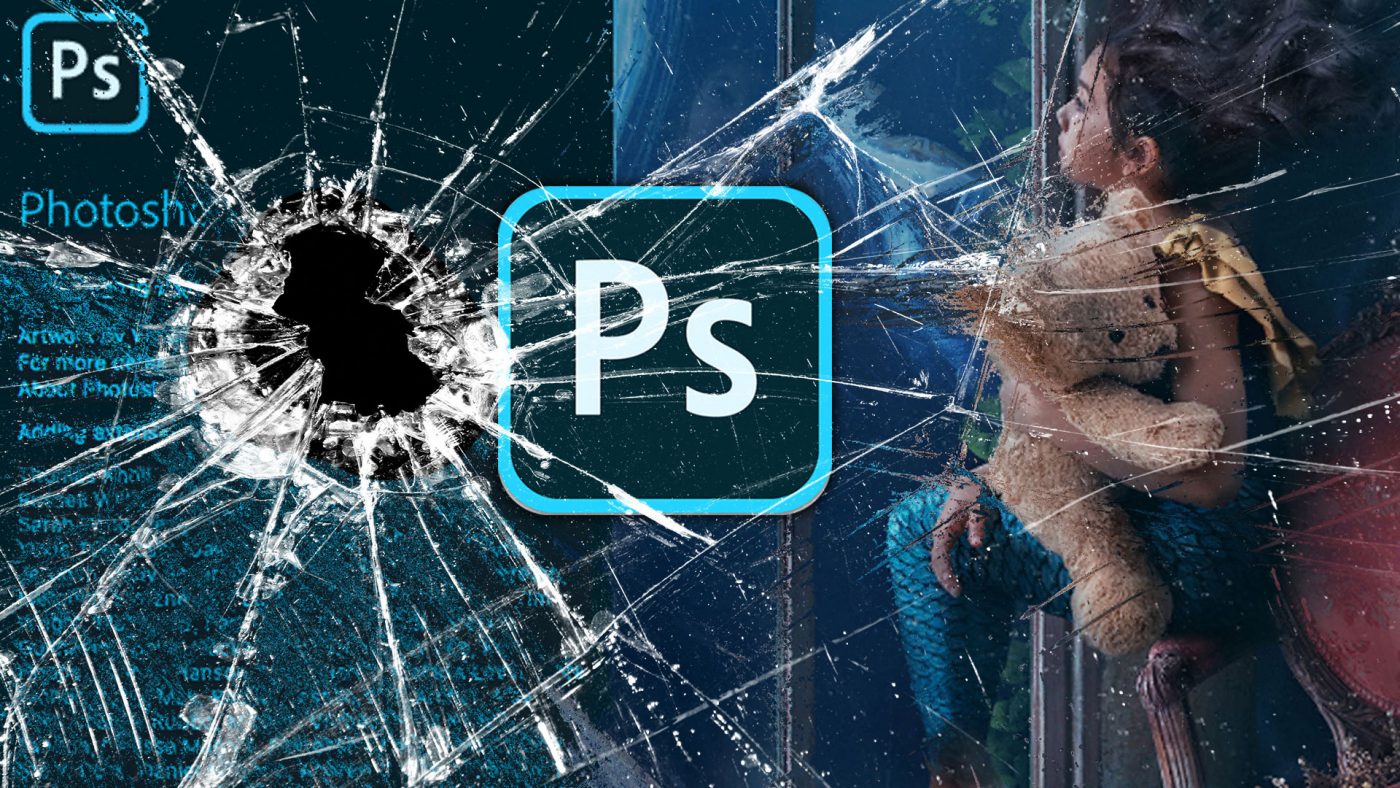
  After creating my broken glass effect with my “how to Fix Photoshop 2020“, If you wondered how I made the effect. You are in luck, here we go… Have you ever tried to composite…

View More Create a realistic Broken Glass effect in Photoshop

How to master the Split Warp tool in Photoshop 2020, Ultimate Guide. Bend anything!

  I have been playing with the new warp tool a LOT and I have figured out some things that I haven’t seen anywhere else, so you saw it here first ? I’m going to…

View More How to master the Split Warp tool in Photoshop 2020, Ultimate Guide. Bend anything!

How to put a logo or pattern on a shirt

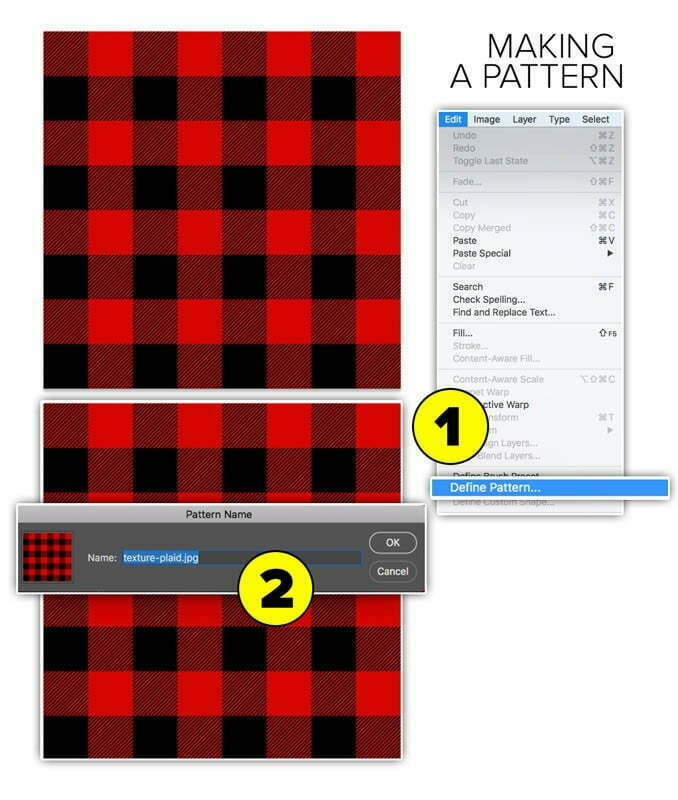
  Preparation: Making a new pattern We will use a plaid (tartan) pattern.  Open your pattern 1. Choose >edit>define pattern  2. Give it a name. Thats it! It appears in the Patterns which you will…

View More How to put a logo or pattern on a shirt

Posts pagination

Previous page Page 1 … Page 6 Page 7 Page 8 Page 9 Next page
Schenectady Photographic Society
Established 1931
Site design by Sean P Sullivan
Copyright © SPS|Concepts
Terms of Service/Privacy Policy