Skip to content
Schenectady Photographic Society

Schenectady Photographic Society

Established 1932
Schenectady Photographic Society
Menu
  • Home
  • Downloads
    • The Focus
    • Annual Reports
    • New Member Info
  • Competitions
    • Assigned Topics for 2025-2027
    • Print
      • Competition Galleries
      • Competition Results
        • 2024-2025
        • 2023-2024
        • 2019-2020
        • 2018-2019
        • 2017-2018
        • 2016-2017
        • 2015-2016
      • Competition Rules
      • Submission Card Creator
    • Digital Image
      • Submit Images
      • Submissions
        • 2024-2025
        • 2023-2024
        • 2022-2023
        • 2021-2022
        • 2020-2021
        • 2019-2020
        • 2018-2019
        • 2017-2018
        • 2016-2017
        • 2015-2016
      • Competition Results
        • 2025-2026
        • 2024-2025
        • 2023-2024
        • 2022-2023
        • 2021-2022
        • 2020-2021
        • 2019-2020
        • 2018-2019
        • 2017-2018
        • 2016-2017
        • 2015-2016
      • Preparation Guidelines
      • Competition Rules
    • Photo Essay
      • Competition Rules
  • Programs
    • Mentoring
    • Field Trips
    • Traveling Exhibits
  • Events
    • Full Events Calendar
    • Luba Ricket Creativity Award
      • Submission Form
  • News
    • Announcements
    • Photoshop
    • Lightroom
  • Links
  • About SPS
    • Our FAQ
    • Directions
    • By-Laws
    • Constitution
    • Board of Directors
    • Betty Barker Award
    • Liability Waiver and Safety Requirements Agreement
    • SPS In the News
      • Heritage of Vision - 518 Profiles Magazine
      • 80th Anniversary - Daily Gazette
  • Join Us
CLOSE
Schenectady Photographic Society

Upcoming Events

Nothing from February 2, 2026 to February 2, 2027.

Category: Photoshop

Photoshop News and Updates

Realistic background blur in Photoshop 2020 with Lens Blur

  How this works: We will isolate, foreground, mid-ground and background in the photograph, by making selections and copying to new layers. We will fill foreground elements with darker gray, while the background elements will…

View More Realistic background blur in Photoshop 2020 with Lens Blur
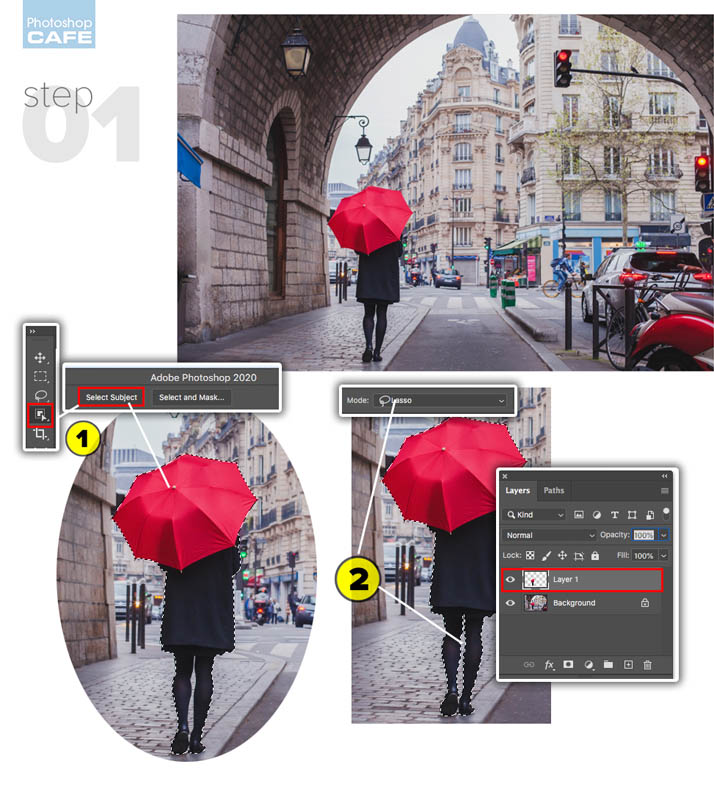
Photoshop 2020, how to fix all the problems, find missing things in the update

  Photoshop 2020 Problems and Solutions Thanks for checking the out. Check out out Photoshop 2020 Superguide PHOTOSHOP 2020 SUPERGUIDE New Feature overview  (All the new features in Photoshop 2020) Advanced Warp (Warping a dinosaur…

View More Photoshop 2020, how to fix all the problems, find missing things in the update

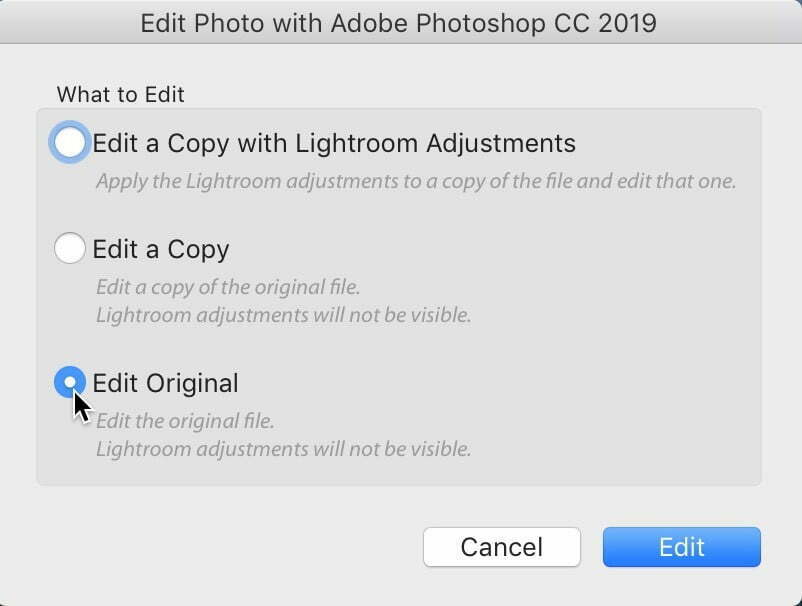
Heads up: There’s a pretty big issue for Lightroom “cloud” users who take their images over to Photoshop

It’s an issue with how Lightroom “cloud” handles images you send over to Photoshop for additional editing. In particular, it’s how it deals with Layered Photoshop files (spoiler alert — it’s not good!).  Here’s how…

View More Heads up: There’s a pretty big issue for Lightroom “cloud” users who take their images over to Photoshop

Photoshop on the iPad quick start tutorial and combining photos.

Learn how to use Photoshop on the ipad Photoshop on the ipad is here! Check out out quick start guide here! Photoshop 2020 Super guide Top 6 new features in Photoshop 2020 Warping photos in Photoshop…

View More Photoshop on the iPad quick start tutorial and combining photos.

Photoshop 2020 Upgrade: New Features and how to use them

  Every year around the time of Adobe MAX, we get a big update in all the CC apps and Photoshop is no exception. Adobe drops quarterly updates, but the MAX one is always the…

View More Photoshop 2020 Upgrade: New Features and how to use them

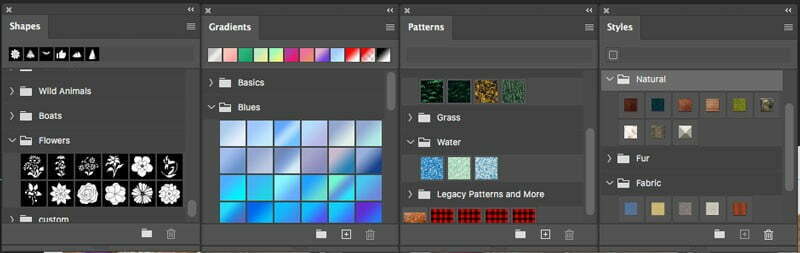
Photoshop 2020 Colorizing a photo with gradients, new preset panels and features

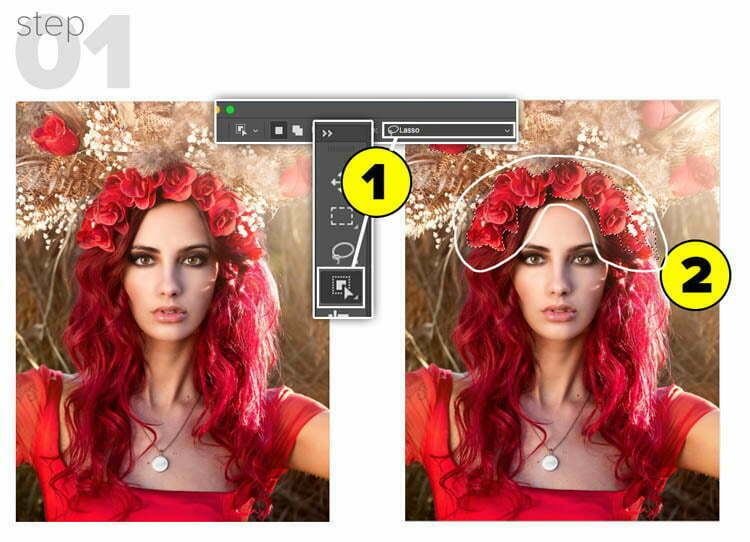
  Photoshop 2020 Superguide New Feature overview  (All the new features in Photoshop 2020) Advanced Warping Advanced Warp (Warping a dinosaur and shadow) Photoshop on iPad Step 1// MAKE A SELECTION 1. Choose the new Object…

View More Photoshop 2020 Colorizing a photo with gradients, new preset panels and features

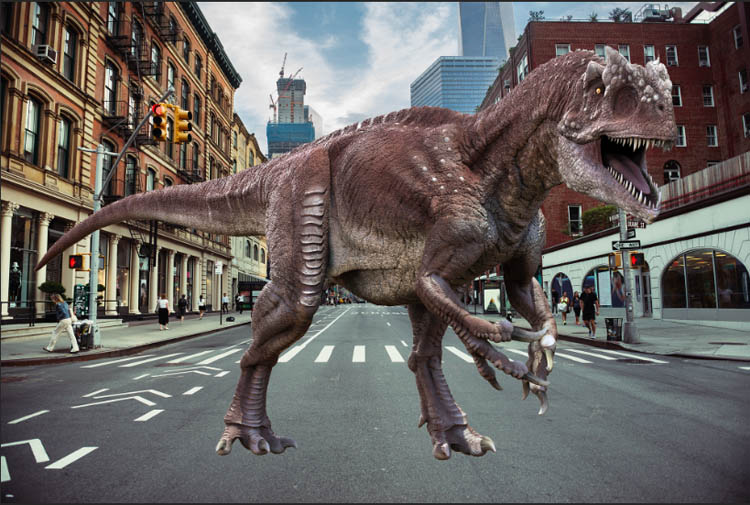
Warp an image in Photoshop 2020 New feature, advanced warping

  Photoshop 2020 Superguide New Feature overview  (All the new features in Photoshop 2020) New Presets panels, (Using gradients to colorize an image)  Photoshop on iPad We are beginning with this dinosaur. We have a…

View More Warp an image in Photoshop 2020 New feature, advanced warping

How to add a logo or pattern to a shirt in Photoshop

How to add a logo, graphic, pattern or texture onto clothing in Photoshop. In this Photoshop tutorial, Colin Smith shows how to add a pattern or graphic to a shirt in a way that you…

View More How to add a logo or pattern to a shirt in Photoshop

Posts pagination

Previous page Page 1 … Page 129 Page 130 Page 131 … Page 144 Next page
Schenectady Photographic Society
Established 1931
Site design by Sean P Sullivan
Copyright © SPS|Concepts
Terms of Service/Privacy Policy