Schenectady Photographic Society

Menu

Photoshop

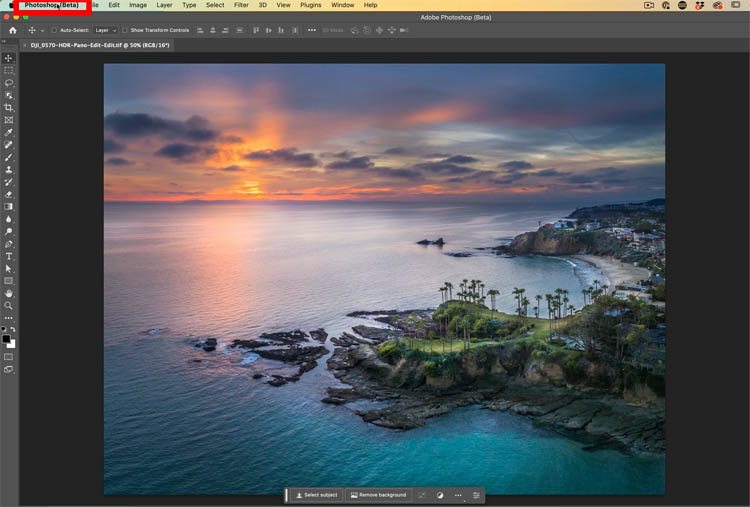
How to Resize a photo to any size and fill the overcrop with Generative Expand in Photoshop

How to Resize a photo to any size and fill the overcrop with Generative Expand in Photoshop

Generative Expand makes it easier to expand a photo in Photoshop Adobe has released another new tool in the Generative ai family. This time, Generative Expand, makes it easier and quick to expand a photo or change its size or shape. See how to get the most out of it here. How to Change the […]

Read more: How to Resize a photo to any size and fill the overcrop with Generative Expand in Photoshop
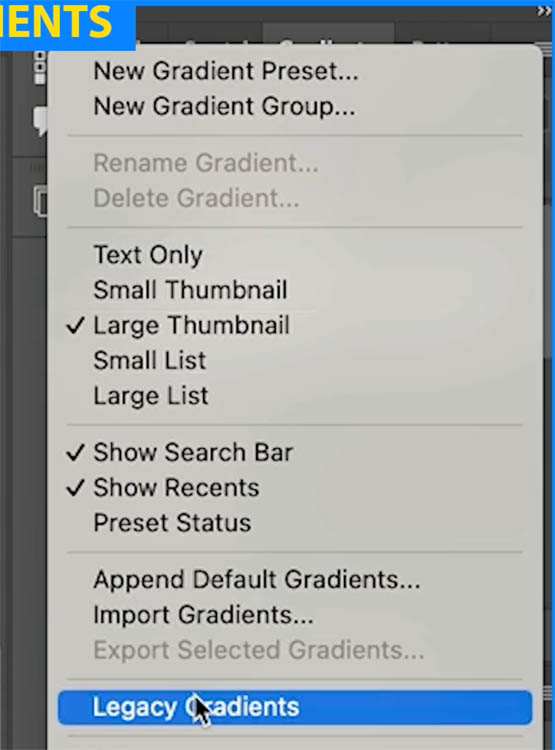
How to Seamlessly Blend faces into background in Photoshop using new radial gradients

How to Seamlessly Blend faces into background in Photoshop using new radial gradients

How to easily create the floating heads effect used on movie posters We have all seen the floating heads effect on posters, magazine and album covers, you name it. We combine different pictures and seamlessly blend them into the background. While experimenting with the updated gradients tool in Photoshop, it occurred to me, this might […]

Read more: How to Seamlessly Blend faces into background in Photoshop using new radial gradients
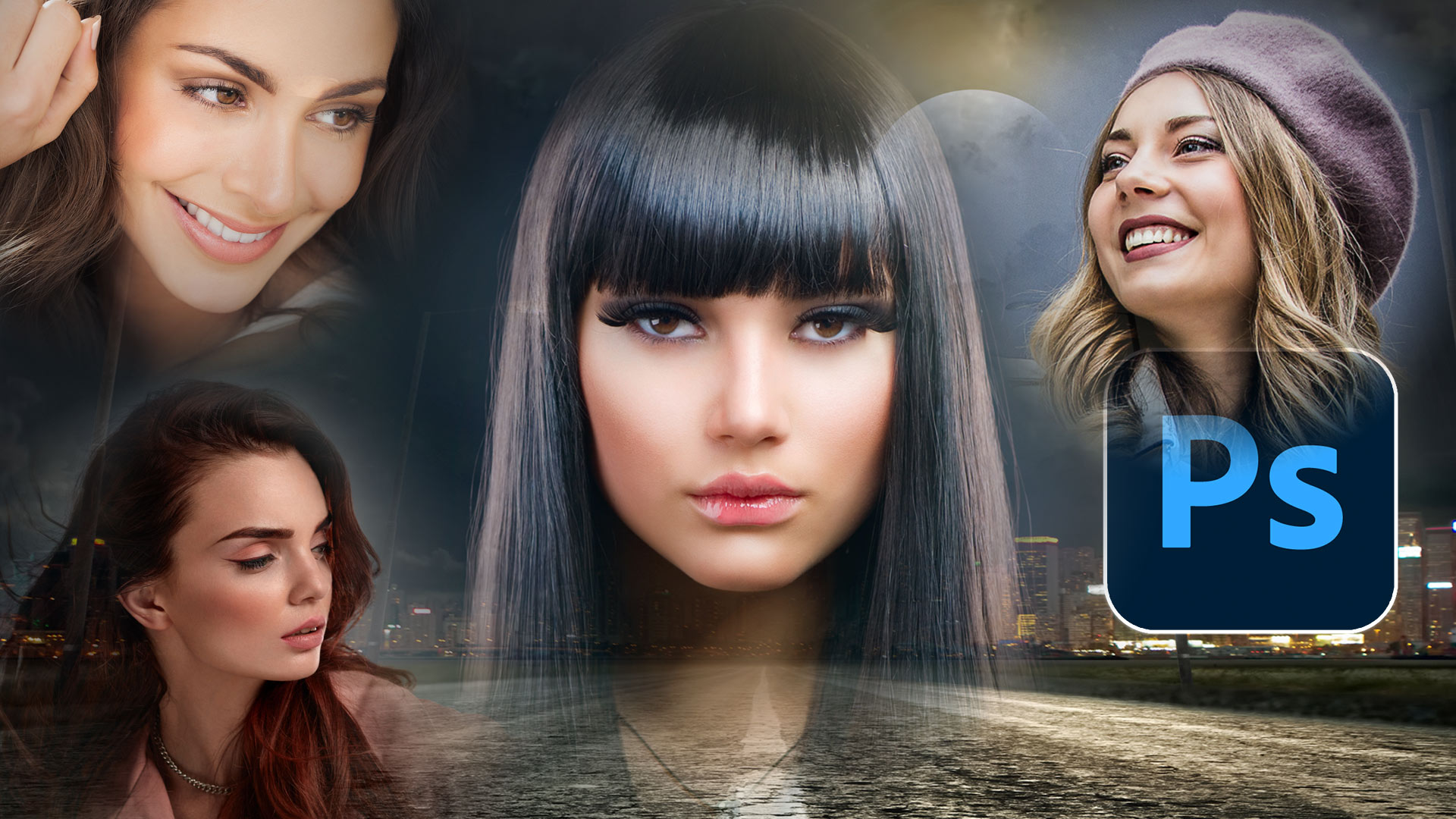
Object selection tool in Photoshop got an update. How to make quality ai selections

Object selection tool in Photoshop got an update. How to make quality ai selections

Adobe updated the Algorithm in Object finder and it’s finally a viable alternative to Select Subject. In this tutorial, we will look at how Object Selection differs from Select subject. Then we will do a comparison between the two tools and I’ll provide some tips and a workflow to get the best results. Check out […]

Read more: Object selection tool in Photoshop got an update. How to make quality ai selections