Schenectady Photographic Society

Menu

Photoshop

Q&A On Photoshop’s New “AI-Powered Generative Fill” Feature and the End of the World As We Know It.

Q&A On Photoshop’s New “AI-Powered Generative Fill” Feature and the End of the World As We Know It.

Programming note: I posted Behind The Scenes photos and the stories behind my New York City travel photography workshop, and instead of sharing my photos, I shared some of my participant’s images they made during the workshop (and they crushed it). If you ever wanted to see what these workshops are really like (and how hard […]

Read more: Q&A On Photoshop’s New “AI-Powered Generative Fill” Feature and the End of the World As We Know It.
How to use Generative AI in Photoshop. Adobe Firefly in Photoshop

How to use Generative AI in Photoshop. Adobe Firefly in Photoshop

Right now, with no hype, this is the craziest thing I have ever seen in Photoshop. My new course on Generative Fill in Photoshop: https://photoshopcafe.com/shop/generative-fill-in-photoshop-introduction-course/ Save 20% for 1 week only with code GFLAUNCH Hi everyone, I’m posting a transcript of my video here and I’ll turn it into a proper written guide when I […]

Read more: How to use Generative AI in Photoshop. Adobe Firefly in Photoshop
Access Lightroom Adjustments inside Photoshop. Opens Smart Objects as Layers

Access Lightroom Adjustments inside Photoshop. Opens Smart Objects as Layers

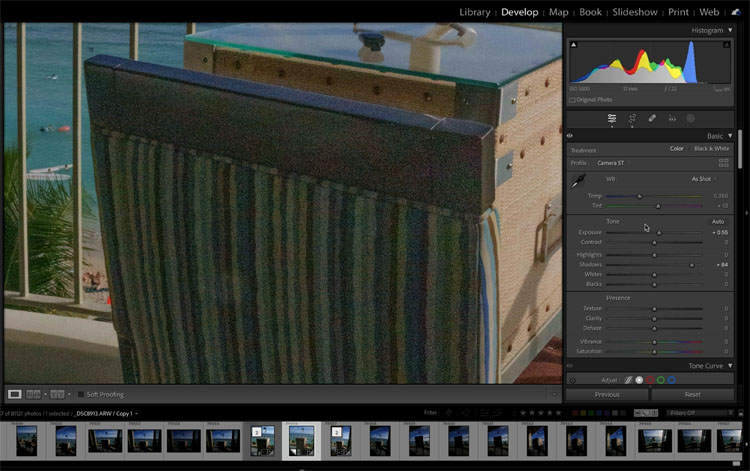
New In April 2023 update in Lightroom Classic 12.3 is the ability to open Multiple images in Photoshop Layers as Smart Objects. This is Huge because it now means we have way more flexibility in editing composites without losing access to the original Lightroom edits, ever! I’m going to show you the workflow here and […]

Read more: Access Lightroom Adjustments inside Photoshop. Opens Smart Objects as Layers
New AI Remove tool in Photoshop, How to remove anything from a picture really easy

New AI Remove tool in Photoshop, How to remove anything from a picture really easy

There are many ways to remove objects from pictures in Photoshop. We all know the Content Aware Fill, healing and spot brushes and the trusty clone stamp tool. All of these work by sampling the surrounding pixels. The new Remove brush, uses ai to generate pixels to fill the area, even if those areas don’t […]

Read more: New AI Remove tool in Photoshop, How to remove anything from a picture really easy